
Key Takeaways
- Distraction-free coding and sustained flow state allow developers to produce more high-quality work in less time, with productivity gains of up to 500% in some conditions.
- Context switching from CI failures and review friction costs teams thousands of hours per year and pulls engineers out of deep focus.
- Clear goals, calibrated challenge, and intentional workspace design create reliable conditions for flow in day-to-day development.
- Autonomous CI agents such as Gitar reduce interruptions by detecting, fixing, and validating CI and review issues without manual intervention.
- Teams that want fewer broken builds and smoother code reviews can try Gitar to automatically fix CI failures and protect developer focus.
Why Distraction-Free Coding Improves Engineering Performance
Developer flow state often marks the difference between average and exceptional engineering output. In this state of focused concentration, productivity can increase up to 500%, and learning speed can more than double. Many teams still undermine this potential through noisy workflows, slow feedback, and constant interruptions.
The typical pattern looks familiar: developers push code, CI fails, logs confuse, fixes take time, and the cycle repeats. Each failure interrupts thought, resets mental context, and delays progress on higher-value work such as design and optimization.
The Real Cost of Context Switching in CI and Code Review
CI failures and code review friction often consume around one hour per developer per day on a 20-person team. That adds up to roughly 5,000 hours per year and about $1M in lost productivity at standard loaded engineering rates.
The impact is not limited to time. Frequent task switching keeps developers in reactive mode. Instead of thinking about architecture, long-term quality, and scalability, they respond to failing builds and scattered feedback. Over time, this pattern slows delivery, reduces quality, and makes work feel more stressful and less satisfying.
How Flow State Works for Developers
Balancing Challenge and Skill for Deep Focus
Flow tends to emerge when the difficulty of a task matches or slightly exceeds a person’s skill. Tasks that are too easy lead to boredom, while tasks that are too hard create anxiety. For developers, the ideal zone often sits around 4% beyond current ability, where work feels challenging but still manageable.
Flow involves a shift from conscious, analytical beta brain waves to more relaxed alpha and theta states that support pattern recognition and creative problem-solving. This shift takes time. Repeated interruptions from failing builds or delayed reviews push the brain back into a shallow, fragmented mode of thinking and can require more than 15 minutes to recover.
Reliable flow requires clear goals and rapid feedback. Immediate signals about progress help maintain focus far more than distant or vague outcomes. Traditional CI pipelines with slow runs, unclear errors, and long review delays make this difficult.
Designing a Workspace That Protects Focus
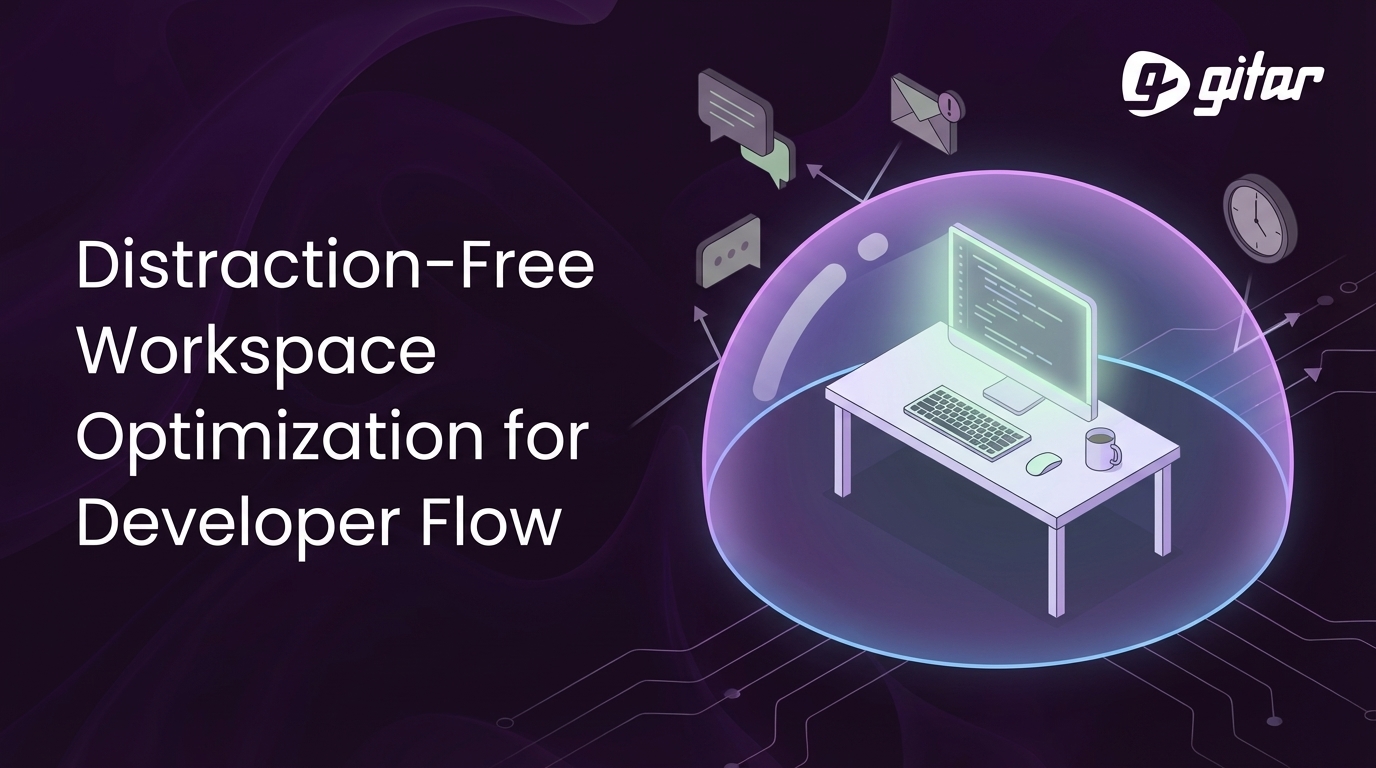
Effective flow starts with an intentional environment. Noise control, limited notifications, and protected focus blocks all contribute to fewer disruptions and deeper work.
Teams can support this by encouraging:
- Physical focus aids such as noise-canceling headphones and clear “do not disturb” signals
- Digital hygiene such as strict notification filters and full-screen IDE or single-monitor focus modes
- Calendar practices such as no-meeting blocks and large, uninterrupted coding windows
- Workflow design that batches similar tasks and reduces back-and-forth handoffs
The most powerful gains often come from removing systemic sources of interruption, especially CI failures and slow review cycles.
Explore how Gitar can reduce CI noise and help your team stay in flow.
How Autonomous AI Protects Developer Flow
From Suggestion Engines to Autonomous “Healing” Systems
Many AI tools act as suggestion engines. They highlight issues and propose fixes, but developers still apply, test, and iterate. This model still forces context switches every time CI fails or reviewers uncover problems.
Autonomous “healing” systems follow a different model. These systems detect CI failures, generate fixes, apply changes, and validate results across the full pipeline with little or no human intervention. Developers stay in their editor, while the system handles repetitive CI and review loops in the background.
How Gitar Reduces CI and Review Friction
Gitar works as an autonomous CI agent that focuses on broken builds and review feedback. When a CI pipeline fails because of linting, tests, or build issues, Gitar analyzes logs, identifies the cause, proposes a fix, and can commit the change after validation.

Gitar also supports review workflows. Reviewers can ask Gitar to run an initial review or implement specific suggestions through comments. Gitar then updates the code, validates the changes against CI, and posts the result.

Distributed teams benefit in particular. Reviewers in one time zone can leave instructions at the end of their day, and Gitar can apply and validate those changes so that the original author sees an updated, passing PR when they log in.
A configurable trust model supports gradual adoption. Teams can start with conservative settings where Gitar suggests changes for one-click approval. As confidence grows, teams can enable more autonomous modes where Gitar commits fixes directly while preserving rollback options.

Integrating Gitar Into Existing Workflows
Evaluating Readiness and Building Trust
Teams gain the most from autonomous CI tools when their pipelines are already part of daily work and contain clear, repeatable checks. Organizations with brittle or inconsistent CI may need to stabilize tests and environments first, then layer automation on top.
Trust usually grows in stages. Teams move from skepticism, to pilot projects, to wider adoption as they see fixes that are accurate, fast, and safe. Gitar supports this path through aggression modes that define how proactively it commits changes.
Addressing Common Concerns From Senior Engineers
Experienced engineers often worry about code quality, false positives, or integration risk. These concerns reflect past experience with narrow automation that lacked full context.
Gitar takes a different approach. The system connects to existing GitHub or GitLab repositories and CI tools, then replicates the full build environment, including SDK versions, dependencies, and security scanners such as SonarQube or Snyk. Fixes run through the same CI checks that developers already trust, which helps maintain confidence in the results.
Estimating ROI From Reduced CI and Review Friction
Simple time math shows the potential impact. A 20-person team that saves even 30 minutes per developer per day reclaims about 2,500 hours per year. At typical engineering costs, that represents hundreds of thousands of dollars in recovered productivity.
Teams also ship faster because fewer PRs wait on manual debugging. Developers avoid repetitive CI triage, and managers see fewer bottlenecks in the path from branch to production. These outcomes often improve satisfaction and retention, especially for senior engineers who prefer to focus on design and complex problem-solving.
Request a Gitar demo to see how autonomous CI fixing could fit your team.
Gitar Compared to Manual Work and AI Suggestion Tools
Teams typically move through three stages of CI and review support:
- Manual workflows, where developers investigate logs, debug issues, and implement fixes by hand
- AI suggestion tools, which highlight issues and offer one-click fixes but still require attention and approval for each change
- Autonomous systems like Gitar, which diagnose, implement, and validate fixes against full CI pipelines with minimal manual involvement
Manual work creates frequent interruptions. Suggestion tools reduce some friction but still demand developer focus. Autonomous fixing aims to handle the repetitive CI and review loops so that developers can maintain longer periods of deep, uninterrupted work.
Practical Answers About Gitar and Distraction-Free Work
How Gitar maintains trust with autonomous fixes for critical production code
Gitar uses aggression modes to control how it proposes or applies changes. Teams can begin in conservative mode, where Gitar opens PRs or suggestions that require human approval. After repeated success, teams can enable more autonomous modes that allow Gitar to commit fixes directly, with full history and rollback in Git. Because Gitar reproduces the enterprise CI environment and runs the same checks as existing pipelines, fixes only land when they pass the same tests developers already trust.
How Gitar differs from AI code review tools for supporting flow
AI code review tools such as CodeRabbit provide feedback and sometimes generate patches that developers apply. This model still interrupts flow whenever a developer must stop coding to review, accept, or adjust fixes. Gitar functions as an execution agent: it detects failing checks, generates the patch, runs the entire CI pipeline, and commits successful fixes. Developers stay focused on their main tasks while Gitar works through the noisy details of CI and routine review changes.
How flow optimization and Gitar influence team performance and software quality
Teams that protect flow tend to ship more thoughtful designs and more stable systems, not just more lines of code. Developers in flow catch edge cases earlier, think more clearly about tradeoffs, and depend less on late-stage firefighting. Gitar supports this by absorbing many of the repetitive interruptions that usually break focus. Autonomous, consistent fixes reduce variance in how routine problems get resolved and help teams spend more time on architecture, performance, and user impact instead of CI triage.
Conclusion: Protect Developer Focus With Autonomous CI Support
Distraction-free coding is no longer just a personal preference. It is a lever for faster delivery, better software quality, and more sustainable engineering culture. Constant CI failures and review delays erode this advantage by forcing developers out of deep work and into reactive debugging.
Autonomous CI agents such as Gitar address this by handling broken builds and routine review changes in the background. Developers stay in flow while Gitar diagnoses issues, applies fixes, and validates results across existing pipelines.
Teams that value focus, quality, and predictable delivery can benefit from this shift toward autonomous support.
Get a Gitar demo to reduce CI friction and support distraction-free development for your team.