
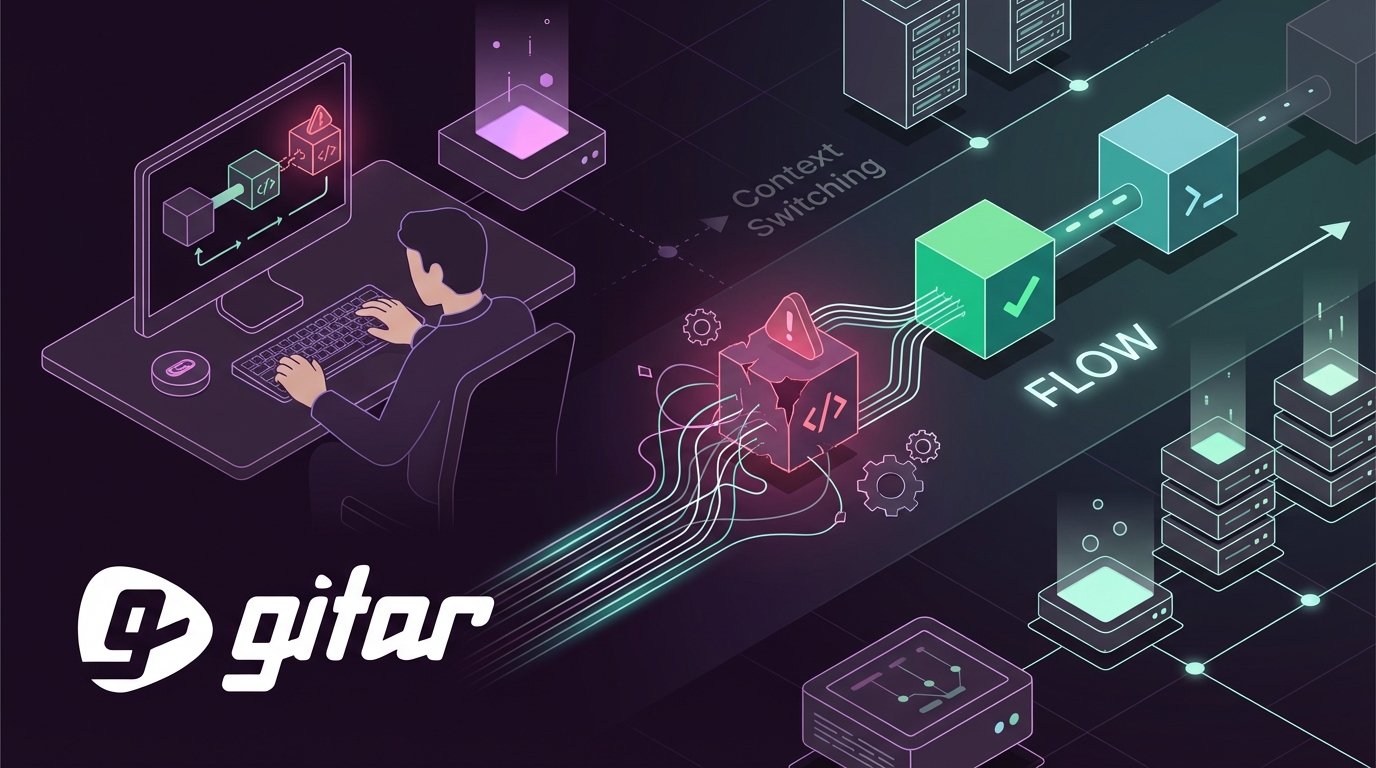
Key Takeaways
- CI build failures cause developers to lose 4 hours daily to context switching, which costs $62,400 per developer each year.
- Flaky tests, AI-generated bugs, and environment issues drive 88% of engineers to experience significant focus loss.
- Seven strategies such as fast pipelines, pre-merge testing, and removing flaky tests can cut CI interruptions by more than 75%.
- Gitar’s AI auto-fix engine analyzes failures, generates validated fixes, and commits them automatically, reducing manual fixes by 90%.
- Teams can apply these steps with Gitar’s free PR analysis and 14-day auto-fix trial to reclaim flow state and increase productivity.
Why CI Build Failures Destroy Developer Focus
Context switching on CI build failures happens when developers pause active work to investigate, debug, and fix failed builds. The main drivers include:
- Flaky tests: Google’s CI pipeline fails in 3.5% of runs due to flaky failures, with 16% of test failures being flaky.
- AI-generated code bugs: Logic and correctness issues appear 75% more often in AI-created pull requests.
- Environment inconsistencies: Configuration drift and dependency conflicts across services and pipelines.
- Alert fatigue: 15% of engineering time disappears into triaging alerts.
The impact extends far beyond a single broken build. Nearly half of engineering leaders report burnout tied to DevOps overload, and teams lose up to 30% of their week to operational overhead.
Developer comments across forums repeat the same theme: “Red builds ruin my zone” and “Alert fatigue is killing my flow.” A new solution category now focuses on AI auto-fix tools that prevent most failures from ever reaching developers.

How Gitar Reduces CI Context Switching for Free
Gitar acts as a free alternative to expensive suggestion-only tools. CodeRabbit and Greptile charge $15 to $30 per developer for comments that still require manual work, while Gitar provides full code review at no cost and also fixes the code.
| Capability | CodeRabbit/Greptile | Gitar |
|---|---|---|
| PR Analysis | Paid ($15-30/seat) | Free |
| CI Auto-Fix | No | Yes (14-day trial) |
| Green Build Guarantee | No | Yes |
| Single Comment Interface | Noisy inline comments | Clean dashboard |
Gitar’s healing engine reads CI failure logs, generates validated fixes, and commits them automatically. The platform supports GitHub Actions, CircleCI, GitLab CI, and Buildkite with natural language workflow rules. Internal case studies show 87% failure reduction and 4x productivity improvements.

Install Gitar now, use zero-setup integration, and automatically fix broken builds so your team can avoid constant CI context switching.
7 Proven Strategies to Cut CI Context Switching
1. Keep CI Pipelines Under 10 Minutes
Shorter pipelines reduce the chance that developers drift into other work while builds run. Once builds exceed 10 minutes, focus drops and context switching spikes. Improve pipeline speed with:
- Parallel job execution across multiple runners.
- Dependency caching for package managers.
- Selective testing based on changed files.
- Build artifact reuse between stages.
GitHub Actions example:
strategy: matrix: node-version: [16, 18, 20] max-parallel: 3 Gitar further accelerates pipelines by preventing failures that would otherwise trigger slow and costly reruns.
2. Use Pre-Merge Testing to Stop CI Alert Fatigue
Pre-merge testing catches most failures before they ever hit CI. Teams that run comprehensive tests locally and in pre-merge hooks avoid noisy red builds. Strong pre-merge practices include:
- Git pre-commit hooks for linting and unit tests.
- Local development environments that match CI as closely as possible.
- Draft pull request validation before marking changes ready for review.
Gitar validates fixes against your actual CI environment so local tests reflect real production behavior.
3. Auto-Fix CI Failures with Gitar’s Healing Engine
Traditional CI tools only report failures and leave the rest to humans. Gitar replaces that manual loop with a four-phase workflow that removes most intervention:
- Analysis: Parse failure logs and identify the root cause.
- Generation: Create fixes using full codebase context.
- Validation: Test fixes against the CI environment.
- Application: Commit working solutions automatically.
Example lint fix Gitar generates:
// Before: Unused import import { unused } from './utils'; // After: Gitar removes automatically // import { unused } from './utils'; 4. Use Smart CI Build Failure Notifications
Smarter notifications protect focus by reducing noise. Teams can batch, filter, and route alerts so only meaningful events interrupt developers. Helpful patterns include:
- Batch multiple failure types into single alerts.
- Suppress notifications for issues that auto-fix successfully.
- Route critical failures to on-call engineers and send routine issues to async queues.
- Use Slack threading instead of flooding shared channels.
Gitar’s single updating comment approach cuts CI notifications by more than 90% compared with traditional tools.
5. Protect Focus with Small, Focused Commits
Small commits keep fixes simple and reduce the blast radius when failures occur. Each commit should represent one clear change, which makes debugging faster. Effective habits include:
- Limit commits to a single logical change.
- Use feature flags for incremental rollouts.
- Create atomic commits that pass all tests.
- Break large refactors into smaller, reviewable chunks.
Smaller commits also help Gitar generate precise, targeted fixes that match the scope of each change.
6. Schedule Batch CI Fix Sessions
Planned CI maintenance sessions reduce reactive firefighting and protect deep work time. Instead of jumping on every failure immediately, teams can address patterns in focused blocks. Useful cadences include:
- Daily 30-minute team CI review sessions.
- Weekly flaky test purge sprints.
- Monthly pipeline optimization retrospectives.
- Quarterly CI infrastructure health checks.
Gitar provides analytics dashboards that surface systematic issues to tackle during these sessions.
7. Remove Flaky Tests to Avoid Context Switching Fatigue
Sixteen percent of test failures are flaky, which wastes significant time on spurious red builds. Teams can reduce flakiness with proven methods:
- Quarantine tests with more than a 2% failure rate under identical conditions.
- Use deterministic test data instead of random generation.
- Ensure proper test isolation and cleanup between runs.
- Add explicit waits instead of arbitrary sleep statements.
Gitar automatically detects flaky test patterns and suggests strong quarantine candidates.
Implementation Checklist for CI Focus Gains
| Step | Action | Gitar Integration | Impact |
|---|---|---|---|
| 1 | Optimize pipelines <10min | Prevents expensive reruns | 80% fewer waits |
| 2 | Pre-merge testing | Validates local fixes | 80% fewer CI failures |
| 3 | Install Gitar auto-fix | Core healing engine | 90% fewer manual fixes |
| 4 | Smart notifications | Single comment interface | 90% less noise |
ROI: From $1M Lost to 75% Productivity Gains
Automated CI failure remediation delivers a clear financial upside for engineering teams.
| Metric | Before Gitar | After Gitar | Savings |
|---|---|---|---|
| CI Time per Developer | 1 hour/day | 15 minutes/day | 45 min/day |
| Team Cost (20 developers) | $1M/year | $250K/year | $750K/year |
| Context Switches | 8-12/day | 1-2/day | 85% reduction |
| Tool Costs | $450-900/month | $0 (free tier) | $5.4-10.8K/year |
Case studies show 5.2x faster deployment velocity after deploying Gitar’s self-healing CI/CD and a 75% reduction in logic bugs that reach production. Even at half that effectiveness, teams save $375K annually while removing separate tool subscription costs.
Frequently Asked Questions
Is Gitar Really Free?
Gitar’s core code review features remain completely free with no seat limits, credit card requirements, or trial expiration. The free tier includes PR analysis, security scanning, bug detection, and performance review for unlimited repositories. Auto-fix functionality runs as a 14-day free trial, after which teams can upgrade or continue with the free review features. The business model focuses on enterprise capabilities and advanced analytics instead of charging for basic code review.
How Does Gitar Handle Complex CI Environments?
Gitar supports enterprise-scale complexity, including environments similar to Pinterest’s 50+ million lines of code and thousands of daily pull requests. The platform integrates with GitHub Actions, CircleCI, GitLab CI, and Buildkite while handling multi-dependency builds, specific SDK versions, and third-party security scans. For maximum context, the enterprise tier runs agents inside your own CI pipeline with access to secrets and caches so fixes work in the real production environment.

Can I Trust Automated Commits to My Repository?
Gitar offers configurable automation levels so teams can build trust gradually. You can start in suggestion mode and review every fix before applying it. As confidence grows, you can enable auto-commit for specific failure types such as lint errors or simple test fixes. You keep full control over which issues Gitar can fix automatically and which require human approval. The system validates all fixes against your CI environment before applying them to ensure they resolve the underlying issue.
Does Gitar Actually Reduce CI Alert Fatigue?
Gitar reduces CI alert fatigue through interface design and automated remediation. The single updating comment interface consolidates findings, CI analysis, and review feedback into one clean dashboard instead of scattering notifications across many inline comments. By automatically fixing common failures before they reach developers, Gitar also removes the root cause of most CI alerts. Teams report more than 90% fewer CI-related notifications while keeping full visibility into build status and issues that still need human attention.
How Is Gitar Different from a Custom LLM Integration?
Custom integrations with Claude or GPT require significant engineering work to handle CI context, fix validation, commit automation, and maintenance. Gitar ships this infrastructure out of the box, including failure log analysis, environment emulation, fix validation, and integration with major CI platforms. The platform uses a purpose-built agentic architecture that manages concurrent operations, force pushes, and real-time event coordination that generic LLM wrappers rarely match.
Conclusion: Reclaim Your Flow with Gitar
CI build failures drain more than $1 million each year from many development teams through context switching and lost productivity. The seven strategies in this guide, including faster pipelines, pre-merge testing, AI auto-fix, smarter notifications, smaller commits, batch maintenance, and flaky test removal, can reduce that burden by at least 75%.
Gitar’s free AI code review and healing engine removes the manual work that keeps developers stuck in reactive firefighting. By analyzing failures, generating validated fixes, and committing solutions, Gitar turns CI into a reliable background system instead of a constant interruption.
The ROI appears quickly and stays measurable, moving teams from $1M in lost productivity to $250K with 75% time savings per developer. Stop paying premium prices for suggestion engines that leave all the work to your team. Install Gitar now, automatically fix broken builds, and start shipping higher quality software faster.