
Written by: Ali-Reza Adl-Tabatabai, Founder and CEO, Gitar
Key Takeaways
-
AI coding tools now generate 41% of code for 84% of developers, yet PR review time rose 91%. Auto-fixers reduce this validation drag.
-
Gitar stands out as the leading CI auto-healing platform, committing validated fixes across Python, JavaScript, Java, and additional languages.
-
In-editor tools such as Codeium and Cursor AI support individual productivity but do not auto-commit in CI, while repository scanners like CodeRabbit still require manual approval.
-
Teams can save about $750K per year by cutting manual debugging time 75% with tools that validate fixes before commits.
-
Start your 14-day Gitar Team Plan trial to automatically fix code errors and keep builds consistently green.
How To Evaluate AI Code Fixing Tools For Your Team
Rank tools by these criteria: 1) Auto-apply and validation capabilities, meaning whether the tool commits CI-passing fixes; 2) Trial limitations for teams; 3) Error coverage across languages; 4) Setup complexity and integrations; 5) 2026 accuracy benchmarks. Among these factors, auto-apply capability matters most, because suggestion-only tools keep the same manual debugging bottleneck. That is why healing engines such as Gitar’s CI auto-fix system outperform tools that only propose changes.
The tools below are grouped by deployment model, and each description explains how the tool performs against these five criteria in practical use.
Top In-Editor AI Code Fixers For Individual Developers
1. Codeium (Windsurf)
Codeium offers unlimited autocomplete, chat assistance, and multi-file editing with 35-40% acceptance rates and zero data retention. It supports more than 70 languages and integrates with VS Code, PyCharm, and the CLI. Pros: a free tier for individuals with priority access on Pro and no API keys required, which simplifies onboarding. Cons: no CI auto-commit capabilities and a focus on agentic in-editor assistance rather than pipeline healing.
2. Cursor AI Hobby Tier
The Cursor AI Hobby tier allows 2,000 completions and 50 premium requests each month, featuring 8 parallel autonomous agents with 70-80% success rates for well-defined features. It includes automated test generation and debugging with support for multiple models. Pros: repository-wide reasoning and a Composer Mode that helps with refactoring larger changes. Cons: monthly limits and no automatic validation of fixes before they reach CI.
3. Amazon CodeWhisperer
Amazon CodeWhisperer provides individual developers with context-aware AWS SDK recommendations, security vulnerability scanning, and auto-suggested unit test scaffolding. It is tuned for cloud-native workflows and supports more than 15 languages. Pros: tight AWS integration and a strong security focus. Cons: suggestion-only behavior that still requires manual review and commit.
These in-editor tools shine for real-time coding help but still leave CI failures for manual debugging and validation. See how Gitar automatically heals broken builds in your CI pipeline by starting a 14-day trial.
Best Online AI Code Correctors For Paste-In Debugging
While in-editor tools support live coding, online code correctors fit teams that want quick debugging without IDE setup or need to analyze errors in shared environments.
1. ChatGPT Code Interpreter
ChatGPT Code Interpreter handles multi-language debugging through paste-and-fix workflows or repository uploads. It supports complex error analysis with execution environments for Python, JavaScript, and data processing tasks, and it also connects to IDEs through integrations.
Pros: no installation required for basic use and built-in execution validation. Cons: more limited repository context than dedicated CI or repository tools.
2. Replit Ghostwriter
The starter tier includes real-browser testing with auto-fix workflows and autonomous app generation for public projects. It features integrated debugging across more than 50 languages with GitHub integration.
Pros: browser-based testing and strong multi-file reasoning. Cons: public projects only on the trial tier, which restricts private code evaluation.
3. Workik AI
Workik AI provides instant syntax and linter error correction with context-aware suggestions. It supports major frameworks and explains each fix so developers can learn from the changes.
Pros: fast turnaround and strong educational value. Cons: no CI integration or automatic commit path.
Repository Scanners That Auto-Fix Targeted Issues
Online correctors focus on point-in-time debugging, while repository scanners operate at a broader scale by scanning entire codebases and creating pull requests for detected issues.
1. Snyk Agent Fix
Snyk Agent Fix provides AI-generated patches that are automatically retested, powering SAST across more than 19 languages for security issue detection. It creates pull requests with validated security fixes.
Pros: strong security focus and automatic retesting that reduces risk. Cons: limited scope to security vulnerabilities instead of general CI failures.
2. CodeRabbit
CodeRabbit processes 13 million PRs with one-click fixes and severity rankings. It supports GitHub, GitLab, Bitbucket, and Azure DevOps with more than 40 linter integrations.
Pros: wide platform coverage and comprehensive analysis during code review. Cons: pricing at $24-30 per user each month and a limited trial tier that restricts full-team evaluation.
3. Pixeebot
Pixeebot finds security and code quality issues and opens merge-ready pull requests with fixes. It focuses on production-ready automated remediation.
Pros: merge-ready pull requests and a strong emphasis on code quality. Cons: limited language support and enterprise-focused pricing.
Full Platforms for CI/PR Auto-Healing Across Your Pipeline
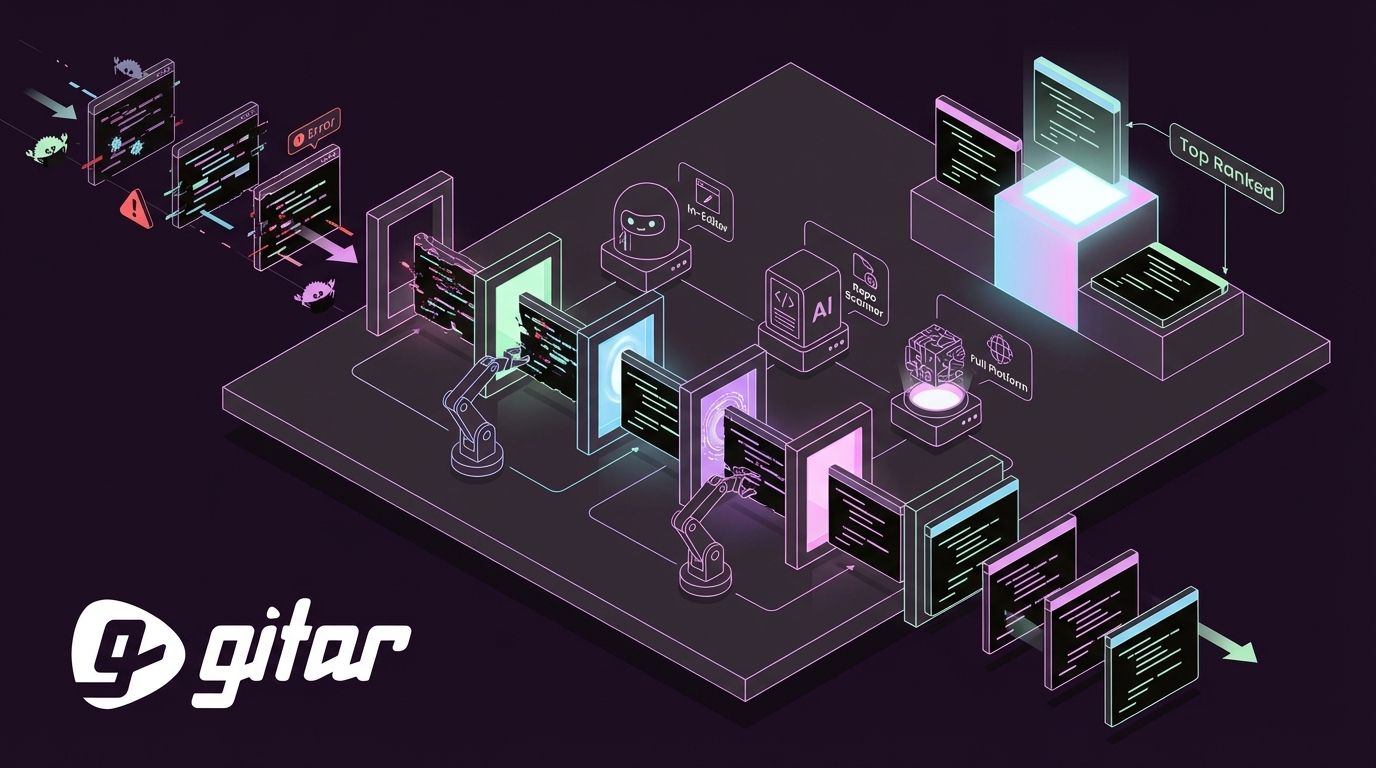
Repository scanners concentrate on specific issue types, while full CI and PR platforms monitor the entire build pipeline, diagnose failures in real time, and heal broken builds without waiting for scheduled scans.

1. Gitar (Top Overall)
Gitar provides a healing engine that automatically analyzes CI failures, generates fixes, and commits them to keep builds green through a single dashboard comment. The 14-day Team Plan trial with no user limits connects to your existing stack, including GitHub, GitLab, CircleCI, and Buildkite for CI monitoring, plus Jira and Slack for notifications. When failures occur, Gitar’s analysis engine deduplicates identical errors across builds, surfaces root causes without manual log diving, and then commits validated fixes.
Pros: automatic validation and a comprehensive platform that supports team-wide workflows. Ideal for teams that require consistently green builds.
2. Graphite Agent
Graphite Agent combines full-codebase understanding with one-click fixes and inline CI failure resolution, maintaining under a 3% unhelpful comment rate. Shopify reported 33% more PRs merged per developer after adoption.
Pros: strong support for stacked PR workflows and low-noise comments. Cons: pricing at $40 per user monthly and limited trial access for full teams.
3. Builder.io PR Bot
Builder.io PR Bot responds to review comments, fixes builds, and iterates automatically while integrating with Jira and Slack. It handles build failures and implements review feedback across multiple Git providers.
Pros: automated iteration and deep workflow integration. Cons: a suggestion-heavy workflow that still relies on human oversight for many changes.
Hands-On Comparison Table
The table below summarizes how each tool performs on auto-commit capability, CI integration depth, language coverage, and trial access so you can quickly shortlist options.
|
Tool |
Trial Tier |
Auto-Commit Fixes |
CI Integration |
Languages |
Best For |
|---|---|---|---|---|---|
|
Gitar |
14-day Team Plan |
Yes |
Full CI/CD |
Python, Go, JavaScript, TypeScript, Java, Rust, and more |
Green builds |
|
Codeium |
Free tier (throttling possible) |
No |
None |
70+ |
Individual developers |
|
Cursor AI |
2K completions/month |
No |
Limited |
30+ |
Feature development |
|
CodeRabbit |
Basic summaries |
Manual approval |
PR-level |
25+ |
Code review enhancement |
|
Snyk |
Limited scans |
PR-based |
Security focus |
19+ |
Security fixes |
|
Graphite |
Individual tier |
One-click |
Inline |
15+ |
Stacked workflows |
|
Claude Code |
Subscription plans available |
Yes (Configurable) |
Terminal-based |
20+ |
Autonomous development |
Key Considerations and ROI for Auto-Fix Adoption
Teams need to weigh suggestion tools against auto-fixers based on risk tolerance and desired speed. Organizations with high AI adoption see 24% faster PR cycle times, yet developers spend 9% of their time reviewing and cleaning AI-generated outputs. This review overhead erodes part of the speed gains. Tools that validate fixes before committing reduce this overhead by ensuring only working code reaches your repository.
The 2026 ROI calculation starts with baseline developer time. Before auto-fixers, developers spent about one hour each day on CI issues. Automated validation reduces this to roughly 15 minutes per developer, which equals a 75% cut in manual debugging time. For a 50-person engineering team with an average salary of $150K, that 45-minute daily saving per developer translates to about $750K in annual productivity gains.

Frequently Asked Questions
What’s the best AI tool for automatically fixing Python and JavaScript CI failures?
Gitar leads in CI failure resolution across major languages, including Python and JavaScript. Its healing engine analyzes failure logs, generates context-aware fixes, validates them against your full CI environment, and commits working solutions automatically. The Team Plan trial mentioned above provides unlimited access so you can test CI auto-healing on real workloads.
Are these tools completely no-cost or just trials?
Most tools provide limited trials or individual tiers rather than permanent no-cost team plans. Codeium supports unlimited individual use, while Cursor AI limits monthly completions. Gitar’s trial period proves ROI through measurable productivity gains before payment, which makes it a comprehensive option for team evaluation.
How do I test auto-fix tools safely?
Start in suggestion mode so you review and approve each fix. Build trust by targeting lint errors and simple test failures first, then enable auto-commit for fix types that consistently pass. Configure approval workflows for critical code paths and maintain rollback capabilities for extra safety.
How does Gitar compare to CodeRabbit for team workflows?
CodeRabbit provides suggestions and requires manual implementation while charging $24-30 per user for comments. Gitar automatically applies validated fixes, focuses on keeping builds green, and supports comprehensive team trials. The key difference is simple: CodeRabbit suggests, while Gitar fixes and validates, which you can confirm during the trial period.
What integrations do these tools support?
Gitar supports GitHub, GitLab, CircleCI, Buildkite, Jira, Slack, and Linear with natural language workflow rules. Most competitors focus on a single platform or require complex YAML configuration. Enterprise deployments can run Gitar’s agent inside your own CI with full access to secrets and caches for maximum control.

Conclusion and Next Steps for Choosing an AI Code Fixer
Gitar leads in automatic validation and team-scale trials, delivering deep CI integration and robust healing capabilities. Use a layered evaluation: start with Codeium for individual development, then evaluate Cursor AI for feature work, and finally run Gitar across your CI pipeline to measure team-wide productivity gains.
Ready to eliminate manual debugging from your CI pipeline? Start your Gitar trial and see validated fixes committed automatically.