
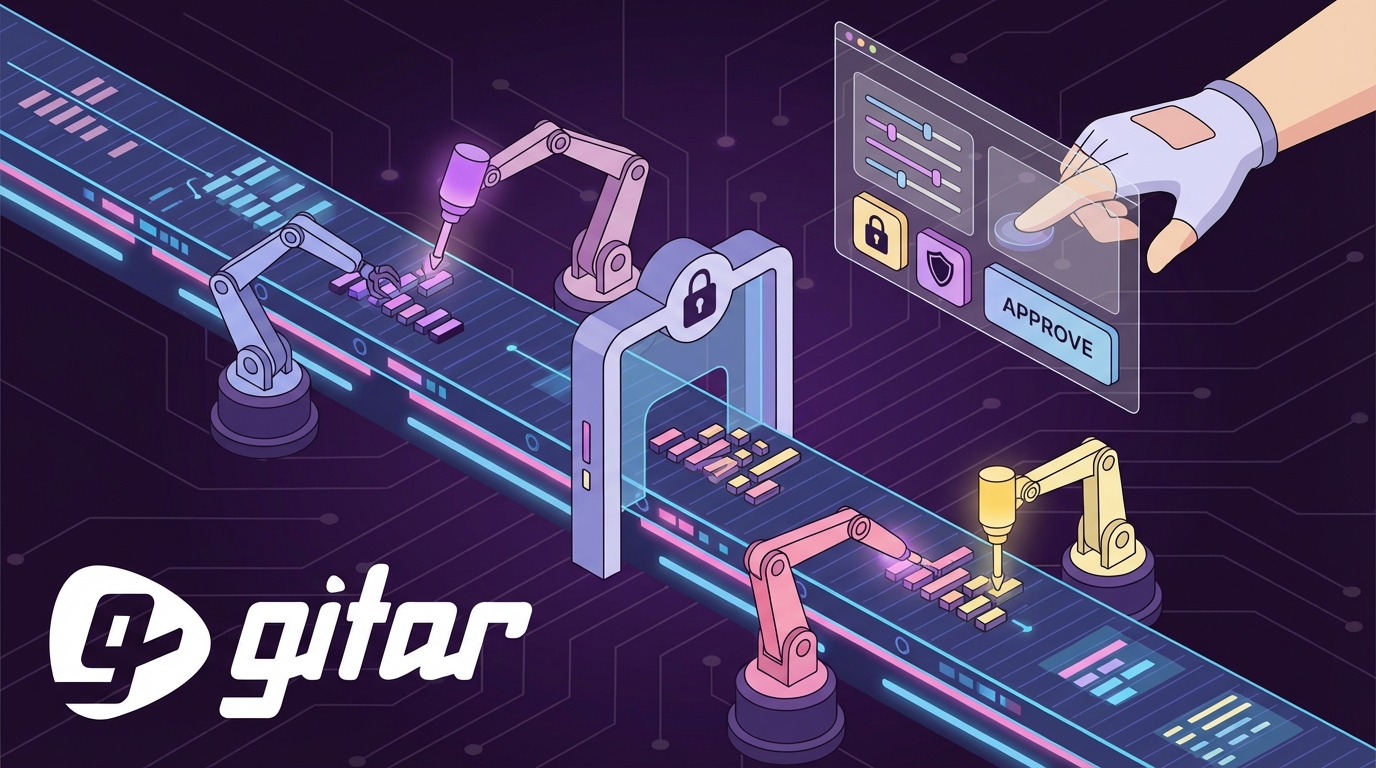
Key Takeaways
- AI coding tools speed up development but often clog CI with more PRs and failures, shifting pain from writing code to validating it.
- Gitar’s free healing engine auto-fixes CI failures like lint errors and tests with full context, unlike paid suggestion-only tools.
- Teams keep control with PR approvals, branch protections, feature flags, phased AI aggression, and human reviews for high-risk changes.
- Natural language rules, audit logs, security scans, rollback protocols, and metrics tracking help teams scale automated fixes safely.
- Teams save 20+ engineering hours weekly while staying in control. Install Gitar free today to fix broken builds automatically.
Gitar’s Healing Engine: Free Auto-Fixes With Guardrails
Gitar removes CI bottlenecks with a different model: free AI code review that fixes code instead of only suggesting changes. Competing tools often charge $15-30 per developer for suggestion engines, while Gitar offers PR analysis, security scanning, bug detection, and performance review free for unlimited repositories.

The platform works as a healing engine rather than a suggestion engine. When CI checks fail, such as lint errors, test failures, or build breaks, Gitar reads the failure logs, generates validated fixes using full codebase context, and commits solutions directly to your PR during a 14-day free trial for auto-fix features. It then posts a single dashboard comment that updates in place, which keeps your notifications clean and focused.
|
Capability |
CodeRabbit/Greptile |
Gitar |
|
PR summaries |
Yes (paid) |
Yes (free) |
|
Auto-apply fixes |
No |
Yes (14-day free trial) |
|
CI failure analysis/fix |
No |
Yes (14-day free trial for auto-fix) |
|
Single comment (no spam) |
No |
Yes (free) |
Try Gitar free to automatically fix broken builds while keeping developers in full control.
1. Lock Down PRs With Approvals and Branch Protection
Branch protection rules form your first defense against unsupervised automated fixes. Configure GitHub repository rulesets so every merge, including automated commits, requires at least one developer approval. Start Gitar in suggestion mode so developers can review and approve fixes before enabling automatic application.
Use this checklist: enable “Require pull request reviews before merging,” set the minimum reviewer count to 1, and dismiss stale reviews when new commits arrive. Repository Rules evolved from traditional branch protections to scale more efficiently, giving you fine-grained control over automated workflows while preserving human oversight.
2. Contain Risk With Feature Flags and Gradual Rollouts
Feature flags keep automated fixes isolated so you can control their blast radius. Use LaunchDarkly or custom toggles to roll out AI-generated fixes to a subset of users or environments instead of everyone at once.
Gitar pulls product context from Jira, Linear, and Slack integrations to understand each change in detail. Start with percentage-based rollouts at 5-10 percent of traffic, watch key metrics, then expand as confidence grows. This setup gives you instant rollback options if a fix behaves unexpectedly while still keeping development fast.
3. Ramp Up AI Aggression From Suggestions to Auto-Commits
Phased automation builds trust and prevents surprises. Begin with Gitar in suggestion mode so every fix needs explicit developer approval. Track accuracy, review quality, and team comfort before turning on auto-commit for narrow categories such as lint or formatting issues.
Mature teams can enable full auto-commit for trusted fix types while keeping manual review for complex logic changes. Gitar’s single-comment pattern avoids the notification overload that other tools create, which makes this phased approach sustainable. Configure rules so complex or risky fixes always route to humans, while routine issues stay fully automated.
4. Keep Humans in the Loop on Every Gitar Fix
Clear oversight protocols keep developers in control even when auto-commit is active. Configure Slack notifications or Jira alerts whenever Gitar applies a fix so engineers always know what changed and where.
Set explicit review checkpoints for high-risk updates such as security fixes, database migrations, or core business logic. Use GitHub’s CODEOWNERS file to auto-assign the right reviewers whenever Gitar touches sensitive paths. This structure preserves accountability while still capturing the speed benefits of automation.
5. Use Natural Language Rules to Define Custom Gates
Gitar’s natural language rules let you define CI gates without complex YAML. Create rules in .gitar/rules/*.md files that trigger actions based on PR characteristics, which keeps control in the hands of the whole team, not only DevOps specialists.
For example, write “When PRs modify authentication or encryption code, assign security team and add security-review label.” This approach democratizes CI customization and ensures automated fixes always respect your policies and security standards.

6. Capture Every Change With Audit Logs and Immutable Records
Comprehensive audit trails keep automated fixes compliant and traceable. Use Write-Once Read-Many storage and forward logs to centralized servers so records stay tamper-evident and ready for audits.
Configure ELK Stack, Splunk, or similar platforms to correlate automated fix events with deployments and runtime behavior. Automated logging of every change with timestamped, immutable records creates audit-ready pipelines without manual evidence collection. This level of traceability supports strong developer oversight in highly automated environments.
7. Separate Code Issues From Infrastructure Failures
Gitar’s CI context helps teams avoid chasing failures that do not come from code. Traditional review tools lack this context and often blur the line between genuine bugs and flaky infrastructure, which wastes time and erodes trust.
Organizations save about 20 engineering hours per week by reducing manual code reviews when AI agents classify failures accurately. Configure alerts so infrastructure issues route to platform teams, while Gitar handles code-related failures autonomously. This separation keeps responsibilities clear and focused.

8. Enforce Security With Scans and RBAC in CI
Security scanning and role-based access control protect your pipeline while automation runs. Integrate SAST, SCA, and container scanning into CI/CD with alerts for high-severity issues so security checks stay automatic and consistent.
Use policy-as-code with Open Policy Agent to enforce rules across all automated fixes. Configure Gitar to follow these policies and escalate potential security problems to human reviewers, while it handles routine tasks such as dependency bumps automatically. This balance keeps security strong without slowing delivery.
9. Protect Production With Rollback Playbooks and Validation Layers
Layered validation ensures automated fixes behave correctly before they reach users. Robust validation frameworks can raise successful patch rates from 67 percent to over 90 percent and cut false positives.
Set automated rollback triggers based on error spikes, latency changes, or failed health checks. Use staged deployments so fixes move from development to staging to production with gates at each step. This structure gives multiple chances to catch issues while still keeping releases frequent.
10. Track Metrics With CI and AI Oversight Dashboards
Metrics show whether your balance between automation and control actually works. Track fix success rates, time to resolution, developer satisfaction, and deployment frequency to understand impact.
Gitar offers analytics for CI failure categories, infrastructure patterns, and recurring issues. Use these insights to tune your rules, expand automation where it performs well, and keep humans focused on the highest-value reviews.
CI/CD Security Practices for Automated AI Fixes
Security must stay central when you introduce automated CI fixes. Use immutable records and automated evidence collection to ease audits while still shipping quickly. Configure Gitar’s security rules so it flags possible vulnerabilities while quietly fixing routine issues.
Apply strict access controls, encrypt data in transit and at rest, and monitor for suspicious access attempts. These practices ensure automated fixes strengthen your security posture while preserving the oversight developers need.
Frequently Asked Questions
How does Gitar ensure trust in auto-commits?
Gitar builds trust with phased modes and strong validation. Teams start in suggestion mode, where developers approve every fix, then gradually enable auto-commit for specific failure types as confidence grows. Every fix runs against your real CI environment before it lands, so changes match your actual systems instead of a generic template.
What are CI/CD best practices for AI agents?
Effective AI integration depends on clear gates and human approvals. Use branch protection rules, require PR reviews for sensitive paths, and rely on feature flags for gradual rollouts. Maintain audit trails, track fix success rates, and keep rollback options ready. This structure captures automation benefits while preserving control.
How can teams avoid outages while using automated fixes?
Teams avoid outages by combining multi-layer validation, feature flags, and strong monitoring. Deploy fixes to staging first, then use canary releases for production. Keep automated rollback triggers and health checks in place so humans can intervene quickly when signals look risky.
How does CI/CD pipeline security work with AI fixes?
Pipeline security relies on embedded scans and RBAC. Use SAST, SCA, and container scanning tools that plug into your CI system. Apply policy-as-code with tools such as OPA to keep rules consistent. Configure AI agents to follow these policies, escalate suspicious changes, and handle safe, routine security fixes automatically.
What metrics should teams track for automated CI fixes?
Track fix success rates, time to resolution, developer satisfaction, deployment frequency, and rollback rates. Watch the ratio of automated to manual fixes, measure impact on sprint velocity, and study failure patterns. These metrics guide adjustments so you gain efficiency without sacrificing quality or confidence.
Conclusion: Scale AI Fixes While Staying in Control
AI-driven coding demands new CI practices that combine automation with strong developer oversight. By applying these ten strategies, from phased rollouts to detailed monitoring, teams can use AI to move faster while keeping code quality and reliability high.
Install Gitar now to keep developers in control of automated CI pipeline fixes and ship higher quality software, faster.