
Written by: Ali-Reza Adl-Tabatabai, Founder and CEO, Gitar
Key Takeaways
- Set up Qodo PR Agent in about 10 minutes using .github/pull_request_template.md and .pr_agent.toml for structured PR descriptions.
- Rely on GitHub to apply templates automatically so every pull request follows the same format across your team.
- Add pr_agent:summary and pr_agent:walkthrough sections to your template for smooth Qodo integration.
- Fix common issues such as TOML syntax errors or app permissions, then reload settings with the /config reload command.
- Upgrade to Gitar to move from suggestions to automatic CI fixes and consistently green builds.
Quick 3-Step Configuration Overview
Use this three-step checklist to configure Qodo PR Agent from scratch:
- Create .github/pull_request_template.md in your repository root.
- Add a .pr_agent.toml configuration file to control Qodo’s behavior.
- Install the Qodo GitHub App, then test with the /describe command and confirm the output matches your template.
Step 1 – Create a GitHub PR Template for Qodo
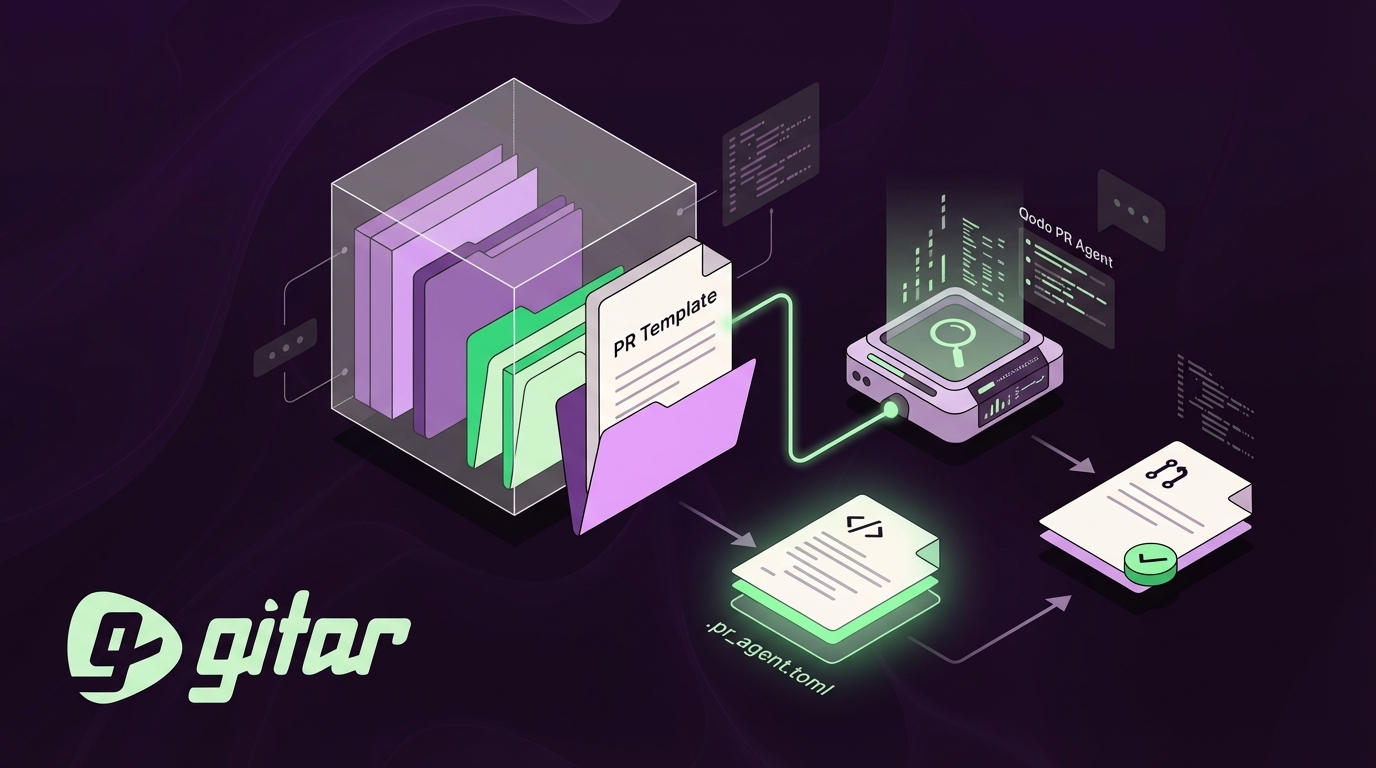
Create a .github directory in your repository root and add pull_request_template.md. GitHub automatically loads this template to enforce consistent PR formats, so developers do not need to remember the structure each time.
Use one of the following template variants that work well with Qodo PR Agent.
Basic Template:
## What does this PR do? ## Why is this change needed? ## How to review – [ ] Check logic and implementation – [ ] Verify tests pass – [ ] Review documentation updates ## Testing – [ ] Unit tests added/updated – [ ] Manual testing completed – [ ] Staging environment tested ## Screenshots / recordings (If applicable)
Advanced Template with Qodo Integration:
## pr_agent:summary ## pr_agent:walkthrough ## What does this PR do? ## Why is this change needed? ## Testing – [ ] Unit tests added/updated – [ ] Integration tests pass – [ ] Performance impact assessed ## Deployment considerations – [ ] Database migrations included – [ ] Environment variables updated – [ ] Rollback plan documented
The pr_agent:summary and pr_agent:walkthrough sections are specifically recognized by PR-Agent and should not be modified or renamed. Keeping these headings intact ensures Qodo can populate them reliably.
Step 2 – Configure Qodo PR Agent with .pr_agent.toml
Create a .pr_agent.toml file in your repository root to customize Qodo’s behavior. You can place this configuration file in multiple locations, and the precedence hierarchy helps you choose the right one. Wiki pages have the highest precedence, followed by the local repository root, then organization-level settings.
Basic Configuration:
[config] model = “gpt-4o” output_relevant_configurations = true [pr_description] publish_description_as_comment = true [pr_reviewer] auto_review = true require_tests_review = true
Advanced Configuration with Custom Instructions:
[config] model = “gpt-4o” language = “en” [pr_description] publish_description_as_comment = true extra_instructions = ”’ – Follow the repository’s PR template structure exactly – Include specific testing instructions – Highlight breaking changes clearly ”’ [pr_reviewer] auto_review = true require_tests_review = true num_code_suggestions = 5 extra_instructions = ”’ – Focus on security and performance issues – Verify test coverage for new features – Check for proper error handling ”’
For GitHub Actions automation, add this workflow file at .github/workflows/pr-agent.yml:
name: PR Agent on: pull_request: types: [opened, synchronize] jobs: pr_agent: runs-on: ubuntu-latest permissions: pull-requests: write issues: write contents: read steps: – uses: Codium-ai/pr-agent@v0.31 env: OPENAI_KEY: ${{ secrets.OPENAI_API_KEY }} GITHUB_TOKEN: ${{ secrets.GITHUB_TOKEN }} config.model: “gpt-4o”
Qodo PR Agent v0.31 introduced super exhaustive mode and improved suggestions_depth configuration, which provide deeper and more thorough code analysis.
Step 3 – Trigger Qodo and Validate Template Behavior
After configuration, Qodo PR Agent respects your pull request template when it generates descriptions. Create a pull request and run the /describe command to confirm that behavior. Qodo runs inside your existing GitHub workflows, so feedback appears directly in the pull request.
Check that the agent fills each template section with relevant information while preserving your structure. Confirm that custom sections such as testing checklists and deployment considerations are populated in a way that matches your team’s expectations.
Troubleshooting Common Issues
Most template problems trace back to configuration, permissions, or model settings, so start with these checks.
TOML Syntax Errors: Validate your .pr_agent.toml file using git diff to spot formatting issues. Keep configuration minimal by editing only relevant settings instead of copying full example files.
App Permissions: Confirm that the Qodo GitHub App has read and write permissions for pull requests and repository contents. Missing permissions often prevent Qodo from posting descriptions or reviews.
Model Limitations: For Gemini models, use the config.model format with a provider prefix such as “gemini/gemini-1.5-pro-latest” instead of relying on environment variables.
Run /config reload after you change your .pr_agent.toml file so Qodo picks up the latest settings.
Best Practices for Teams and Scaling Qodo
Once configuration works reliably, focus on team-wide standards that keep reviews consistent as your organization grows.
Define natural language rules in your .pr_agent.toml configuration. Advanced customization through [pr_reviewer.extra_instructions] supports team-specific guidelines such as database transaction rules and API rate limiting checks.
Create a short validation playbook that documents your template structure and configuration settings. Share this guide with new developers so they can follow the same review patterns from day one.
Why Switch to Gitar for Autonomous Fixes
Qodo PR Agent standardizes pull request descriptions through templates, but developers still need to apply the suggested changes manually. Gitar goes beyond templating by using its Healing Engine to fix CI failures, apply review feedback, and keep builds passing without manual effort. See the Gitar documentation for implementation details.
The table below shows how Gitar’s automation removes manual work that Qodo still requires, which typically saves teams about 45 minutes per developer each day.

|
Feature |
Qodo PR Agent |
Gitar |
|
PR Templates |
Yes |
Yes |
|
Auto-apply Fixes |
No |
Yes (Healing Engine) |
|
CI Failure Resolution |
No |
Yes (guaranteed green) |
|
ROI (min/day/dev) |
Manual work required |
45 min saved automatically |
Gitar provides a comprehensive 14-day free trial of its Team Plan, which includes unlimited users and access to automated CI fixes, review feedback implementation, and workflow automation. The platform supports GitHub, GitLab, CircleCI, and Buildkite with deep integration across your development stack. These integrations allow Gitar to repair failing builds across your CI/CD pipeline. Refer to the Gitar docs for setup instructions.
Frequently Asked Questions
How do I create a pull request template for Qodo?
Create a .github/pull_request_template.md file in your repository root with structured sections such as “What does this PR do?”, “Why is this change needed?”, and testing checklists. Add the special sections pr_agent:summary and pr_agent:walkthrough that Qodo recognizes and fills automatically. GitHub then loads this template whenever someone opens a new pull request.
Where should the Qodo PR Agent config file be located?
Place the .pr_agent.toml configuration file in your repository root on the default branch. Qodo follows a precedence hierarchy: wiki pages at the top, then the local repository root, then an organization-level pr-agent-settings repository, and finally project or group-level settings. Higher precedence configurations override lower ones, which lets you combine global standards with project-specific rules.
Does Gitar support PR templates like Qodo?
Gitar includes comprehensive AI code review that extends far beyond basic templating. Gitar’s Healing Engine analyzes CI failures, generates validated fixes, and commits them automatically, which keeps builds green without manual intervention. For more detail, see the Gitar documentation.

Can I use both Qodo and Gitar together?
Both tools can run in the same repositories, but Gitar already covers Qodo’s templating capabilities and adds autonomous fixing on top. Its single dashboard comment approach reduces notification noise while still providing PR analysis, CI failure resolution, and automated feedback implementation in one place.
What happens if my .pr_agent.toml file has syntax errors?
Qodo PR Agent falls back to default settings when it encounters TOML syntax errors. Use git diff to locate formatting problems, and enable config.output_relevant_configurations = true in your configuration to see which settings Qodo actually applies. Keep your configuration focused on values that differ from the defaults to reduce conflicts when Qodo updates its built-in settings.
Templates provide structure, but autonomous fixes deliver real speed. Experience the trial mentioned earlier and see Gitar’s autonomous fixes in action, then explore the Gitar documentation for advanced workflows.