
Key Takeaways
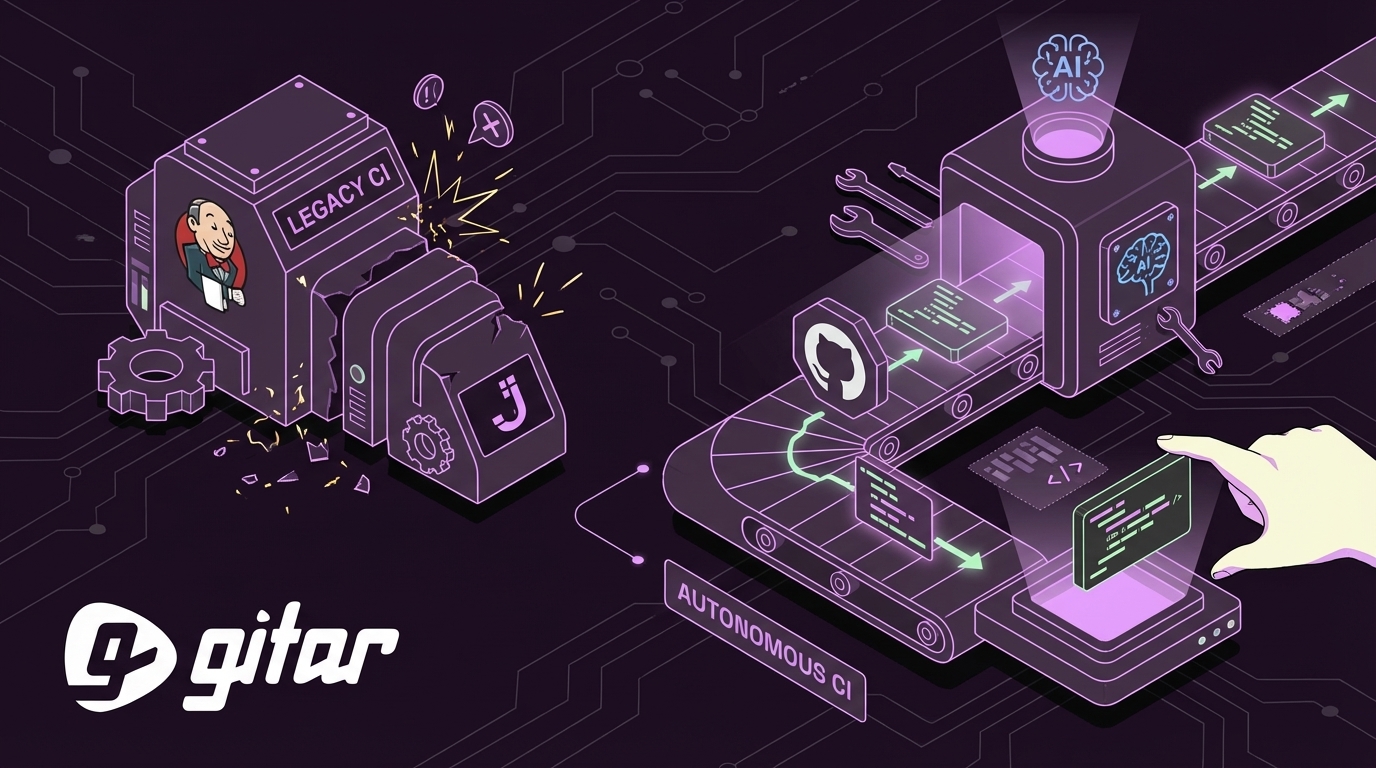
- Engineering leaders now choose between legacy CI tools, modern managed platforms, and emerging autonomous CI agents that act directly on pull requests.
- Traditional CI/CD systems and AI suggestion tools still rely on developers to debug failed pipelines and apply code review feedback.
- Autonomous healing engines validate and commit fixes in the real CI environment, which reduces context switching and manual toil.
- Modern teams gain the most value by combining platforms like GitHub Actions or GitLab CI/CD with an autonomous layer that keeps builds green.
- Teams that want to cut time spent on CI failures can install Gitar for autonomous CI fixes and code review implementation.
The Evolving Landscape of CI/CD for GitHub Automation
The Challenge
AI-assisted coding tools now generate more code, pull requests, and tests, which increases CI failures and review load. This right-shift in effort turns CI from a background process into a frequent source of friction. Every failed build forces a context switch, as developers pause active work, read logs, try fixes, and rerun pipelines. For a 20-developer team, this pattern can consume a large share of engineering time and budget each year.
Solution Categories
The CI/CD market now centers on three options: legacy self-hosted tools such as Jenkins, modern managed platforms such as GitHub Actions and GitLab CI/CD, and a growing set of AI-powered systems. Most AI tools still act as suggestion engines. They detect issues and propose code changes, but they rely on developers to apply, test, and validate those suggestions.
Jenkins: A Legacy Solution’s Growing Burden in the AI Era
High Maintenance Overhead
Manual updates, security patches, and plugin conflicts create significant operational toil, which pulls engineers away from product work. This maintenance load has become harder to justify as teams aim for higher velocity and leaner platform operations.
Plugin Complexity
Heavy dependence on plugins for core features often produces fragile pipelines that break when dependencies change. Simple GitHub integrations can turn into complex configurations that demand specialized Jenkins expertise.
Self-Hosted Challenges
Jenkins lacks a cloud-native design compared to more recent platforms, and running it on container platforms such as Kubernetes can introduce additional complexity through its architecture and plugin ecosystem.
Developer Friction
A dated user experience and less intuitive interfaces than newer tools slow down everyday tasks and make onboarding harder for developers who expect modern web-based workflows.
Modern CI/CD Platforms for GitHub Automation: Progress, but Not Perfection
GitHub Actions: Native GitHub Integration
GitHub Actions removes the need to manage separate CI infrastructure by handling updates, patches, and maintenance as a managed service. Its native repository integration lets developers define workflows next to code, which reduces tool switching and simplifies automation for common events such as pushes and pull requests.
GitLab CI/CD: Integrated DevOps
GitLab CI/CD offers source control, pipelines, and monitoring in a single platform. This integrated approach helps teams reduce tool sprawl and centralize DevOps workflows.
The Lingering Gap
Modern CI platforms still focus on orchestration. They run jobs, coordinate workflows, and surface logs, but developers remain responsible for debugging failures and implementing code review feedback. AI has improved code authoring in the IDE, yet post-commit work often continues to absorb hours each week.
Teams that want to close this gap can add an autonomous layer on top of GitHub Actions or GitLab CI/CD to keep builds passing without constant manual intervention.
AI in CI/CD: Suggestion Engines vs. Healing Engines for GitHub
AI in CI/CD now falls into two broad categories that deliver different outcomes for developer productivity.
AI Suggestion Engines
How they work: Tools such as CodeRabbit and some Claude-based integrations inspect failed builds or pull requests and then propose edits. They highlight issues, point to likely fixes, and sometimes draft code snippets.
Limitations: Suggestion engines still rely on developers to change files, rerun CI, and debug when suggested fixes do not pass tests. This pattern preserves context switching between feature work and CI repair. Many setups also require custom prompts, glue code, and workflow tuning before they become reliable.
AI Healing Engines
How they work: Autonomous agents such as Gitar analyze failures, generate code changes, validate those changes in the real CI environment, and commit fixes back to the pull request. They act as active CI participants with the goal of restoring green builds.
Advantages: Healing engines handle the full path from detection to resolution for many classes of issues. They reduce the time developers spend on routine CI failures and can also apply code review feedback, which helps distributed teams maintain throughput across time zones.
Gitar: Autonomous CI/CD for GitHub Automation
Gitar extends modern CI platforms by focusing on automated resolution instead of only detection and orchestration.
End-to-End Fixing
Gitar identifies common issues such as lint errors, test failures, and build problems, then edits code, runs checks, and commits fixes when validations pass. Developers no longer need to apply each change by hand for these recurring problems.

Full Environment Replication
Gitar mirrors real CI environments, including SDK versions, multi-language dependencies, and tools such as SonarQube and Snyk. This context helps ensure that fixes work with the same constraints, scanners, and policies that production pipelines enforce.
Intelligent Code Review Assistant
Gitar reads reviewer comments and can implement requested changes directly on the pull request. It then posts explanations of what changed, which shortens back-and-forth cycles and reduces delays caused by time zone gaps.

Configurable Trust Model
Gitar supports multiple automation levels. Teams can start with suggestion-only behavior that requires one-click approval, then progress toward fully autonomous commits with rollback support as confidence grows.
Zero Maintenance and Cross-Platform Support
Gitar runs as a managed service and integrates with GitHub Actions, GitLab CI, CircleCI, Buildkite, and other platforms. Teams avoid maintaining extra CI infrastructure or complex custom configurations.

Comparison: Jenkins vs. Modern CI, AI Suggestion Engines, and Gitar
|
Feature/Criterion |
Jenkins (Legacy CI) |
GitHub Actions (Modern CI) |
AI Suggestion Engine |
Gitar (Autonomous CI) |
|
Primary Function |
Build automation, job orchestration |
Workflow orchestration, event-driven CI/CD |
Code review suggestions, bug detection |
Autonomous CI fixes, code review implementation |
|
Operational Burden |
High, self-hosted and maintenance heavy |
Low, managed service |
Very low, SaaS |
Very low, SaaS |
|
GitHub Integration |
Plugin-based and often complex |
Native and tightly integrated |
Native and focused on pull requests |
Native with active agent behavior on pull requests |
|
Root Cause Resolution |
Manual developer debugging |
Manual developer debugging |
Identifies issues, manual implementation |
Analyzes logs, generates, applies, and validates fixes automatically |
|
Developer Toil Reduction |
Minimal, runs jobs but does not fix issues |
Minimal, runs jobs but does not fix issues |
Moderate, reduces review effort |
High, reduces CI and code review context switching |
|
Code Review Feedback |
Implemented manually |
Implemented manually |
Suggested, implemented manually |
Implemented automatically where trusted |
|
Full Environment Context |
Configured manually |
Limited without custom setups |
Often shallow, mostly static analysis |
Deep, aligned with real build environment |
|
Build Guarantees |
None |
None |
None, suggestions are not validated |
High, fixes validated against CI before commit |
Teams that want fewer broken builds and faster pull request cycles can install Gitar to add autonomous CI healing on top of existing pipelines.
Frequently Asked Questions (FAQ) about Jenkins Alternatives with AI
What makes Gitar different from GitHub Copilot or other IDE-based AI assistants for GitHub automation?
GitHub Copilot and similar tools assist during code authoring inside the IDE. Gitar operates after code is pushed. It monitors pull requests, fixes failing builds, and applies code review feedback on remote repositories. This focus on the post-commit phase targets the productivity loss that occurs when CI fails or review changes pile up.
How does Gitar handle complex enterprise CI environments with specific dependencies and third-party tools?
Gitar reconstructs the CI environment with the same SDK versions, dependencies, and security or quality tools that pipelines use, including products such as SonarQube and Snyk. It then tests proposed fixes inside that context so changes respect the same constraints and policies as normal builds.
Is Gitar secure, and can teams control its level of automation for GitHub workflows?
Gitar provides a configurable automation model. Teams can begin with human-in-the-loop workflows that require approval on each change, then advance to higher automation levels when they are comfortable. Controls include aggression settings, approval requirements, and rollback options to match different risk profiles.
What kind of ROI can teams expect from implementing Gitar for GitHub automation?
Development groups often spend a meaningful share of time on CI failures and code review implementation, especially as code volume grows. Gitar seeks to cut that waste by taking over repetitive CI fixes and common review edits. The result is more time for feature delivery, higher developer satisfaction, and faster release cycles.
How does Gitar integrate with existing CI/CD pipelines and development workflows?
Gitar runs as a GitHub App that connects to platforms such as GitHub Actions, GitLab CI, CircleCI, and Buildkite without major pipeline changes. Setup involves granting repository access and selecting automation settings in a web dashboard. Gitar then participates in pull requests through comments and status updates that describe which failures it addressed and which actions it took.
Conclusion: Reclaiming Developer Productivity with Autonomous CI
Moving from Jenkins to managed CI platforms such as GitHub Actions and GitLab CI/CD has reduced infrastructure work, but it has not removed the manual debugging required when builds fail. AI suggestion engines help identify issues yet still rely on engineers to apply and validate each fix.
Autonomous healing engines represent the next step for GitHub automation in 2026. Gitar shifts CI work from manual repair toward automated resolution while preserving existing workflows and quality gates. Teams that want to reduce developer toil and accelerate delivery can install Gitar to add self-healing CI and automated code review implementation to their pipelines.