
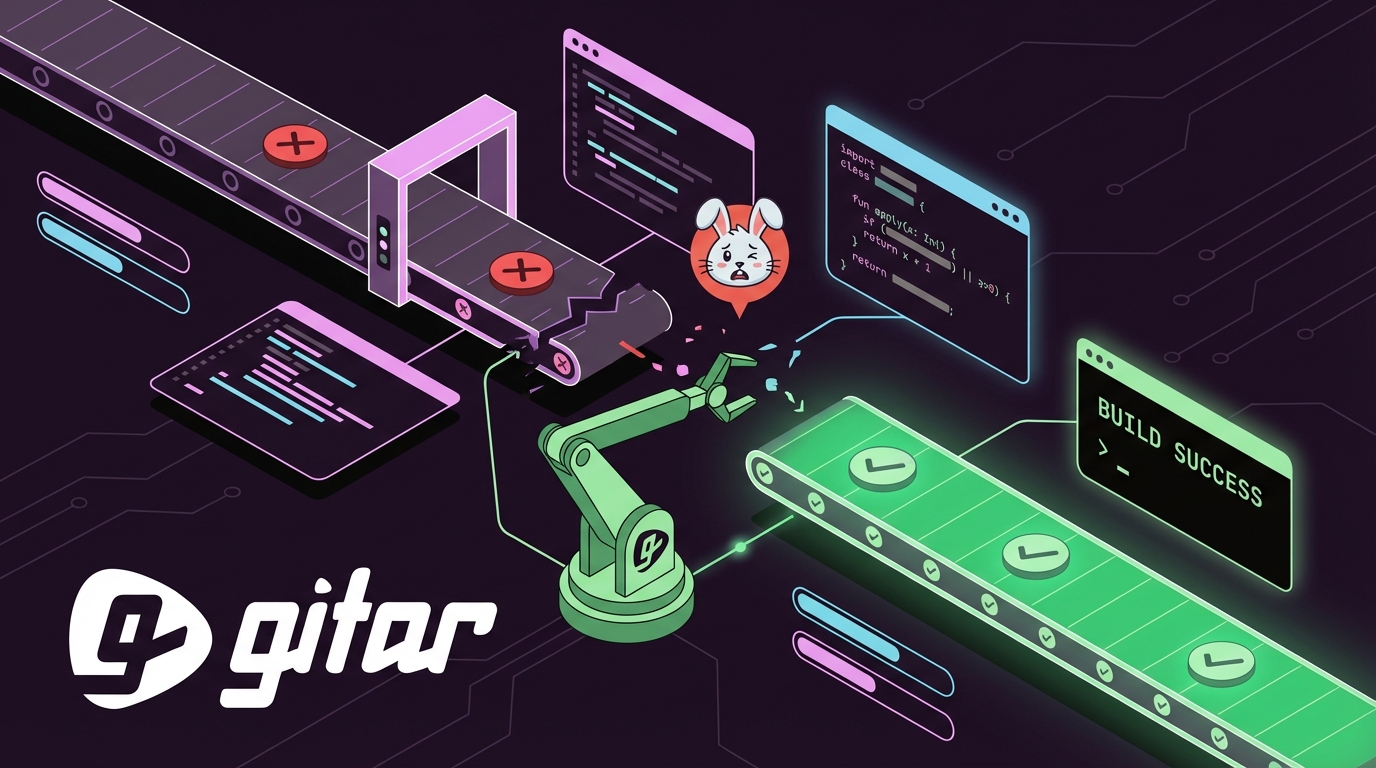
Key Takeaways
- CI pipeline failures waste hours daily and can cost teams over $1M each year in lost productivity.
- CodeRabbit offers AI code review with failure suggestions but still needs manual fixes, re-testing, and costs $12-30 per developer each month.
- Gitar provides free, unlimited code review and auto-fixes CI failures across GitHub, GitLab, CircleCI, and Buildkite with validated commits.
- Gitar automatically resolves lint errors, test failures, dependency issues, and flaky tests, and separates code bugs from infrastructure flakiness.
- Switch to Gitar for guaranteed green builds and ship higher quality software faster without manual debugging.
Using CodeRabbit to Respond to CI Pipeline Failures
CodeRabbit provides AI-powered code review with basic CI integration, but it still relies on manual fixes. Follow these steps when your pipeline fails.
1. Install the CodeRabbit GitHub or GitLab App
Open your repository settings, install the CodeRabbit application, and grant repository and CI access. Confirm permissions match your security and workflow needs.
2. Turn On Auto-Detection for CI Failures
Configure CodeRabbit to watch pull requests and run analysis when CI fails. Set webhook notifications so pipeline events trigger reviews consistently.
3. Review Failure Logs in the CodeRabbit Dashboard
When CI fails, CodeRabbit parses build logs and surfaces insights in its web interface. Review grouped findings such as security risks, refactor suggestions, and configuration warnings.
4. Check CLI and Inline Suggestions
CodeRabbit runs in inline code review mode and highlights refactor suggestions next to the affected code. You can browse proposed fixes in the interface, but every change still requires manual editing.
5. Apply Fixes Manually and Push Changes
Copy CodeRabbit’s suggestions into your codebase and adjust as needed. Commit the updates, push your branch, and trigger a new CI run.
6. Validate Results and Repeat if Needed
Watch the new CI run to confirm the failure is resolved. If new or related issues appear, repeat the same review and manual fix cycle.
GitHub Actions Example: ESLint Failure
Consider a typical ESLint error in GitHub Actions:
Error: 'useState' is not defined (no-undef) at src/components/Dashboard.jsx:15:20
CodeRabbit would suggest adding the missing import statement. You still need to edit the file, commit the change, and re-run the pipeline.
GitLab CI Example: Dependency Timeout
Now consider a dependency timeout error:
Job execution timeout after 3600 seconds npm install failed with exit code 1
CodeRabbit might recommend caching dependencies or increasing timeouts. You must update the GitLab CI YAML configuration and push again.
CodeRabbit Limitations
CodeRabbit offers 1-click committable fixes, but they are not auto-applied. The tool suggests changes without validating them against your CI environment. Pricing ranges from $12-30 per developer per month, and the product focuses heavily on GitHub with limited cross-platform coverage.

Install Gitar now, automatically fix broken builds, start shipping higher quality software, faster
Why Teams Replace CodeRabbit with Gitar’s Auto-Fix Engine
Gitar shifts CI support from suggestion engines to healing engines that actually repair failures. CodeRabbit and similar tools charge premium prices for comments that still require manual work, while Gitar delivers full code review for free and includes a 14-day trial of auto-fix that resolves CI failures directly.
The core difference is simple. Gitar does not stop at pointing out problems. It fixes them, validates the fixes, and commits working code. When CI fails, Gitar analyzes the error, generates a targeted change, runs validation, and only then commits the solution. This approach replaces guesswork with reliable, repeatable green builds.
| Feature | CodeRabbit | Gitar |
|---|---|---|
| Price | $15-30/dev/month | Free (unlimited) |
| Auto CI Fix/Commit | No (suggestions only) | Yes (validated) |
| Platform Support | GitHub-focused | GitHub/GitLab/CircleCI/Buildkite |
| Comment Style | Noisy inline | Single updating comment |
Gitar also supports natural language workflow rules, Jira and Slack integration, and hierarchical memory that learns your team’s patterns. The platform already runs at enterprise scale, handling more than 50 million lines of code and thousands of daily PRs while keeping core review features free.

Step-by-Step: Auto-Fixing Pipeline Failures with Gitar
Gitar’s healing engine turns CI failure resolution into an automatic remediation workflow instead of a manual debugging grind.
1. Complete a 30-Second Installation
Install the Gitar GitHub App or GitLab integration with no configuration. You do not need a credit card, user account setup, or seat management.
2. Enable Automatic Analysis on PRs
Gitar immediately starts monitoring pull requests and CI pipelines. It posts a single, clean dashboard comment that aggregates all findings in one place.
3. Detect Failures with Full Context
When CI fails, Gitar inspects logs with awareness of the entire codebase. It identifies root causes across lint errors, test failures, build breaks, and dependency problems.
4. Generate Fixes and Validate in Your CI
The platform generates code changes and validates them against your actual CI environment. It respects SDK versions, dependency graphs, and third-party integrations.
5. Auto-Commit Only Working Solutions
Gitar commits successful fixes directly to your pull request and updates the dashboard comment with details. You avoid manual edits and re-runs for each suggestion.
6. Use Consistent Auto-Fix Across CI Platforms
Gitar delivers the same auto-fix experience on GitHub Actions, GitLab CI, CircleCI, and Buildkite. You are not locked into a single provider.
Simple Migration from CodeRabbit to Gitar
Teams can switch quickly by disabling the CodeRabbit app in repository settings and installing Gitar. You can translate any custom review rules into Gitar’s natural language rule format. The migration keeps your workflows intact and requires no code changes.
How Gitar Fixes Lint, Test, and Build Failures
Gitar focuses on the CI failures that slow teams down most often and removes the manual trial-and-error cycle.
Lint Errors
ESLint, Prettier, and language-specific linters become background noise instead of blockers. Gitar adds missing imports, corrects formatting, and enforces your project’s style rules automatically.
Test Failures
Flaky tests consume 30-40% of QA capacity. Gitar spots patterns in test failures and fixes timing issues, mock setups, and brittle assertions that cause intermittent red builds.
Build and Dependency Issues
Dependency installation failures appear in about 5% of CI runs, and timeout problems affect 12.4% of jobs. Gitar resolves package conflicts, updates outdated dependencies, and tunes build configurations.
The validation engine confirms that each fix works in your environment before committing. Developers avoid repeated pushes and wasted cycles on broken experiments.
Real Teams Cutting MTTR to Seconds with Gitar
Production deployments show how Gitar performs at scale. Pinterest uses Gitar across more than 50 million lines of code and thousands of daily pull requests. The platform has surfaced high-severity security issues in Copilot-generated code that the original AI missed.
Engineering teams also save time with Gitar’s “unrelated PR failure detection.” The system flags when failures come from infrastructure flakiness instead of code changes. Traditional reviewers lack this CI context, which often forces developers to chase issues they cannot control.
Teams highlight Gitar’s concise PR summaries and reduced notification noise. The single updating comment keeps analysis, fixes, and status in one place without spamming every line of code.
Install Gitar now, automatically fix broken builds, start shipping higher quality software, faster
Frequently Asked Questions About CodeRabbit and Gitar
Does CodeRabbit automatically fix CI failures?
No. CodeRabbit acts as a suggestion engine that posts recommendations in comments and its interface. It does not apply fixes or validate them in your CI environment. Developers must implement changes manually and re-run pipelines. Gitar instead analyzes failures, generates validated fixes, and commits working solutions directly to your pull requests.
Is Gitar really free and what is the business model?
Gitar’s core code review features are completely free with no seat limits, credit card requirements, or trial deadlines. Auto-fix capabilities include a 14-day free trial. Revenue comes from enterprise features, advanced analytics, and large-scale workflow automation. Free review builds trust, while deep CI intelligence and automation power the commercial offering.
Can I trust Gitar’s auto-commits in complex CI setups?
Yes. Gitar supports configurable trust levels and can start in suggestion mode so you approve each fix. The platform emulates your CI environment, including SDK versions, multi-language builds, and third-party services. Enterprise customers can run Gitar’s agent inside their own CI infrastructure with access to secrets and caches, so fixes match production behavior.
How does Gitar handle flaky tests and AI-driven PR spikes?
Gitar studies failure patterns to separate real code issues from infrastructure flakiness. Intermittent failures represent about 25% of CI jobs, and this pattern detection prevents wasted debugging on external problems. For teams facing PR surges from AI coding tools, Gitar’s single updating comment consolidates findings and reduces notification overload while preserving full analysis.
What platforms and CI systems does Gitar support compared to CodeRabbit?
Gitar supports GitHub, GitLab, CircleCI, and Buildkite with consistent auto-fix behavior across all of them. CodeRabbit focuses mainly on GitHub and offers limited cross-platform support. Gitar also integrates with Jira, Slack, and Linear and supports languages such as Python, Go, JavaScript, TypeScript, Java, and Rust with contextual analysis and fixing.

Conclusion: Replace Manual Fixes with Guaranteed Green Builds
CI pipeline failures act as a hidden productivity tax for modern software teams. AI coding tools increase PR volume and overwhelm traditional review and CI workflows. CodeRabbit and similar suggestion engines charge premium prices for comments that still demand manual effort and repeated runs.
Gitar changes this dynamic with free, comprehensive code review and automatic CI failure resolution. The platform identifies issues, fixes them, validates the results, and commits working code. Teams move from guess-based automation to predictable green pipelines.
For teams buried in red builds and review backlogs, the decision is straightforward. You can keep paying for suggestions that require manual work, or you can adopt a healing engine that closes the loop. Code review should be free. Fixes should be automatic. Builds should be green.
Install Gitar now, automatically fix broken builds, start shipping higher quality software, faster