
Written by: Ali-Reza Adl-Tabatabai, Founder and CEO, Gitar
Key Takeaways
- AI-generated pull requests wait 4.6x longer for review, with 91% longer review times in AI-heavy teams, even as coding speeds up 3-5x.
- Code review automation plugs into CI/CD pipelines and catches about 65% of bugs, security issues, and style violations before human review.
- Automation delivers 70% faster reviews, 30% quicker merge cycles, and about $750K annual savings for 20-developer teams by cutting CI toil.
- Gitar stands out with autonomous fixes, validated commits, and single-dashboard comments that outperform suggestion-only tools.
- Implement code review automation with Gitar today to achieve green builds and accelerated velocity — start your 14-day trial.
The Problem: AI-Driven Code Outpaces Human Review
The AI coding revolution created a new crisis. AI-generated code has 75% more logic errors than human-written code, while acceptance rates for AI PRs dropped to 32.7% compared to 84.4% for human PRs. Teams report spending 1 hour per day per developer on CI toil, which creates about $1M in annual productivity loss for 20-developer teams.
The shift from code generation to validation gates has fundamentally changed development workflows. AI-assisted pull requests are 18% larger, which creates more surface area for bugs. At the same time, Veracode found 45% of AI-generated code samples introduced OWASP Top 10 vulnerabilities.
Traditional suggestion-only tools trap teams in manual implementation loops. Developers pay $15-30 per seat for tools that identify issues but still require manual fixes, push cycles, and re-review. These tools feel marginally better than the status quo instead of delivering real transformation.
The Solution: How Code Review Automation Breaks the Loop
To break this manual implementation cycle, code review automation integrates directly into CI/CD pipelines through GitHub Actions, Azure DevOps, GitLab CI, or CircleCI. When developers submit pull requests, automated systems immediately scan for:
- Security vulnerabilities and OWASP compliance
- Logic errors and type safety issues
- Performance bottlenecks and memory leaks
- Style violations and linting failures
- Test coverage gaps and missing documentation
The workflow runs through webhook integrations. PR submission triggers auto-analysis, which then generates feedback or applies fixes directly to the codebase. Properly configured AI reviewers catch 70-80% of low-hanging fruit like null pointer exceptions, missing test coverage, and anti-patterns.

Hybrid models pair AI automation for routine checks with human oversight for architectural decisions. This approach handles about 70% of trivial issues automatically while preserving human judgment for complex logic and business requirements.
Key Benefits and Stats: What Teams Gain at Scale
AI-powered code review systems cut manual review time by about 70%, shrinking it from hours to minutes. These time savings compound as teams scale, especially in AI-heavy environments.

- 30% faster merge cycles — Pull request turnaround times drop from 2-3 hours to 20-30 minutes, which turns daily bottlenecks into quick feedback loops.
- $750K annual savings — For 20-developer teams, driven by reduced CI toil and faster delivery that keeps senior engineers focused on high-value work.
- 3x faster pull request processing — Automated feedback arrives in under 30 seconds, so developers stay in flow instead of waiting on reviews.
- 25-30% velocity increases — SmartDev case studies show these gains with no quality tradeoffs, which turns earlier review-time improvements into measurable delivery impact.
Gitar’s healing engine focuses these benefits on CI toil. It cuts CI time from 1 hour to about 15 minutes per developer daily, which frees most of that time for feature work. Senior engineers shift about 70% of their time to innovation instead of reviews, while review-related meetings drop by 50%.

Automated Code Review Tools: Suggestion Engines vs Autonomous Platforms
The market divides between suggestion engines and autonomous platforms. The following comparison shows how Gitar’s autonomous capabilities differentiate it from suggestion-only tools:
|
Capability |
CodeRabbit/Greptile |
Gitar |
|
Inline suggestions |
Yes |
Yes |
|
Auto-apply fixes |
No |
Yes |
|
CI auto-fix |
No |
Yes |
|
Validated commits |
No |
Yes |
Gitar excels with its healing engine that automatically fixes CI failures and implements review feedback. The single dashboard comment approach consolidates all findings versus competitors’ notification spam across multiple inline comments. Experience autonomous fixes with a 14-day trial and see how consistently you can keep builds green.
Real-World Gitar Workflows in GitHub and GitLab
GitHub Integration: The Gitar GitHub App automatically detects lint failures, test breaks, and build errors on every push. When CI fails, Gitar analyzes failure logs, generates fixes with full codebase context, validates solutions, and commits corrections directly to the PR branch.
GitLab Integration: Gitar connects with GitLab Pipelines, scanning code during builds and providing analysis through a single dashboard comment. Essential integration features include inline AI suggestions, static analysis for vulnerabilities, and quality gates to block non-compliant merges.
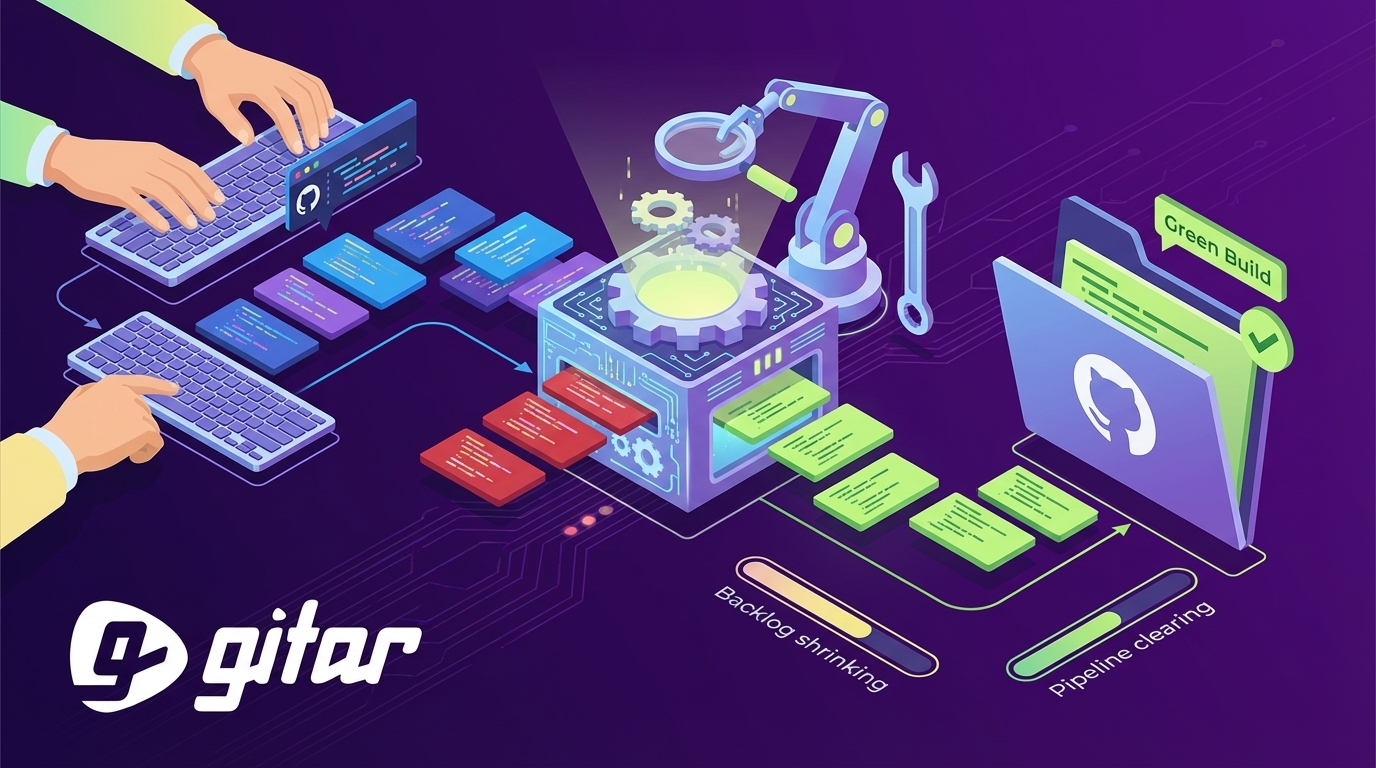
A typical Gitar workflow looks straightforward. Developer pushes code, the CI pipeline triggers, and Gitar detects a test failure. Gitar then analyzes logs, generates a fix, commits the solution, and updates the dashboard with a resolution summary. The entire process completes without developer intervention.
Best Practices for Hybrid Human-AI Review
Successful code review automation follows a phased rollout that builds trust and then increases autonomy.
- Integrate CI/CD platforms — Connect GitHub Actions, Azure Pipelines, or GitLab CI through native apps so every pull request flows through the same automated checks.
- Start in suggestion mode — Build team confidence by reviewing AI recommendations before enabling auto-commits, and refine rules based on early feedback.
- Enable selective auto-fixes — Begin with lint errors and style violations, then expand to logic fixes as teams see consistent, accurate results.
- Add natural language rules — Define custom automations without YAML complexity. See the Gitar documentation for detailed configuration examples.
- Connect analytics and integrations — Link Jira tickets, Slack notifications, and velocity dashboards so engineering leaders can track impact and trends.
Common pitfalls include relying solely on native platform features that miss security vulnerabilities and performance issues. This gap in coverage makes specialized third-party tools essential. Hard-coding pipeline steps instead of using pipeline-as-code approaches also limits collaboration and rollback capabilities when issues appear.
Gitar: Autonomous Healing Engine for Green Builds
Gitar moves beyond suggestion engines with a healing engine that focuses on delivering green builds. Key differentiators include:
- Autonomous fixes — Automatically resolves CI failures, addresses review feedback, and commits validated solutions.
- Single comment dashboard — As demonstrated in the comparison above, this approach eliminates notification spam by updating one consolidated comment.
- Natural language rules — Define workflows in plain language instead of managing complex YAML files.
- Deep integrations — Native support for GitHub, GitLab, Jira, Slack, and Linear.
- Comprehensive analytics — CI failure categorization and systematic pattern recognition that reveal recurring issues.
This feature set produces clear financial impact. For a 20-developer team, the typical $1M annual productivity loss from CI toil drops to about $250K through 45-minute daily time savings per developer. Measure your velocity improvements risk-free with a 14-day Team Plan trial before committing to any paid solution.
Gitar Implementation Phases
Phase 1: Installation (Day 1) — Install the Gitar GitHub App or GitLab integration and begin a 14-day Team Plan trial with full platform access. This step connects your repositories and CI so Gitar can observe real workloads.
Phase 2: Trust Building (Week 1) — With Gitar now monitoring your pull requests, spend the first week reviewing and approving AI-generated fixes to build confidence in its accuracy. During this phase, observe how the single-comment approach reduces noise compared to traditional review tools.
Phase 3: Automation (Week 2) — After teams trust the recommendations, enable auto-commit for well-understood fix types and add repository rules for workflow automation. This phase shifts routine fixes from manual effort to background automation.
Phase 4: Platform Expansion (Ongoing) — Use the analytics dashboard, implement natural language rules, and connect enterprise integrations. These steps turn Gitar from a point solution into a core part of your delivery platform.
Frequently Asked Questions
What is AI code review?
AI code review uses machine learning models to automatically analyze pull requests for bugs, security vulnerabilities, performance issues, and style violations. Unlike traditional static analysis tools, modern AI reviewers understand code context and business logic. Gitar goes beyond analysis by autonomously fixing detected issues and committing validated solutions directly to pull requests.
How does code review automation work with GitHub?
Code review automation integrates with GitHub through Apps that monitor pull request events via webhooks. When developers submit PRs, automation tools scan the code changes, run analysis, and provide feedback through comments or status checks. Gitar’s GitHub App automatically fixes CI failures, implements review feedback, and updates a single dashboard comment with all findings and resolutions.
What are the benefits of Azure DevOps AI code review?
Azure DevOps AI code review provides automated security scanning, quality gates that block non-compliant merges, and integration with Azure Pipelines for continuous validation. Teams gain reduced manual review time, consistent code quality standards, and faster deployment cycles. Advanced platforms like Gitar add autonomous fixing capabilities that resolve issues without manual intervention for supported CI systems.
How do automated code review tools compare to manual reviews?
Automated tools excel at catching routine issues like syntax errors, security vulnerabilities, and style violations consistently and quickly. They process code around the clock without fatigue and scale across unlimited pull requests. Human reviewers remain essential for architectural decisions, business logic validation, and complex design patterns. The most effective approach combines automated tools for routine checks with human oversight for strategic decisions.
What should teams consider when implementing code review automation?
Teams should start with clear objectives for automation scope, then begin in suggestion mode to build trust and gradually enable autonomous features. They need solid CI/CD integration, quality gates that match team standards, and human oversight for critical decisions. Teams should choose platforms that provide validated fixes instead of suggestions alone and track impact through metrics like review time reduction and defect detection rates.
Conclusion: Clear Your PR Backlog with Autonomous Fixes
The AI coding boom broke traditional code review processes by flooding teams with pull requests while review capacity stayed flat. Code review automation with autonomous fixing capabilities now offers a practical solution to this bottleneck. While competitors charge premium prices for suggestion engines that still require manual work, Gitar’s healing engine actually fixes code and keeps builds green.
Teams that adopt comprehensive automation report 30% faster merge cycles, about 70% less manual review time, and roughly $750K annual savings for 20-developer teams. The technology has moved beyond suggestions to autonomous fixes that validate against CI and commit working solutions.
Install Gitar to automatically fix broken builds and ship higher quality software faster. Experience the difference between suggestion engines and autonomous platforms with a risk-free 14-day Team Plan trial.