
Key Takeaways
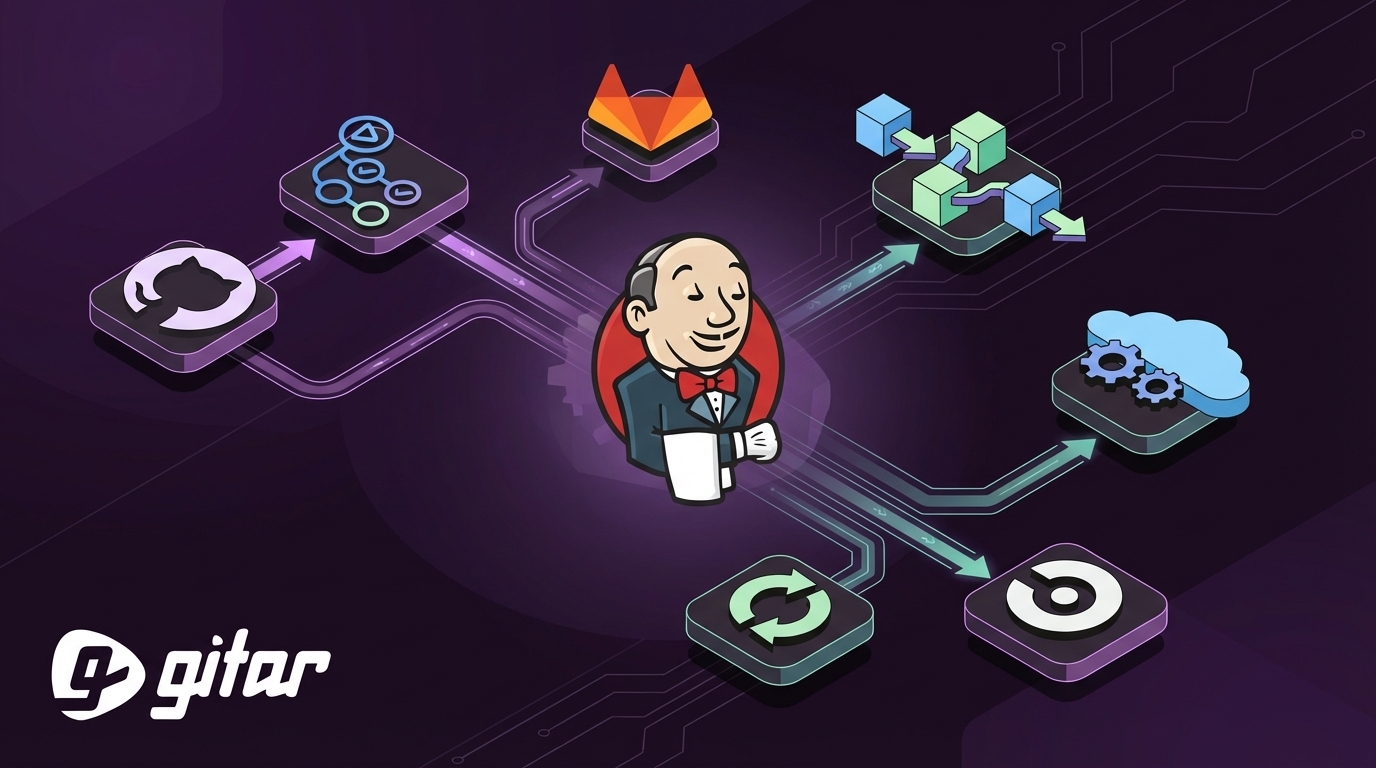
- Jenkins now operates as legacy CI/CD infrastructure for many teams in 2026, especially compared with newer cloud-native platforms built for fast iteration.
- GitHub Actions, GitLab CI/CD, AWS CodePipeline, Azure DevOps, and CircleCI each address different needs around scalability, integrations, and enterprise controls.
- AI-assisted coding and distributed teams create more pull requests and CI runs, which increases the cost of manual debugging and context switching.
- Self-healing automation that fixes common CI failures provides more impact than switching tools alone, because it attacks the core productivity bottleneck.
- Teams that want autonomous CI fixes across major platforms can install Gitar to automatically repair failures and speed up merges.
Why Traditional Jenkins Automation Falls Short in 2026
Modern engineering teams push more code than ever, but Jenkins still relies on manual setup and hands-on maintenance. Each failed build turns into a context switch, even when the fix only takes a few minutes.
AI coding tools such as GitHub Copilot and Cursor increase pull request volume and test runs. More code generation leads to more CI failures from missing dependencies, flaky tests, or linting errors. The main bottleneck now sits in validating and merging code, not writing it. Newer CI/CD platforms focus on scalable, user-friendly workflows instead of heavy server management.
Distributed teams feel this even more. A pull request opened in San Francisco and reviewed in Bangalore can bounce across time zones for days when each failure requires manual triage. Traditional CI tools often surface errors without helping apply the actual fix.
1. GitHub Actions for GitHub-Centric Teams
GitHub Actions is a widely adopted CI/CD option with a large catalog of reusable “actions”. Teams run pipelines directly in the same interface where they manage code, reviews, and issues.
The platform uses YAML workflows stored in the repo, which keeps configuration versioned with the code. Teams often find its interface and setup simpler than Jenkins’ plugin-heavy model. The marketplace covers tasks such as Docker builds, cloud deploys, and security scans.
Build failures still require investigation and manual edits to the pull request. Many teams now pair GitHub Actions with autonomous fixing tools so the system can read logs, propose changes, and push updates back to the branch. Gitar plugs into GitHub to diagnose failures, apply targeted fixes, and re-run checks without developer involvement.
2. GitLab CI/CD for an All-in-One DevOps Workflow
GitLab CI/CD fits teams that want source control, CI/CD, issues, and security in one platform instead of stitching tools around Jenkins. Pipelines live next to merge requests and issues, which keeps work visible to the whole team.
Modern CI/CD platforms need strong support for containers and cloud infrastructure, and GitLab addresses this with native Kubernetes integration and automated scaling. Teams can use canary and blue‑green strategies for safer releases.
GitLab also emphasizes GitOps workflows so teams manage deployments directly from Git. This model keeps infrastructure and application changes versioned together.
Large organizations benefit from policy-based deployments, compliance controls, and built-in security scanning. Even with this coverage, teams still resolve failing jobs by hand unless they add self-healing automation on top.
3. AWS CodePipeline for AWS-Heavy Environments
AWS CodePipeline works best for teams that standardize on AWS. It connects closely with services such as EC2, Lambda, ECS, and on-premises targets, which simplifies multi-step deployment flows.
AWS CodeDeploy supports EC2, Lambda, on-premises, and ECS targets with blue‑green and in-place releases. This flexibility helps teams reduce downtime and roll back when issues appear. CodeDeploy also integrates with CloudWatch and CloudFormation, so monitoring and infrastructure changes can live in the same ecosystem.
Teams with multi-cloud or hybrid setups often need extra work to adapt CodePipeline for non-AWS targets. The platform still expects engineers to debug logs and push code fixes manually when a stage fails.
4. Azure DevOps for Microsoft-Focused Organizations
Azure DevOps offers Azure Pipelines, hosted agents, and support for many languages and platforms. It serves organizations that run significant workloads on Azure or use Microsoft tools across the stack.
Azure Pipelines can express multi-stage workflows, environment gates, and approvals. Teams define distinct steps for build, test, staging, and production with targeted checks at each point.
Compliance-focused teams use deployment windows, approvals, and environment locks to reduce production risk. Native integrations with Active Directory, Microsoft Teams, and Office 365 lower adoption friction for enterprises moving off Jenkins.
5. CircleCI for Fast Feedback and Simple Setup
CircleCI emphasizes rapid feedback and managed infrastructure, which helps teams avoid operating their own Jenkins clusters. Modern CI/CD platforms aim to increase release speed and developer productivity compared with Jenkins, and CircleCI focuses directly on that outcome.
Its caching, parallelization, and test splitting can shorten build times significantly. Cloud-hosted runners handle scaling and maintenance, and developers use configuration files in the repo to define pipelines.
Debugging features include SSH access to failed jobs, detailed logs, and performance metrics. These tools make triage easier than in many legacy Jenkins setups, but they still rely on developers to interpret output and edit code.
Gitar connects to CircleCI to detect issues like failing tests, lint errors, or dependency conflicts, then proposes and commits fixes automatically. This approach keeps developers focused on feature work instead of repeated CI clean‑up.
How Self-Healing CI Reduces Manual Fixes
All five Jenkins alternatives improve usability and integration, yet they share one common limitation. Each platform stops at reporting failures and expects engineers to perform the repair work.
Self-healing CI adds a missing layer. An autonomous agent such as Gitar can read logs from GitHub Actions, GitLab CI, AWS CodePipeline, Azure DevOps, or CircleCI, identify the cause, and push a code change back to the branch.

Typical fixes include:
- Correcting lint and formatting violations so style checks pass
- Updating tests or fixtures that fail after behavior changes
- Adjusting dependencies or build configuration when versions drift
- Re-running CI to confirm the fix before asking for review

This pattern turns CI from a passive reporting system into an active assistant. Developers stay focused on design and implementation while the agent handles repetitive repairs.

|
Platform |
Best For |
Key Strength |
Enterprise Ready |
|
GitHub Actions |
GitHub-centric teams |
Native repo integration |
Yes |
|
GitLab CI/CD |
End-to-end DevOps |
All-in-one toolchain |
Yes |
|
AWS CodePipeline |
AWS-heavy environments |
Deep AWS integration |
Yes |
|
Azure DevOps |
Microsoft ecosystems |
Compliance and controls |
Yes |
|
CircleCI |
Teams prioritizing speed |
Fast builds and simple setup |
Yes |
Frequently Asked Questions
Which Jenkins alternative works best for small development teams?
Small teams usually find GitHub Actions the most straightforward option. It lives inside GitHub, reduces setup work, and includes a large marketplace of reusable actions for building, testing, and deploying applications.
How well do these tools support complex enterprise requirements?
Enterprises often choose GitLab CI/CD or Azure DevOps for built-in compliance, detailed audit trails, and approval workflows. AWS CodePipeline integrates tightly with AWS security services, and all major platforms support role-based access and identity provider integrations.
Can these platforms connect to existing collaboration and testing tools?
Modern Jenkins alternatives expose webhooks, APIs, and native integrations for tools such as Slack, Jira, and popular testing frameworks. This design reduces reliance on fragile plugins and makes maintenance easier over time.
How does build performance compare to Jenkins?
Cloud-native services such as GitHub Actions and CircleCI generally deliver faster feedback than many self-hosted Jenkins setups. Features like automatic scaling, parallel jobs, and aggressive caching help shorten build and test cycles.
How do these platforms handle failures and debugging today?
Each platform offers clearer logs and better diagnostics than traditional Jenkins, but they still depend on engineers to fix the code. Teams that want to reduce this manual work can install Gitar to automatically repair common CI failures and keep pipelines moving without constant intervention.