
Last updated: March 10, 2026
Key Takeaways
- AI coding tools generate code 3-5x faster, but PR review times have jumped 91%, creating a serious development bottleneck.
- DIY Claude AI GitHub integrations often break, leak tokens, suffer from API outages, and demand constant maintenance.
- Production-ready automation needs auto-fixes, CI failure analysis, and resilient infrastructure, not just code suggestions.
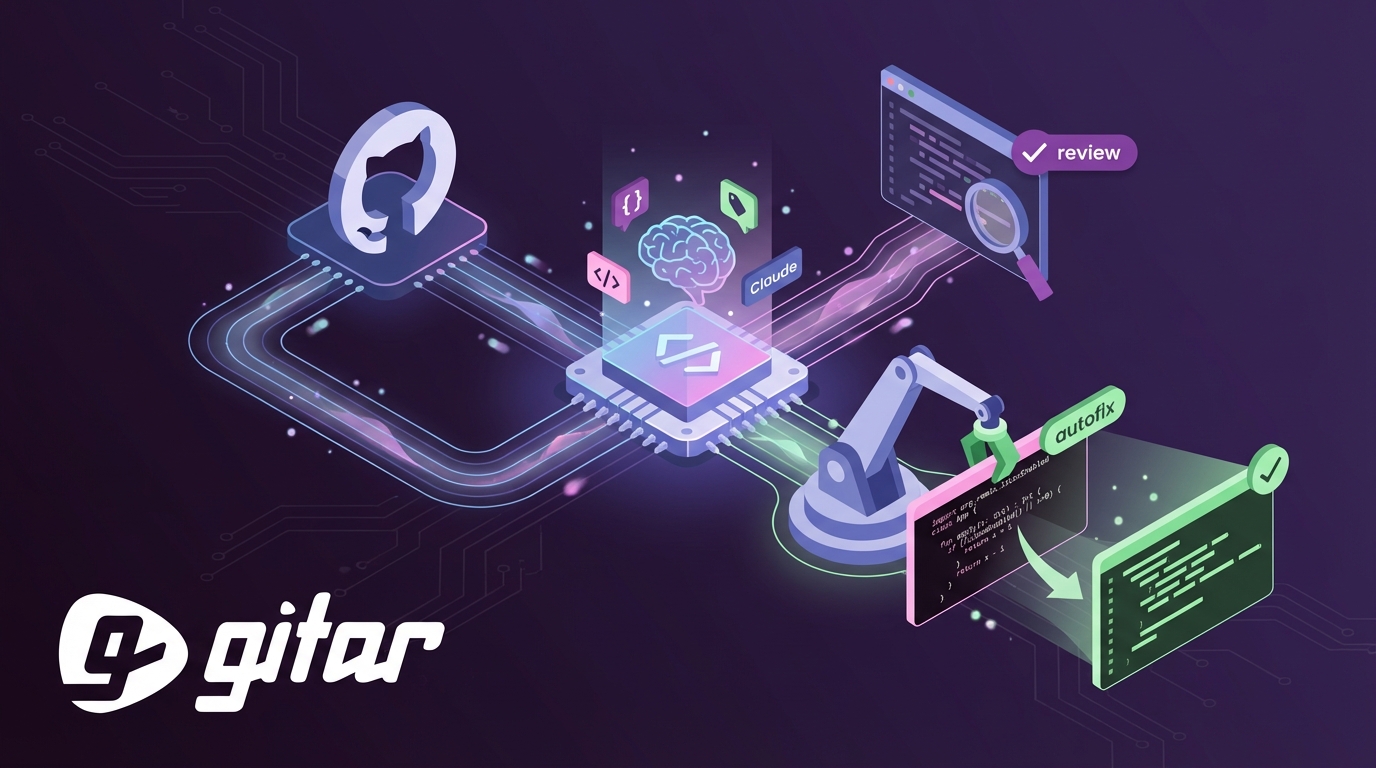
- Gitar delivers automatic code fixes, a single-comment review UI, and an auto-healing CI that outperforms DIY setups and competitors.
- Teams save about $750k per year with Gitar; install Gitar today for a 14-day free trial and production-grade automation.
The PR Bottleneck Behind AI Coding Growth
AI-assisted coding has exploded, but review capacity has not kept up. GitHub Copilot Code Review has already run more than 60 million reviews, with usage growing 10x and now powering over one in five code reviews. Teams still feel stuck because human reviewers must sift through more changes than ever.
DIY Claude setups add their own friction. Many tools flood PRs with low-value comments that clutter timelines and exhaust developers. Only 39% of developers see a clear business impact from AI coding assistants, partly because verification work piles up while AI keeps generating more code.
Security concerns raise the stakes further. External processing of prompts and code can expose sensitive details such as API keys in suggestions. Robust output filtering and PII checks become mandatory to prevent data leaks.
Claude API Foundations for GitHub Code Reviews
Solid Claude API setup prevents many early failures in automated GitHub reviews.
API Setup: Obtain an Anthropic API key with access to Claude Sonnet 4.6, launched February 17, 2026, with a 1M token beta context window and stronger coding skills. Store the key in GitHub repository secrets so it never appears in logs or code. For hardened production integrations, follow the patterns in the Gitar documentation.
Repository Configuration: Create a CLAUDE.md file that documents project rules, coding style, and architecture guidelines. Claude uses this file as shared context, which keeps automated reviews aligned with team standards.
Dependencies: Install Python packages for the Anthropic SDK, a GitHub API client, and diff parsing. Configure environment variables for both API authentication and repository access so scripts run cleanly in CI.
Step-by-Step GitHub Actions Workflow for Claude Reviews
Step 1: Create Workflow File
Add .github/workflows/claude-review.yml:
name: Claude Code Review on: pull_request: types: [opened, synchronize] jobs: review: runs-on: ubuntu-latest steps: – uses: actions/checkout@v4 – name: Setup Python uses: actions/setup-python@v4 with: python-version: ‘3.11’ – name: Run Claude Review env: ANTHROPIC_API_KEY: ${{ secrets.ANTHROPIC_API_KEY }} GITHUB_TOKEN: ${{ secrets.GITHUB_TOKEN }} run: python .github/scripts/claude-review.py
Step 2: Add Python Analysis Script
Create .github/scripts/claude-review.py to fetch PR diffs, analyze changes, and call Claude’s API. The script parses git diffs, extracts meaningful code edits, and formats them into a prompt Claude can evaluate.
Step 3: Craft Effective Prompts
Use precise instructions to avoid vague responses. For example: “Review this diff for security vulnerabilities, performance issues, and code quality problems. Focus on authentication, data validation, and error handling.”
Step 4: Implement GitHub API Integration
Configure the script to post review comments through the GitHub REST API. Handle authentication cleanly, respect rate limits, and log errors so failures are easy to debug.
Step 5: Scale Across Multiple Repositories
Use Git worktrees to support parallel work across several Claude instances when you extend automation to many repositories.
Step 6: Add a Testing Loop
Use simple control loops with pre-commit hooks and validation files. Enforce test-and-fix cycles that keep running until builds pass.
Step 7: Deploy and Monitor
Run the workflow on sample PRs, watch API usage and costs, and refine prompts and filters to cut down on false positives.
Real-World DIY Pitfalls and How Teams Respond
Production teams report recurring problems when they roll their own Claude-based review bots.
|
Pitfall |
Impact |
DIY Solution |
|
Review Fatigue |
Developer burnout from excessive comments |
Configure filtering rules, limit comment frequency |
|
API Outages |
Workflow failures during service disruptions |
Implement fallback mechanisms, retry logic |
|
Token Leaks |
Security vulnerabilities, compliance issues |
Strict secret management, output sanitization |
Action budgets help prevent infinite loops and runaway AI agent costs. Most DIY stacks still lack strong guardrails and auto-healing behavior that production environments require.
Where DIY Claude Breaks at Production Scale
DIY Claude integrations often work for small experiments, then struggle as usage grows. Only 30% of AI-suggested code gets accepted, which highlights accuracy gaps that manual reviewers must catch.
The verification bottleneck quickly becomes severe. Manual QA cannot match the volume of AI-generated code, even with 97% developer adoption. Engineers end up maintaining brittle automation instead of shipping product features.
Common DIY gaps include:
- No automatic fix implementation, so every suggestion still needs manual edits
- Minimal CI context, which blocks deep analysis of build failures or test results
- High maintenance overhead as scripts break when APIs or tools change
- Security exposure from weak handling of secrets, logs, and tokens
Gitar closes these gaps with auto-resolving CI failures, automatic implementation of review feedback, natural language rules, and integrations with Jira and Slack.
Details live in the Gitar documentation. For a 20-developer team, these capabilities typically unlock about $750l in yearly savings through fewer context switches and faster issue resolution.

Why Gitar Outperforms DIY Claude and Other Tools
Gitar focuses on execution, not just suggestions, which separates it from DIY Claude bots and competitors.
|
Capability |
DIY Claude |
CodeRabbit/Greptile |
Gitar |
|
Auto-fix Implementation |
No |
No |
Yes |
|
CI Failure Analysis |
Limited |
No |
Yes |
|
Single Comment UI |
No |
No |
Yes |
|
Auto-healing CI |
No |
No |
Yes |
Gitar’s healing engine validates fixes inside your real CI environment before committing. When lint checks fail, tests break, or builds crash, Gitar reads the logs, proposes targeted fixes, validates them, and commits working changes automatically. You can explore the full flow in the Gitar documentation.
GitHub Copilot Code Review averages 5.1 comments per review, yet every suggestion still needs manual work. Gitar rolls all findings into a single dashboard-style comment that updates in place, which cuts notification noise and highlights fixes that already exist.

The ROI story stays simple. Teams pay $15-30 per developer each month for suggestion-only tools, then lose time applying changes by hand. The Gitar documentation walks through installation and a 14-day free Team Plan trial so you can see automation value in your own repos.
Gitar FAQs for Engineering Leaders
Can I trust auto-commits from Gitar?
Gitar lets you choose how aggressive automation should be. Start in suggestion mode so you approve every fix and build confidence. Gradually enable auto-commit for low-risk issues such as lint errors or formatting problems. You keep final control over automation levels. Enterprise customers can run the agent inside their own CI pipelines, with full environment access while keeping code private.
How does Gitar handle complex CI environments?
Gitar thrives in complex CI setups by mirroring your environment, including SDK versions, dependency graphs, and third-party scanners. The Enterprise tier runs agents directly inside your CI with access to secrets and caches. This approach ensures fixes succeed in production conditions, not just in a sandbox. DIY scripts rarely achieve this depth of environmental awareness.

How does Gitar respond to Claude outages like March 2026?
Gitar’s architecture supports resilient agent behavior with fallbacks and retries. DIY bots often fail outright during provider outages. Gitar’s enterprise-grade infrastructure keeps critical development workflows running, even when upstream services wobble.
What is the ROI difference between DIY and Gitar?
DIY Claude projects demand ongoing engineering time for maintenance, security patches, and new features. Teams often spend 10-15 hours per month just keeping custom scripts alive. Gitar removes that burden while adding auto-fixes, CI integration, and workflow automation. The managed platform cuts total ownership cost and lifts developer productivity with patterns that already work at scale.
How does Gitar fit into existing workflows?
Gitar integrates with GitHub, GitLab, CircleCI, Buildkite, Jira, Slack, and Linear. Natural language rules in repo configuration files let you automate workflows without complex YAML or scripting. The platform learns team patterns over time and carries context across PRs and repositories. Full integration guidance appears in the Gitar documentation.

Ship Faster by Replacing DIY with Gitar
DIY Claude bots help teams experiment with AI reviews, but production workloads expose their limits. Suggestion-only tools that cost $15-30 per developer each month still rely on manual fix work. Maintenance, security, and scaling headaches make DIY a poor fit for serious engineering organizations.
Gitar upgrades code review from suggestion engine to healing engine. When CI fails, Gitar fixes it. When reviewers leave comments, Gitar applies the changes. This shift delivers a step change in development speed, not a small tweak.
Install Gitar now to auto-fix broken builds and ship higher quality software faster. The 14-day Team Plan trial unlocks full auto-fix features, custom rules, and deep integrations. You get production-ready automation with minimal setup and a clear impact on sprint velocity.