
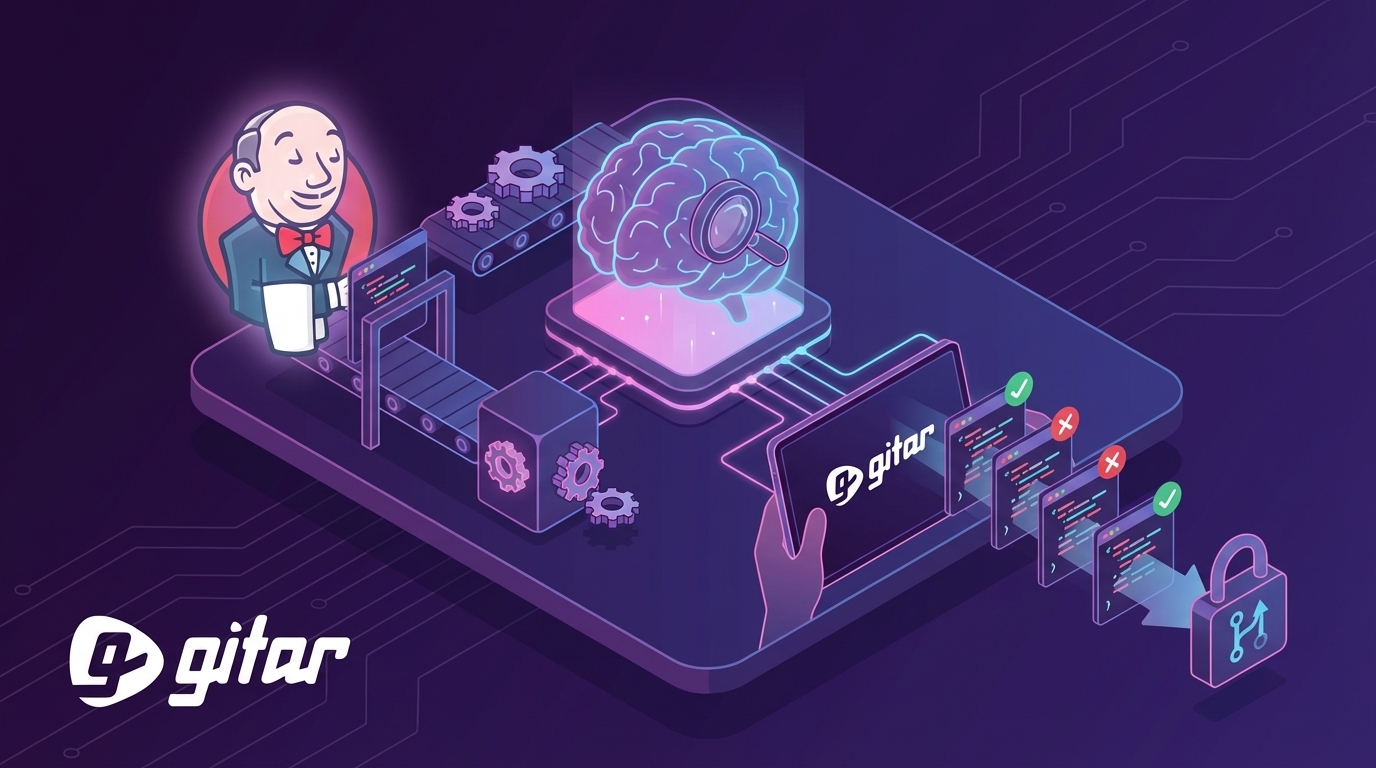
Written by: Ali-Reza Adl-Tabatabai, Founder and CEO, Gitar
Key Takeaways for Jenkins AI Code Review with Gitar
- AI coding assistants speed up development 3–5x but also extend PR review times, which creates bottlenecks in Jenkins pipelines.
- Gitar autonomously applies and validates code fixes in real CI environments like Jenkins, while suggestion-only tools leave fixes to developers.
- Teams connect Gitar through GitHub or GitLab apps and Jenkins webhooks to enable automated PR analysis, quality gates, and reliable green builds.
- Natural language rules and CI failure analysis support custom policies and self-healing pipelines without requiring deep DevOps expertise.
- Teams often save $750k per year on CI failures using Gitar, and you can start your 14-day Gitar Team Plan trial for automatic green builds today.
Why Jenkins Teams Need Automated AI Code Review
The 2026 development landscape reveals a critical gap between code generation speed and review capacity. While 96% of developers do not fully trust AI-generated code, this skepticism rarely turns into consistent verification. Only 48% always check their AI-assisted code before committing. This disconnect between distrust and verification sends a flood of potentially problematic code into Jenkins pipelines.
Traditional solutions struggle to close this gap. SonarQube provides static analysis with AI-powered fix suggestions, but developers still need to apply those fixes manually. CodeRabbit and Greptile offer suggestions at $15–30 per seat, yet they cannot confirm that their recommendations work in your CI environment. Gitar closes this gap with natural language rules and CI failure analysis (detailed in Gitar’s documentation) that automatically resolve issues and keep builds green.

The following comparison shows how Gitar’s validation-first approach differs from suggestion-only competitors:
|
Capability |
Competitors |
Gitar |
|
Auto-apply fixes |
No |
Yes |
|
CI failure analysis |
No |
Yes |
|
Green build guarantee |
No |
Yes |
|
Seat-based pricing |
Yes ($15-30) |
14-day free trial |
How to Choose a Jenkins AI Code Review Platform
Teams evaluating Jenkins AI code review solutions see Gitar stand apart from the competition. CodeRabbit processes 13 million+ PRs with surface-level diff analysis, and Greptile charges $30 per developer for deep codebase analysis. Both tools still leave the actual implementation of their suggestions to developers.
Gitar’s advantage comes from its healing engine architecture that works across GitHub, GitLab, and major CI platforms such as GitHub Actions, GitLab CI, CircleCI, and Buildkite. Gitar provides webhook integration, quality gates, and automatic fix validation through its GitHub and GitLab apps. The platform also includes Jira and Slack integrations, comprehensive documentation, and a 14-day free trial with no seat limits.

This integration-first approach addresses a common misconception. Many teams search for “the best Jenkins AI plugins” when they actually need a platform that augments their existing CI setup without complex YAML or heavy DevOps work. Install Gitar to fix broken builds automatically and start shipping higher quality software faster.
Step-by-Step: Automate AI Code Review in Jenkins Pipelines with Gitar
This guide walks through integrating Gitar’s AI code review into a Jenkins pipeline so your team gains automated fixes and consistent green builds. Each step includes executable code examples that you can adapt directly.
Step 1: Install the Gitar GitHub or GitLab Integration
First install the Gitar GitHub App or GitLab integration on your repositories. Gitar then analyzes pull requests automatically and posts results as dashboard comments. Jenkins users configure their pipelines to trigger on PR events that Gitar processes.
// Example Jenkins trigger configuration for PR events triggers { githubPush() GenericTrigger( genericVariables: [ [key: ‘ref’, value: ‘$.ref’], [key: ‘repository’, value: ‘$.repository.name’] ], token: ‘your-webhook-token’, regexpFilterText: ‘$ref’, regexpFilterExpression: ‘refs/heads/(main|develop)’ ) }
Step 2: Configure Jenkins Triggers for PR Events
Next configure your Jenkinsfile so it responds to pull request events from your version control system. Gitar then analyzes PRs through its GitHub or GitLab integration while Jenkins handles the pipeline execution.
pipeline { agent any triggers { githubPush() } environment { GITAR_WEBHOOK_SECRET = credentials(‘gitar-webhook-secret’) } }
Step 3: Add a Stage to Monitor Gitar Analysis
After triggers are in place, add a dedicated stage to your Jenkinsfile that waits for Gitar’s PR analysis status. This stage checks webhooks or status checks configured through the Gitar GitHub or GitLab app.
pipeline { agent any stages { stage(‘Checkout’) { steps { checkout scm } } stage(‘Wait for Gitar Review’) { steps { script { // Check Gitar status via GitHub Checks API or webhook timeout(time: 10, unit: ‘MINUTES’) { waitUntil { // Implementation depends on your webhook setup echo ‘Gitar review completed – check PR comments’ return true } } } } } } }
Step 4: Enforce Quality Gates and Block Risky Merges
Configure Gitar’s PR blocking rules in the GitHub or GitLab app settings so merges stop when critical issues appear. This configuration ensures your Jenkins pipeline upholds consistent code quality standards.
stage(‘Quality Gate’) { steps { script { // Use GitHub Checks API or Gitar status to verify review passed timeout(time: 10, unit: ‘MINUTES’) { waitUntil { // Check Gitar review status via GitHub status checks echo ‘Waiting for Gitar quality gate…’ return env.GITAR_STATUS == ‘pass’ } } if (env.GITAR_STATUS != ‘pass’) { error(“Gitar AI review failed: Critical issues found”) } } } }
Step 5: Use Gitar’s Auto-fix Capabilities
Gitar detects CI failures and applies fixes directly to the pull request. Your Jenkins pipeline then observes these commits and reruns tests to confirm stability.
stage(‘Monitor Auto-fixes’) { when { expression { env.GITAR_STATUS == ‘fix_available’ } } steps { script { echo ‘Gitar is applying automatic fixes to the PR’ // Gitar handles fix application automatically // Re-run tests after observing new commits sh ‘python -m pytest tests/ –junitxml=test-results.xml’ } } }
Step 6: Define Natural Language Repository Rules
Gitar’s repository rules feature (see documentation for full syntax) lets you express custom review policies in natural language. Create a file such as .gitar/rules/security.md to enforce security reviews.

— title: “Security Review” when: “PRs modifying authentication or encryption code” actions: “Assign security team and add security-review label” — When sensitive code is modified: – Assign @security-team as reviewer – Add “security-review” label – Require additional manual approval
Step 7: Monitor Results and Tune Rules
Monitor your Gitar integration through the Gitar dashboard and PR comments. Track false positives, then refine repository rules to match your team’s risk tolerance.
post { always { // Gitar provides metrics through dashboard echo ‘Check Gitar dashboard for detailed metrics’ } failure { slackSend( channel: ‘#dev-ops’, message: “Pipeline failed for ${env.JOB_NAME} #${env.BUILD_NUMBER}. Check Gitar PR comments.” ) } }
This comprehensive setup uses Gitar’s CI intelligence platform to create a self-healing pipeline that keeps builds green with minimal manual intervention.
Advanced Jenkins AI Agent Workflows and Integrations
Gitar’s Jenkins AI agent capabilities extend basic code review into full workflow automation. The platform emulates your complete CI environment, including secrets, dependencies, and build contexts. This design ensures that applied fixes behave correctly in production rather than only in isolated tests.
Advanced integrations connect Gitar to your entire development workflow. GitHub and Jenkins synchronization keeps build status current, Slack notifications provide team visibility, and Jira ticket linking adds project management context to every fix. Beyond these passive integrations, teams can actively direct Gitar with natural language commands such as @gitar fix async to trigger specific refactoring tasks. This combination surpasses basic Jenkins ChatGPT integrations by delivering validated, contextual fixes instead of generic suggestions.
The agent architecture maintains state across the full pull request lifecycle, from initial submission through final merge. It continuously works to keep CI green and resolve issues before they slow down developers.
ROI of Jenkins AI Review and Common Pitfalls
Teams that implement AI code review in Jenkins report substantial productivity gains. A 20-developer team can save roughly $1M per year by reducing time spent on CI failures and repetitive manual reviews. The dramatic PR review time increase mentioned earlier shows that suggestion-only tools often create extra work instead of reducing it.

Common pitfalls include relying on unvalidated AI suggestions, applying fixes without CI context, and overwhelming developers with noisy notifications. Gitar addresses these problems with validated auto-fixes, deep CI integration, and consolidated single-comment reporting that reduces alert fatigue. Teams can start in suggestion mode, then progress to auto-commit as confidence grows, while tracking the impact on sprint velocity.
Conclusion: Turn Jenkins into a Self-Healing CI System
Automated code review in Jenkins requires more than AI suggestions. Teams need a healing engine that fixes code and keeps builds reliably green. Gitar’s platform turns the post-AI coding bottleneck into an advantage through validated auto-fixes, natural language rules, and tight CI integration. Try Gitar free for 14 days and transform your CI pipeline into a self-healing system.
Frequently Asked Questions
What are the best Jenkins AI plugins for code review?
Modern AI code review works best as a platform integration rather than a traditional plugin. Gitar provides webhook-based integration through its GitHub and GitLab apps without requiring a Jenkins plugin. The platform triggers on pull request events and posts consolidated results as PR comments. This approach offers more flexibility than plugins while adding deeper CI context and automatic fix capabilities that standard Jenkins plugins cannot match.
How do I automate code review in Jenkins with AI for Python projects?
Python projects benefit from Gitar’s language-aware analysis and auto-fix features. Configure your Jenkinsfile to trigger Gitar analysis on Python file changes, wire in pytest for test validation, and enable automatic fixes for issues such as import errors, syntax problems, and PEP 8 violations. Gitar understands Python project structure, virtual environments, and dependency management, so it delivers contextual fixes that fit your setup.
How does Gitar compare to CodeRabbit for Jenkins integration?
CodeRabbit provides suggestions at $15–30 per seat and leaves fix application to developers. Gitar’s healing engine instead applies and validates fixes against your actual CI environment. While CodeRabbit focuses on surface-level diff analysis, Gitar uses full codebase context with CI failure analysis. Gitar’s key difference is a green build guarantee through validated auto-fixes, while CodeRabbit stops at suggestions that may or may not work.
Can I trust automated commits from AI code review tools?
Teams should build trust in automated commits gradually with configurable automation levels. Start with Gitar in suggestion mode so you review and approve each fix. Monitor accuracy and relevance over several sprints. Enable auto-commit for low-risk fixes such as formatting or import organization, then expand to more complex changes as confidence grows. Gitar validates all fixes against your CI environment before applying them, which adds a safety layer that suggestion-only tools lack.
How do I set up Jenkins AI GitHub integration for large repositories?
Large repositories require careful configuration to maintain performance. Use file filtering in Jenkins triggers so pipelines focus on relevant source changes. Gitar’s hierarchical memory system handles large codebases with per-line, per-PR, and per-repo context. Configure branch-specific repository rules to prioritize main branches. Gitar’s enterprise tier can also run agents inside your CI environment for maximum performance on very large codebases.