
Key Takeaways
- Automated build troubleshooting reduces CI firefighting, shortens time-to-merge, and helps teams maintain development velocity as AI-generated code volume grows.
- Healing engines that apply and validate fixes provide more impact than suggestion-only tools, which still require developer attention and context switching.
- Silent CI failures and unnecessary reruns consume significant compute time and budget, so proactive automation delivers both productivity and cost benefits.
- Successful adoption depends on organizational readiness, clear risk policies, and gradual trust building, not only on technical capabilities.
- Gitar provides a self-healing CI agent that identifies, fixes, and validates failing builds automatically, and teams can get started at https://gitar.ai/fix.
The Strategic Context: Why CI Troubleshooting Demands Executive Attention
CI/CD pipeline performance now shapes how fast organizations ship, respond to customers, and manage risk. CI/CD pipeline bottlenecks directly affect delivery speed, security exposure, operating costs, and strategic execution, which moves CI from a tooling concern to an executive priority.
The economics escalate quickly. For a 20-developer team, the hidden cost of CI troubleshooting can reach about $1M per year in lost productivity. That cost comes from frequent context switching when developers leave deep work to debug failing builds, inspect logs, and attempt fixes that may trigger new failures.
Many teams now face a right-shift effect where pipeline friction slows delivery while competitors improve shipping cadence and responsiveness. The impact shows up not only in engineering time but also in slower market response and weaker competitive position.
Install Gitar to automatically fix broken builds and reduce manual CI firefighting
Understanding the Automated Build Troubleshooting Landscape
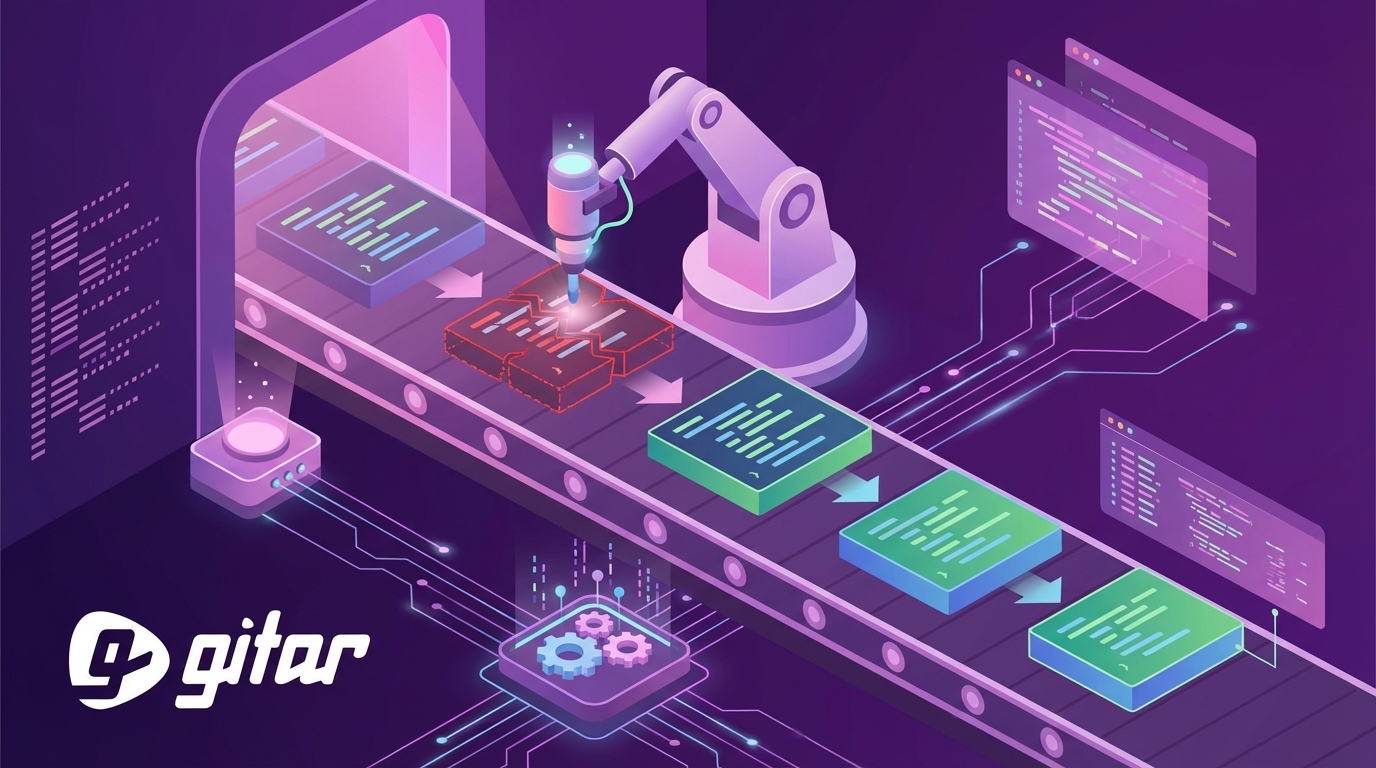
Automated build troubleshooting software is a class of tools that identifies, diagnoses, and resolves CI/CD pipeline failures with minimal human input. Traditional monitoring surfaces alerts and logs. Automated troubleshooting adds an execution layer that applies fixes and restores passing builds.
Healing Engines Provide Direct Business Value
The market splits into two main models: suggestion engines and healing engines. Suggestion engines analyze failures and propose remediation steps that developers must implement. Healing engines analyze failures, generate fixes, apply changes to the branch, and validate results in the CI environment.
This difference drives outcomes. Suggestion engines still require developers to evaluate proposals, edit code, and rerun pipelines, which preserves much of the context-switching cost. Healing engines remove that manual workflow so most failures resolve in the background.
Silent Failures Create Hidden Operational Waste
Silent failures in CI systems, where jobs appear successful but contain undetected anomalies, create reliability and cost problems. These issues give teams false confidence in build health and trigger extra reruns and late discovery of defects.
Reruns of successful jobs with silent failures account for nearly 48% of total wasted server time from all job reruns, and over 35% of these reruns occur more than 24 hours later. This pattern highlights the limits of reactive, manual troubleshooting at modern delivery speeds.
Strategic Considerations for Implementation
Build vs. Buy: Focus Internal Effort on Product
Leaders must decide whether to build internal CI agents or adopt specialized tools. Internal solutions require sustained engineering investment in agent orchestration, stateful execution, environment replication, and security hardening. These capabilities resemble a product of their own, not a side project.
Effective CI agents must handle concurrent jobs across users, out-of-order events, retries, and dependencies across stages while preserving shared state. Few organizations benefit from dedicating senior engineers to this infrastructure instead of core product work.
Change Management and Trust Building
Teams need clear change management plans once software starts editing code and merging fixes. Cultural resistance, skills gaps, and gaps in DevOps ownership frequently block effective CI/CD adoption, and the same forces affect autonomous troubleshooting.
Many organizations adopt a phased model. Initial deployments run in suggestion mode with human approval. Later phases allow automatic fixes for low-risk issues such as lint and formatting. Once teams see consistent quality, they extend automation to broader failure categories.
ROI and Metrics That Matter
Automated troubleshooting creates value in several dimensions. Common success metrics include:
- Shorter time-to-merge for pull requests
- Fewer context switches per developer per day
- Lower CI compute and rerun costs
- Higher developer satisfaction and lower burnout
- Faster ramp-up for new engineers who handle fewer low-level CI issues
Organizations that track these metrics see gains not only in hours saved but also in throughput and predictability of releases.
Start measuring the impact of automated CI fixes with Gitar
How Gitar Delivers Self-Healing CI in 2026
Gitar provides an automated agent that diagnoses and fixes CI failures end to end. When a pipeline fails, Gitar reads the logs, identifies the likely cause, proposes a code change, applies the fix to the pull request branch, and reruns checks to confirm the build is green.

Architecture Designed for Complex CI Environments
Gitar tracks context across jobs, users, and retries so it can reason about failures in noisy environments. The agent de-duplicates repeated problems, understands multi-stage workflows, and respects project-specific SDK versions, dependency graphs, and tools such as SonarQube or Snyk.
Gitar handles common failure types including lint violations, test failures, and build errors. The system also responds to code review feedback that requires concrete edits, which reduces back-and-forth between reviewers and authors.

Configurable Automation and Risk Controls
Gitar offers different automation levels so teams can match behavior to risk tolerance. A conservative mode posts fixes as suggestions that require one-click approval. A more automated mode commits fixes directly while preserving full audit history and rollback options.
Cross-Platform Coverage
Gitar integrates with GitHub Actions, GitLab CI, CircleCI, Buildkite, and other CI systems. This flexibility allows large organizations to standardize on one troubleshooting approach even when they run multiple CI platforms.

Implementation Readiness Assessment
Teams can improve outcomes by assessing technical and organizational readiness before rollout.
Technical Prerequisites
- Reasonably standardized CI pipelines and repeatable failure patterns
- Sufficient automated test coverage to validate fixes with confidence
- Clear boundaries between environment issues and code issues
- Documented rollback procedures for deployments
Organizational Readiness
- Baseline comfort with AI-assisted tools in the engineering team
- Defined ownership for CI/CD infrastructure
- Existing metrics on CI cost, flakiness, and time spent on troubleshooting
- Executive support for automation and process change
Risk Management and Governance
Successful programs define policies for automated changes. These policies cover which changes require human approval, how audit logs are stored and reviewed, and how incidents are handled when automation cannot resolve an issue.
Evaluate your readiness and pilot Gitar on a subset of services
Common Pitfalls Engineering Teams Can Avoid
Underestimating Integration Effort
Fragmented toolchains and multiple CI/CD platforms increase operational complexity. Teams often underestimate the work required to wire automation into each pipeline, apply consistent policies, and maintain this integration as architectures evolve.
Skipping Trust-Building Phases
Some organizations attempt to start with full autonomy and no guardrails. This approach can cause developers to distrust the system and disable it after early mistakes, even when overall accuracy is strong.
Keeping Scope Too Narrow
Restricting automation to only trivial failures, such as simple linting, limits impact and makes it harder to justify investment. Broader coverage of tests, build steps, and dependency issues creates a more meaningful productivity gain.
Overlooking Distributed Team Benefits
Global teams can gain particular value from autonomous troubleshooting. Automated agents can fix and validate issues while other time zones sleep, which shortens review cycles and reduces idle time for pull requests.
The Future of Autonomous Development Operations
Automated build troubleshooting is an early step toward more autonomous development operations. As models and tooling advance, similar patterns will extend to performance tuning, security remediation, and even some design refactors.
Teams that adopt these systems now build muscle in automation governance, monitoring, and change management. That experience prepares them to evaluate and adopt future capabilities with less friction.
CI troubleshooting already represents a significant bottleneck for high-velocity engineering organizations. Treating automated build troubleshooting as core delivery infrastructure, rather than an optional add-on, positions teams to sustain speed as code volume and system complexity continue to grow.
Frequently Asked Questions
How does automated build troubleshooting differ from CI monitoring tools?
Traditional CI monitoring surfaces failures and alerts engineers, who must then inspect logs and fix code manually. Automated build troubleshooting analyzes failures, proposes or applies fixes, and validates builds, which reduces the need for immediate human involvement.
What types of CI failures can automated systems handle?
Modern systems typically address lint and formatting issues, many test failures, build errors related to scripts or dependencies, and specific code review changes. More advanced agents also support complex environments with multiple SDK versions, security scans, and intricate dependency graphs.
How can organizations manage trust and risk with autonomous fixes?
Many teams start with suggestion-only modes, then enable automatic fixes for low-risk categories, and finally expand coverage as results prove reliable. Controls such as approval workflows, detailed audit logs, and straightforward rollback procedures help manage risk.
What ROI timeline do most teams see?
Teams that spend roughly an hour per engineer per day on CI issues often see immediate time savings once repetitive failures are automated. Even modest reductions in troubleshooting time can justify the investment within a few months, with additional upside from faster releases and lower CI rerun costs.
How do automated systems support complex enterprise CI setups?
Enterprise-focused tools replicate key aspects of the production environment, track context across distributed jobs, and integrate with security and quality tools. This design ensures that fixes validated in CI behave consistently in production and reduces the risk of new failures from automated changes.