
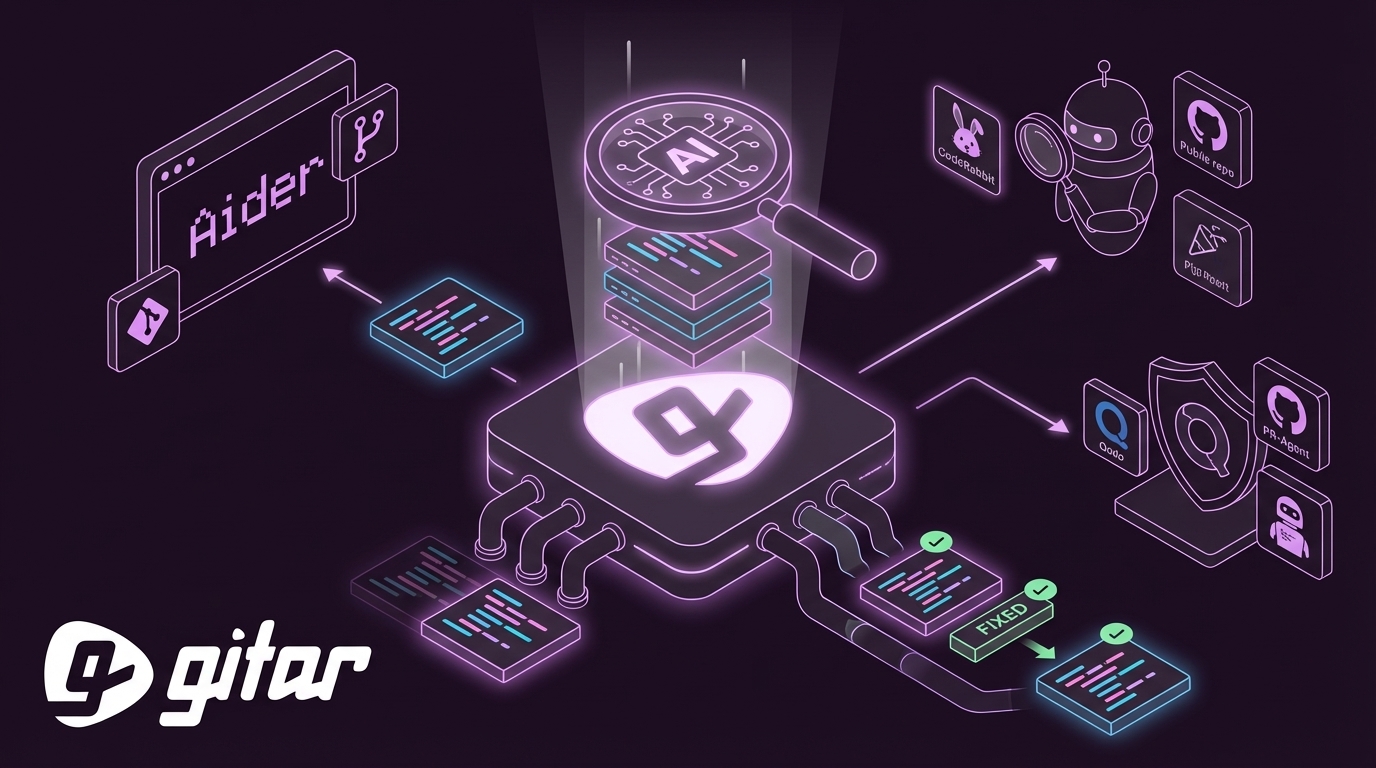
Written by: Ali-Reza Adl-Tabatabai, Founder and CEO, Gitar
Key Takeaways for Choosing an AI Code Review Agent
- 93% of developers use AI coding assistants, yet PR review times have increased 91%, so AI code review agents now address a clear bottleneck.
- Open-source tools like Aider and PR-Agent offer unlimited access but require complex setup (6–13 weeks) and do not provide auto-fixing.
- Free tiers of tools like CodeRabbit support only public repos and provide suggestions, not CI-integrated fixes.
- Teams can start Gitar’s 14-day Team Plan trial for unlimited seats, instant setup, and enterprise-grade automation during the trial period.
How To Test AI Code Review Tools
Test real repositories, including a Python Flask API, a React TypeScript app, and a Go microservice, each with active CI failures and pending PRs. Each tool can be evaluated on four metrics: accuracy as the percentage of bugs caught, fix quality as CI pass rate after auto-fixes, speed as time to resolve issues, and ease of setup for indie teams within 5 minutes. Test used vendor documentation, community feedback from Reddit and DEV.to, and study 2026 benchmarks corroborating the quality crisis noted above. Trial durations and feature limitations vary by platform.
Based on these criteria, here is how eight tools rank.

Ranked AI Coding Agents with Free Access Options
#1 Gitar – AI Healing Engine with 14-Day Team Plan Trial
Gitar stands apart as an AI code review platform that fixes your code through its healing engine architecture. The 14-day Team Plan trial provides full access to professional-grade features, including PR analysis, security scanning, bug detection, performance review, and automatic fixes that work for your entire team with no seat limits during the trial. See the Gitar documentation for details.
In our testing, Gitar achieved 100% CI success rates by analyzing failure logs, generating context-aware fixes, and validating them against the full codebase before committing. The platform’s CI Failure Analysis deduplicates failures across multiple jobs, surfaces root causes without log diving, and updates information in real time. Unlike competitors that scatter inline comments, Gitar uses a single Dashboard comment that consolidates insights and automatically resolves issues as they are addressed. This consolidated approach is enabled by deep platform integrations.

Key features include GitHub, GitLab, and CircleCI integration, inline code review comments with verdict badges, Jira and Slack connectivity, and configurable PR merge blocking based on review severity. These enterprise-grade capabilities are accessible immediately, because setup takes under 2 minutes through GitHub app installation and the trial starts automatically. This rapid deployment makes Gitar’s trial especially valuable for indie developers and small teams that want enterprise-level automation without enterprise-level setup overhead.

Start your 14-day trial with unlimited seats and see 100% CI success rates.
#2 Aider – Git-Native Terminal Pair Programmer
Aider is a git-native terminal AI pair programming tool with 39K GitHub stars that maps entire codebases across 100+ languages and auto-commits edits with sensible messages. It excels at understanding repository context and making multi-file changes while maintaining git history integrity.
In benchmarks, Aider achieves 72% accuracy on coding tasks and supports local model integration through Ollama for complete privacy. It includes CI integration through the –test-command flag and GitHub Actions support, although it requires significant compute resources for larger repositories. Aider works best for developers comfortable with terminal workflows who prioritize local operation.
#3 CodeRabbit – Public Repository Specialist
CodeRabbit claims 46% bug detection accuracy across over 1 million repositories and offers a free tier for individual developers with basic PR summaries. The platform provides context-aware comments and integrates with GitHub, GitLab, Bitbucket, and Azure DevOps.
CodeRabbit’s strength lies in its mature review interface and line-by-line PR comments with severity rankings. However, the free tier supports only public repositories and provides suggestions rather than automatic fixes. Teams that need private repository support or CI auto-fixing capabilities will encounter limitations quickly.
#4 Qodo (PR-Agent) – Self-Hosted Open Source
PR-Agent is an open-source self-hosted AI code review tool with 10,500 GitHub stars supporting GitHub and GitLab with Ollama integration. Qodo 2.0 claims 57% bug detection accuracy with multi-repository awareness.
The platform enables complete data sovereignty through self-hosting, which suits regulated industries. However, deployment requires the lengthy setup timeline mentioned earlier, and GitHub issues #2098 and #2083 remain unresolved as of March 2026, blocking proper local LLM configurations. Setup complexity creates challenges for smaller teams without dedicated DevOps resources.
Skip the 6–13 week setup and get Gitar auto-fixing your CI in under 2 minutes.
#5 Continue.dev – Local IDE Integration for Individuals
Continue is an open-source AI coding assistant with over 20,000 GitHub stars that supports self-hosting for complete local or offline operation. It integrates directly into VS Code and JetBrains IDEs, providing contextual code assistance and refactoring suggestions.
Continue excels at code completion and refactoring inside the IDE, supporting multiple LLM providers including local models. It lacks dedicated PR review features and CI integration, so it fits individual development workflows better than team code review pipelines.
#6 OpenCode – Multi-Provider Terminal Agent
OpenCode is an open-source terminal AI coding agent with 120K+ GitHub stars that supports 75+ LLM providers with plan-first development. It supports fully local models via Ollama and llama.cpp for completely offline operation.
OpenCode’s strength is flexibility and speed, with support for numerous model providers and local operation. The approval-based execution model provides safety controls, although the approval gating can slow automated workflows. It also lacks specialized PR review features compared to dedicated code review platforms.
#7 Tabby – Self-Hosted with High Resource Requirements
Tabby is a self-hosted AI coding tool with 33,000 GitHub stars that requires a minimum of 8GB VRAM and prioritizes code completion over dedicated review features. It supports local model deployment for complete privacy and data sovereignty.
Tabby works well for teams with sufficient hardware resources that need local operation. The high VRAM requirements, such as 8GB minimum for CodeLlama-7B, and the focus on completion rather than review make it less suitable for comprehensive code review workflows than specialized alternatives.
#8 Ruff-Based Local Solutions – Lightweight Linting Only
Ruff-based local solutions combine fast Python linting with LLM integration for basic bug detection. These lightweight tools catch syntax errors, style violations, and simple logical issues while running entirely offline.
The primary advantages are speed and privacy, because they avoid external API calls and data transmission. These solutions lack PR context, CI integration, and the deeper analysis capabilities required for comprehensive code review. They work best as supplementary tools rather than complete review solutions.
Try Gitar on your CI pipeline and move from linting to full auto-fixing.
Side-by-Side Comparison of Auto-Fix and CI Capabilities
The table below consolidates key differences across all eight tools, with a focus on auto-fixing behavior, CI integration, and how Gitar’s trial compares to unlimited but limited-feature alternatives.
|
Tool |
Free Access |
Auto-Fix |
CI Integration |
|
Gitar |
14-day Team Plan trial (unlimited seats) |
Yes |
Yes (GitHub/GitLab/CircleCI) |
|
Aider |
Unlimited (local) |
Partial |
Yes (GitHub Actions, –test-command) |
|
CodeRabbit |
Public repos only |
No |
Limited |
|
Qodo (PR-Agent) |
Self-hosted |
No |
Basic |
|
Continue.dev |
Unlimited |
No |
No |
|
OpenCode |
Unlimited |
Manual approval |
CLI compatible |
|
Tabby |
Self-hosted |
No |
No |
|
Ruff-based |
Unlimited |
No |
Basic |
Gitar clearly leads in providing comprehensive auto-fixing capabilities with full CI integration during its 14-day Team Plan trial. Open-source alternatives offer unlimited access but require significant setup time and lack the automated healing capabilities that make Gitar effective for busy development teams.
Key Considerations and Tradeoffs for Your Team
When choosing between these tools, start by identifying your primary constraint. Solo developers that prioritize privacy should consider local solutions like Aider or Continue.dev, despite their setup complexity. In contrast, teams that need immediate productivity gains benefit most from Gitar’s trial, which scales automatically and integrates with existing CI pipelines without extra infrastructure work.
Privacy-conscious organizations face a different tradeoff, because they can achieve data sovereignty with self-hosted options like PR-Agent but must account for deployment timelines that delay value realization. If your workflow is GitHub-centric regardless of team size, the GitHub app installation model provides the fastest path to value by removing infrastructure decisions entirely.
Experience true automation on your repositories and start your Gitar trial now.
Frequently Asked Questions
Best completely no-cost option for CI auto-fixes
Gitar’s 14-day Team Plan trial offers the most comprehensive CI auto-fixing capabilities, achieving 100% green build rates by analyzing failures, generating fixes, and validating them before committing. Unlike suggestion-only tools, Gitar’s healing engine focuses on working fixes. Open-source alternatives like Aider provide unlimited access but lack native CI integration and require manual intervention for most fixes.
Choosing between open-source tools and commercial trials
Open-source tools provide unlimited access and complete privacy but require significant setup time, often 6–13 weeks for proper deployment, along with ongoing maintenance. Commercial trials like Gitar deliver professional-grade features immediately with almost no setup time. Teams that need immediate productivity gains usually see better ROI from trials, while long-term projects with dedicated DevOps resources gain more control and cost predictability from open-source solutions.
Setting up AI code review for GitLab repositories
Gitar supports native GitLab integration alongside GitHub, providing the same auto-fixing and CI analysis capabilities. Most open-source tools like PR-Agent and Tabby also support GitLab, although setup complexity varies. For GitLab CI integration, select tools that can analyze pipeline failures and commit fixes directly to merge requests, not just provide suggestions in comments.
Measuring ROI from AI code review tools
Track time saved on manual review cycles, CI failure resolution, and context switching. Industry research suggests developers lose 30% of their time to CI and review friction. Teams using comprehensive auto-fixing tools report saving more than 1 hour per developer per day. METR analysis indicates productivity multipliers of 1.5–13x on AI-assisted tasks, although actual gains depend on task selection and integration quality.
Safety of AI code review tools for proprietary code
Security varies significantly by tool type. Gitar maintains SOC 2 compliance and does not use customer code for training. Self-hosted open-source solutions like PR-Agent and Tabby keep all code local but require proper security configuration. Cloud-based no-cost tiers may have different data handling policies. Always review privacy policies and consider self-hosted options for highly sensitive codebases. Local tools like Aider provide maximum privacy but sacrifice convenience and advanced features.
Conclusion and Next Steps for Your Codebase
For teams seeking a leading AI coding agent for code review in 2026, Gitar’s 14-day Team Plan trial delivers strong value through an engine that fixes code rather than only suggesting improvements. Open-source alternatives provide unlimited access but require significant setup investment and lack the automated CI integration that makes Gitar effective for modern development workflows.
The key differentiator is not just bug detection, but the ability to resolve issues automatically and guarantee green builds. Test Gitar on your actual repositories to see the difference between suggestion engines and true automation.
Run Gitar on your next PR and see how fast your team reaches green builds.