
Written by: Ali-Reza Adl-Tabatabai, Founder and CEO, Gitar
Key Takeaways
- AI coding tools have surged PR volumes, increasing review times by 91% and causing $1M annual productivity loss for 20-developer teams due to notification overload.
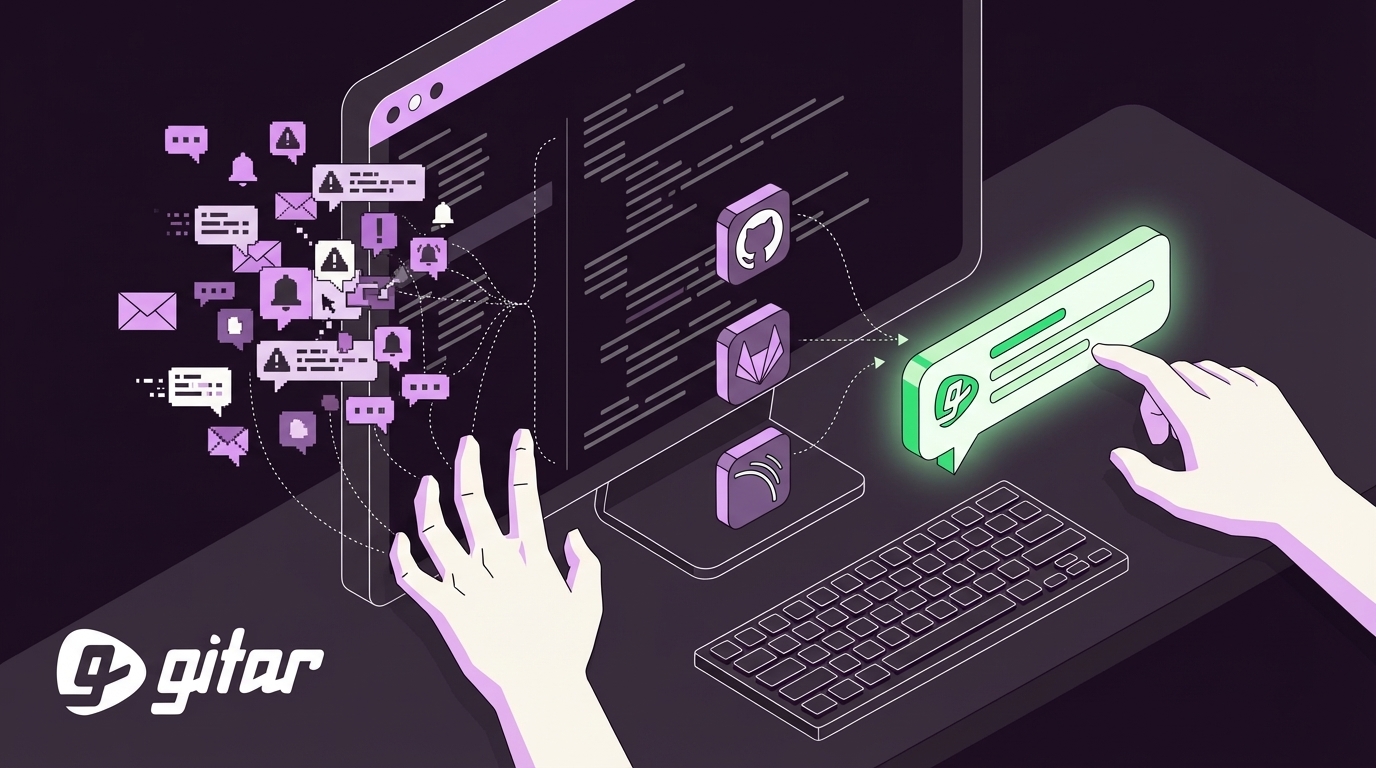
- Gitar eliminates spam by consolidating all feedback into one updating Dashboard comment, unlike competitors generating dozens of inline notifications per push.
- Implement a focused configuration: define severity thresholds, layered channels (Slack for critical), CODEOWNERS for role-based alerts, and file filters to cut noise by 90%.
- Gitar’s healing engine auto-fixes CI failures and review issues, enabling self-healing workflows where many notifications resolve automatically.
- Teams using Gitar report 30% velocity gains with guaranteed green builds—join them with a free trial to slash alert fatigue.
The Problem: How Notification Overload Destroys Focus
Notification overload turns every pull request into a stream of pings that fragments developer focus. Each inline comment, CI alert, or AI suggestion pulls attention away from deep work and slows delivery.
AI-assisted coding has increased PR volume and complexity, which multiplies review events and automated checks. Without a clear notification strategy, teams drown in alerts from GitHub, GitLab, Slack, email, and AI tools.
For a 20-developer team, one hour lost per person each day on CI and review noise adds up to roughly $1 million in annual productivity loss. Teams need fewer, higher-quality notifications that point to real problems and often resolve themselves.

The Solution: Gitar’s Single Updating Comment + 10-Step Guide to Noise-Free Notifications
To address these notification challenges, Gitar takes a different approach. Rather than adding to the noise with more comments, Gitar’s healing engine shifts from suggestion-only review to autonomous code fixing.
When CI fails or reviewers leave feedback, Gitar does not just comment. It analyzes the issue, generates a validated fix, and commits the solution directly. All findings consolidate in a single Dashboard comment that updates in real time and collapses resolved items.
This architectural difference translates into measurable notification reduction, as shown in the comparison below:
|
Feature |
CodeRabbit/Greptile |
Gitar |
|
Notifications per Push |
Dozens (inline) |
1 (updating) |
|
Auto-Fix CI/Review |
No |
Yes (guaranteed) |
|
Noise Reduction |
Minimal |
Significant |
|
Single Comment Config |
No |
Yes (toggle) |
Gitar’s Judge guardrail system filters irrelevant inputs and collapses duplicate outputs, so only meaningful notifications reach developers. The platform can run in a single-comment-per-PR mode with no inline comments, which no other tool currently offers. Start your free trial to automatically fix broken builds.

Steps 1–2: Define Critical Alerts and Layered Channels
Step 1: Establish Alert Severity Thresholds
Separate critical alerts such as security vulnerabilities, build failures, and test failures from informational notifications like style suggestions and documentation updates. Configure severity thresholds to silence low-value rules and minimize noise from AI-generated alerts. After you define these categories, use SonarQube webhooks to trigger notifications only when quality gates fail, not for minor code smells.
Step 2: Implement Layered Notification Channels
Route critical alerts to Slack channels for immediate attention, and send informational updates to email or dashboard views. Configure GitHub or GitLab integrations with Slack or Microsoft Teams to notify reviewers of pending requests and authors of new comments, streamlining notifications to avoid excessive noise and alert fatigue. This layered approach reduces daily interrupts from more than ten to one or two critical notifications, saving 45 minutes per developer daily and boosting team velocity by 30%.
Gitar extends this model with natural language rules in .gitar/rules/*.md files that trigger role-based Slack notifications only for critical issues. Its healing engine then resolves many minor problems without human intervention, which further reduces alert volume.
Steps 3–5: GitHub CODEOWNERS and Targeted Triggers
Step 3: Configure Repository Settings
Open Repository Settings, then Branches, and set up a CODEOWNERS file for automatic reviewer assignment. GitHub and GitLab’s CODEOWNERS file automatically assigns required reviewers based on modified files or directories, ensuring domain experts always review relevant changes as a role-based notification practice.
Step 4: Define Path-Based Ownership
Structure CODEOWNERS with specific paths and teams, such as [security] /auth/ @security-team and [frontend] /src/components/ @frontend-team. This structure ensures notifications reach the right people for each code change.
Step 5: Implement Branch Protection Rules
Define required approvals such as at least two approvals with one from a senior developer or code owner to implement role-based triggers. Then configure AI code review as a required status check in branch protection rules via Repository Settings, Branches, and “Require status checks to pass before merging”.
Steps 6–8: File Filters, Webhooks, and Gitar Installation
Step 6: Filter File Types
Step 7: Configure Webhooks
Set up Slack webhooks for status notifications and map them to the right channels. Map GitHub usernames to Slack user IDs for targeted mentions using <@USER_ID> syntax, which keeps alerts precise and actionable.
Step 8: Install Gitar Integration
Add the Gitar GitHub App to enable single comment consolidation and auto-fix capabilities. Gitar’s Judge guardrail filters incoming messages directed at someone else and commands Gitar was never meant to receive, which prevents notification spam from irrelevant alerts.
Steps 9–10: GitLab, SonarQube, and Role-Based Automation
Step 9: GitLab Duo and SonarQube Configuration
Configure GitLab Duo’s custom merge request review instructions in .gitlab/duo/mr-review-instructions.yaml using mandatory fileFilters with glob patterns like *.rb and lib/**/*.rb, or excludes like !spec/**/*.rb, so instructions apply only to matching files. Then use rules:changes with glob patterns to trigger AI review jobs only when specific files in the merge request diff change.
Configure webhooks in SonarQube Cloud’s Team, Enterprise, and OSS plans to send automatic notifications to external services for analysis activity. Focus those notifications on quality gate failures and Lines of Code limit warnings to preserve a strong signal-to-noise ratio.
Gitar’s GitLab integration provides the same single updating comment experience with configurable inline comment thresholds. The platform reserves inline comments only for the most critical or actionable lines of code and allows turning them off entirely while still delivering value through the consolidated Dashboard.
Step 10: Role-Based Triggers, Smart Reminders, and Auto-Fix
Configure CODEOWNERS entries like [GitLab Duo] .gitlab/duo @default-owner @tech-lead to enforce role-based oversight so the right people receive alerts. Use tools like Axolo to organize code review time slots, notifying developers only when they are available to reduce distractions and notification fatigue.
Set up daily reminders for stale pull requests only if they have not been recently reviewed, which prevents notification overload. Gitar automatically resolves comments as issues are addressed, so stale noise disappears from the thread.
Gitar’s healing engine automatically fixes CI failures, implements review feedback, and can remove its Dashboard comment entirely when everything is resolved. This creates a self-healing workflow where notifications fade away as problems get solved instead of piling up in developer inboxes. See these notification reductions in action and start your free Gitar trial.

Frequently Asked Questions
How does Gitar reduce notifications in code review automation tools?
Gitar consolidates all code review findings, CI analysis, and rule evaluations into a single Dashboard comment that updates in place. Unlike competitors that generate dozens of inline comments per push, Gitar’s approach significantly reduces notification volume. The Dashboard comment intelligently repositions itself in the discussion thread on major events and automatically collapses resolved items. Organizations can configure Gitar to use only this single comment with no inline comments, which eliminates notification spam while maintaining full code review coverage.
What’s the ROI of managing GitHub code review notifications with AI tools?
A 20-developer team spending 1 hour daily on CI and review issues loses approximately $1 million annually in productivity. Effective notification management delivers the time savings and velocity improvements outlined earlier in this guide. Gitar’s auto-fix capabilities further amplify ROI by resolving issues automatically rather than just flagging them, which removes much of the manual work that suggestion-only tools still require.
How do I configure code review alert fatigue fixes in GitLab and SonarQube?
In GitLab, use fileFilters in .gitlab/duo/mr-review-instructions.yaml to target specific file types and exclude irrelevant paths. Configure webhooks in SonarQube to trigger notifications only for quality gate failures, not minor code smells. Set severity thresholds to suppress low-impact findings and use role-based CODEOWNERS assignments so notifications reach the right team members. Gitar enhances these native capabilities with intelligent filtering and auto-resolution.
Can Gitar handle AI code review tools without notification spam?
Yes, Gitar’s Judge guardrail system specifically addresses the notification spam problem common with AI code reviewers. It filters irrelevant inputs, collapses duplicate outputs, and drops replies that add no value. The healing engine automatically fixes issues rather than just commenting about them, which reduces the need for back-and-forth notifications. Combined with the single updating Dashboard comment, this approach significantly cuts notification noise compared to traditional AI code review tools.
What makes Gitar different from CodeRabbit and Greptile for notification management?
CodeRabbit and Greptile offer AI code review tools that generate multiple inline comments per push. Gitar instead provides a healing engine that fixes code and consolidates all feedback into one updating comment. Gitar’s auto-fix capabilities reduce notifications because issues get resolved automatically rather than requiring manual intervention. The platform also offers configurable notification thresholds and can operate in single-comment mode for teams that want minimal notification volume.
Conclusion: Replace Notification Chaos with Self-Healing Reviews
Managing notifications in code review automation tools works best with a systematic approach that combines severity thresholds, role-based triggers, layered channels, and intelligent aggregation. The 10-step configuration process above gives teams a practical path to reducing alert fatigue, while Gitar’s healing engine delivers the biggest gains by fixing problems instead of only flagging them.
Gitar’s single updating Dashboard comment and healing engine point toward the future of code review automation, with far less notification noise, guaranteed green builds, and measurable velocity improvements. While competitors charge premium prices for suggestion engines that still require manual work, Gitar offers a comprehensive 14-day trial that proves its value by actually doing the work.
The AI coding revolution created the notification overload problem, and AI can now resolve it. Experience the difference yourself with a 14-day Gitar trial.