
Written by: Ali-Reza Adl-Tabatabai, Founder and CEO, Gitar
Key Takeaways
- AI-assisted development floods teams with pull requests, so code review automation now protects senior developer time and reduces review bottlenecks.
- Use a seven-step framework that combines GitHub rulesets, CODEOWNERS, notification filters, feedback consolidation, auto-fixes, natural language rules, and ROI tracking.
- GitHub native tools like Copilot scatter feedback across multiple channels, while Gitar.ai centralizes findings into a single stream and heals failing CI runs automatically.
- Repository-level rulesets, CODEOWNERS, and tuned notification filters cut noisy alerts while keeping security, failure, and ownership signals visible.
- Teams ready for autonomous code fixing and major notification reduction can trial Gitar.ai and measure the impact on review time and CI stability.
Why Copilot Alone Cannot Handle AI-Scale Code Review
The current ecosystem splits into suggestion-only tools and true healing engines. GitHub Copilot provides automated code suggestions and basic review capabilities, but it cannot automatically assign reviewers. Separate rulesets and CODEOWNERS configuration handle assignment logic and enforcement.
Team notifications add another layer through Slack integrations, which route alerts to channels and direct messages. This fragmented setup forces teams to maintain three separate systems for suggestions, ownership, and alerts. The result is scattered feedback, notification spam, and extra manual work to coordinate reviews.
The 2026 landscape introduces massive scale pressure on these workflows. GitHub’s Octoverse 2025 report indicates that open source maintainers spend more time reviewing contributions from developers with vastly variable skill levels due to the higher volume of AI-driven activity. This surge in activity now appears in commit statistics as well.
SemiAnalysis analysis shows that 4% of public commits are currently authored by Claude Code, with projections to reach over 20% of all daily commits by the end of 2026. This growth quantifies the volume shift that Octoverse describes and signals a sharp increase in review load for maintainers and internal teams.
Manual configuration cannot keep pace with AI-accelerated workflows. Anthropic’s code output per engineer grew by 200% after starting to use Claude internally, making human review the new bottleneck as PR queues grew faster than hiring. Teams now face a trade-off between complex DIY YAML pipelines and zero-setup automation platforms. Many organizations lose hundreds of thousands of dollars each year to productivity friction, while advanced platforms like Gitar recover a significant share of that cost through automated healing and reduced review overhead.
Before exploring advanced automation platforms, teams need a solid GitHub foundation that works with any tool stack. The next steps walk through that baseline configuration.
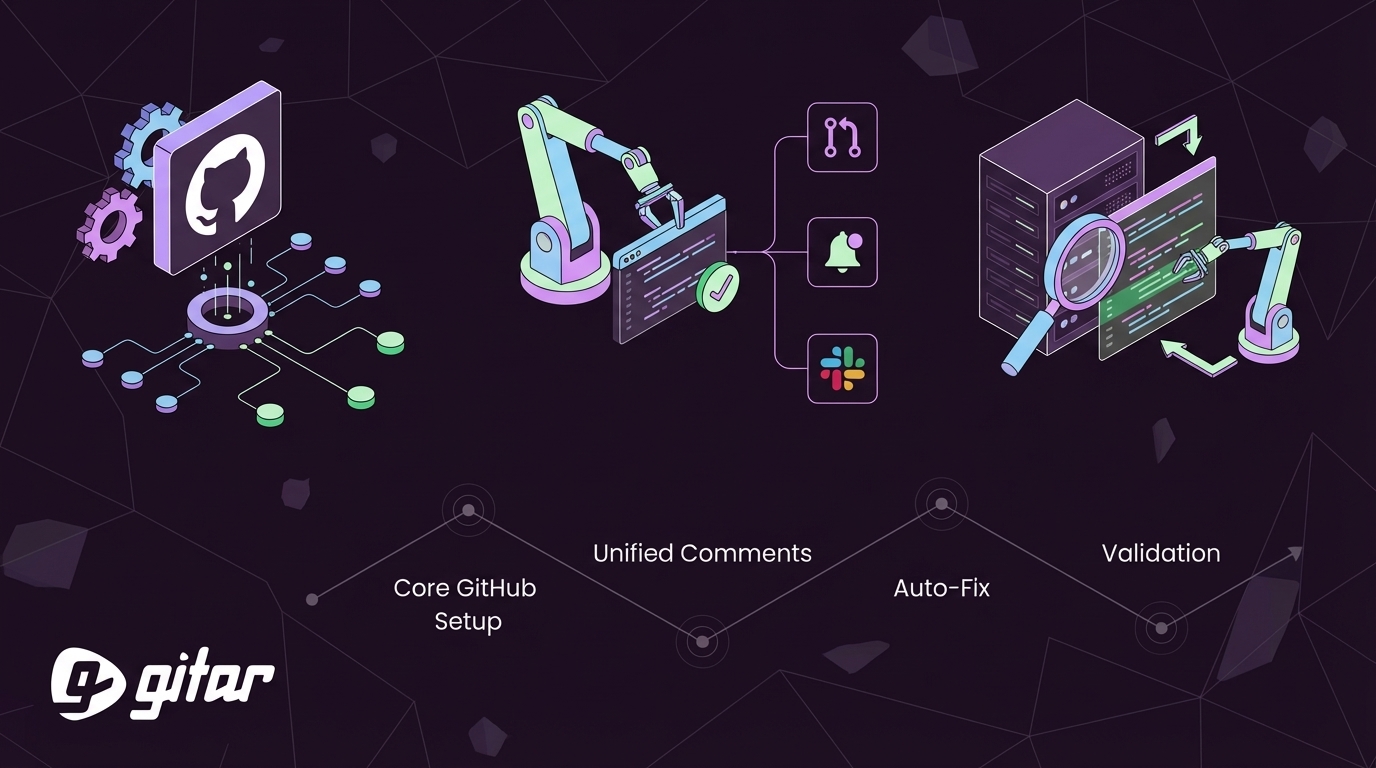
Steps 1–3 of the Seven-Step Framework: Core GitHub Setup
Step 1: Enable Automated Code Review
Start in Repository Settings, then open Code security and analysis. Configure rulesets that trigger automated reviews for pull requests:
This configuration enforces at least one code owner review on every pull request targeting the default branch. It also standardizes expectations across teams and repositories.
Step 2: Configure CODEOWNERS for Auto-Assignment
Create a .github/CODEOWNERS file to automatically assign reviewers based on file paths. Use patterns that reflect your architecture and ownership model:
This file routes each change to the right team without manual triage. It also supports security-sensitive paths that always involve the security team.
Step 3: Filter Notification Settings
Next, tune notification volume so important alerts stay visible. In Repository Settings, open Notifications and select “Only notify requested members” to reduce noise from routine events.
For personal settings, navigate to github.com/settings/notifications and configure:
- Participating and @mentions only for watched repositories
- Email notifications for review requests and assignments
- Web notifications disabled for routine CI events
These settings keep direct responsibilities visible while suppressing background chatter from automated checks. They also align personal inboxes with repository-level rules.
Common troubleshooting patterns appear frequently. GitHub’s built-in email notifications for repositories are too noisy by default, so fine-tune them at the repository settings under the “Notifications” section. Repository “watching” status set to “All Activity” has the highest priority and overrides custom account-level Actions notification settings. These two factors often explain unexpected notification floods.
These native GitHub configurations reduce notification volume and clarify ownership. They still leave teams managing fragmented feedback across multiple tools and manually applying every suggested fix. Autonomous healing platforms address those remaining gaps.
The Ultimate Upgrade: Gitar.ai for Unified Comments and Auto-Fix
GitHub’s native tools provide a strong baseline, while Gitar.ai extends that foundation with deeper automation and unified feedback. Gitar documentation explains how to configure a single comment per pull request with no routine inline comments.
The platform consolidates all findings into one dashboard comment that updates in real time. This comment aggregates CI analysis, review feedback, and rule evaluations into a single thread that stays current as developers push new commits. Documentation also covers reserving inline comments for critical lines, setting thresholds to prevent excess, and turning inline comments off entirely.

Natural language rules replace complex YAML for many workflows:
This architectural difference creates clear capability gaps between suggestion-only tools and autonomous healing platforms. The comparison below highlights those gaps.

|
Capability |
Copilot/Competitors |
Gitar |
|
Single comment consolidation |
No |
Yes |
|
Auto-apply fixes |
No |
Yes |
|
CI auto-fix with validation |
No |
Yes |
|
Slack notifications |
Partial |
Full contextual alerts |
Gitar.ai enabled configurable pull request merge blocking based on code review verdict severity on January 29, 2026, with thresholds from Approved to Blocked in Code Review Settings. Documentation also explains how comments are automatically resolved and how the dashboard comment can be removed when everything passes.
Install Gitar to centralize feedback, enable auto-fixes, and evaluate the impact through a free trial period.
Steps 4–7 of the Seven-Step Framework: Consolidation, Auto-Fix, and Validation
Seven-Step Implementation Checklist
- Configure rulesets for automated code review.
- Configure a CODEOWNERS file with team assignments and file path rules.
- Set notification filters to “participating and mentions” for reduced noise.
- Consolidate feedback into a single-comment format, using manual workflows in GitHub or automated consolidation with Gitar.
- Enable auto-fixes for common issues, applying changes manually with native tools or using Gitar’s autonomous healing engine.
- Configure natural language rules for complex conditions, either through YAML-based logic or through Gitar’s plain English rule definitions.
- Test the complete workflow with a sample pull request and monitor notification volume, review time, and CI stability.
This checklist keeps the framework consistent across both native GitHub setups and advanced platforms. It also clarifies where Gitar extends existing capabilities rather than replacing them outright.
Multi-Platform Extensions for CI and Notifications
Many teams run mixed CI environments, so healing workflows must span multiple platforms. Gitar supports GitLab CI, CircleCI, and Buildkite integrations alongside GitHub.
For GitLab, configure webhook endpoints in Project Settings, then open Integrations and point events to Gitar. CircleCI users enable Gitar through the Orbs registry and attach it to relevant pipelines. Buildkite integration requires pipeline configuration updates so Gitar can observe builds, propose fixes, and validate changes.

Common Pitfalls and How Gitar Addresses Them
Inline comment spam creates one of the most common failure modes in GitHub Actions workflows. Alert fatigue from success notifications and rapid successive failures is a key pitfall in GitHub Actions, and teams can mitigate it by configuring failure-only notifications. This change reduces raw volume but does not fully solve the attention problem.
Even with fewer alerts, unvalidated fixes create a second pitfall. Auto-applied changes that skip validation can break builds and create false confidence. Gitar’s healing engine addresses this risk by validating all fixes against CI before committing them to the repository.
Enterprise teams often raise a third concern around automated code changes and compliance. For those organizations, Gitar’s SOC 2 compliance provides assurance that healing workflows meet established security and governance standards.
Frequently Asked Questions
How do I auto-assign reviewers in GitHub?
Use CODEOWNERS files to automatically assign reviewers based on file paths, and pair them with repository rulesets that enforce review requirements. Place a .github/CODEOWNERS file in your repository root with patterns like “*.js @frontend-team” or “/api/ @backend-team” so ownership stays clear.
Gitar enhances this approach with natural language rules that assign reviewers based on richer conditions. For example, you can define behavior such as “when pull requests modify authentication code, assign the security team and add an urgent label” without writing complex YAML.
How can I reduce pull request notification spam?
Start by configuring single-comment consolidation instead of scattered inline comments. Traditional tools flood pull requests with individual notifications for each finding, which overwhelms reviewers and hides priorities.
Gitar’s dashboard approach updates one comment in place, collapses resolved items, and keeps notification channels clean. This consolidation works alongside GitHub settings such as “participating and mentions” watching modes and tuned notification filters.
Set repository watching to “participating and mentions” and use notification filters to eliminate routine CI noise while preserving critical alerts. Together, these steps reduce volume, centralize context, and keep attention focused on meaningful changes.
What are the best AI code review notifications for Slack?
Effective Slack notifications provide context, severity, and clear next actions. Gitar sends contextual Slack alerts that include pull request summaries, critical findings, and actionable next steps, all routed to appropriate channels based on team ownership and severity.
Unlike basic webhook notifications that send generic “pull request opened” messages, Gitar’s Slack integration understands code context. It sends targeted messages such as “Security review needed for auth changes in #security-alerts” so teams can respond quickly without scanning every event.
How does Gitar compare to CodeRabbit for notifications?
CodeRabbit charges per seat for suggestion-only reviews that generate multiple inline comments and notifications. These suggestions still require developers to apply changes manually and manage the resulting alert stream.
Gitar provides auto-fix capabilities with single-comment consolidation, which removes much of the manual work of implementing suggestions. While CodeRabbit leaves developers to apply fixes themselves, Gitar’s healing engine validates and commits working solutions automatically.
This combination reduces notification volume by a large margin while improving code quality and shortening review cycles. Teams gain fewer alerts, more complete fixes, and clearer ownership signals.
Transform Your PR Workflow with the Seven-Step Framework
The seven-step framework, from GitHub rulesets and CODEOWNERS to Gitar’s healing engine, addresses the core challenge of AI-accelerated development. Teams that implement comprehensive automation report significant annual savings through shorter review cycles, reduced CI friction, and higher developer velocity.
The shift from suggestion engines to autonomous fixing marks the next evolution in development tooling. Try Gitar in your own workflow and measure changes in notification volume, review time, and CI reliability over your trial period.