
Written by: Ali-Reza Adl-Tabatabai, Founder and CEO, Gitar
Key Takeaways
- AI tools like Cursor and Claude generate code 3-5x faster, but PR reviews and CI failures still break developer flow states.
- Top vibe coding setups pair Gitar AI for automated CI fixes with ergonomic desks, dual monitors, and ambient lighting for steady focus.
- Gitar removes post-generation friction by fixing CI failures and applying review feedback, saving teams more than 90 minutes every day.
- Strong workflows connect Cursor for generation, GitHub for PRs, and Gitar for autonomous validation so builds stay green without manual fixes.
- Upgrade your vibe coding rig with a 14-day free Gitar Team Plan trial to remove bottlenecks and protect your flow.
Top 10 Vibe Coding Essentials for 2026
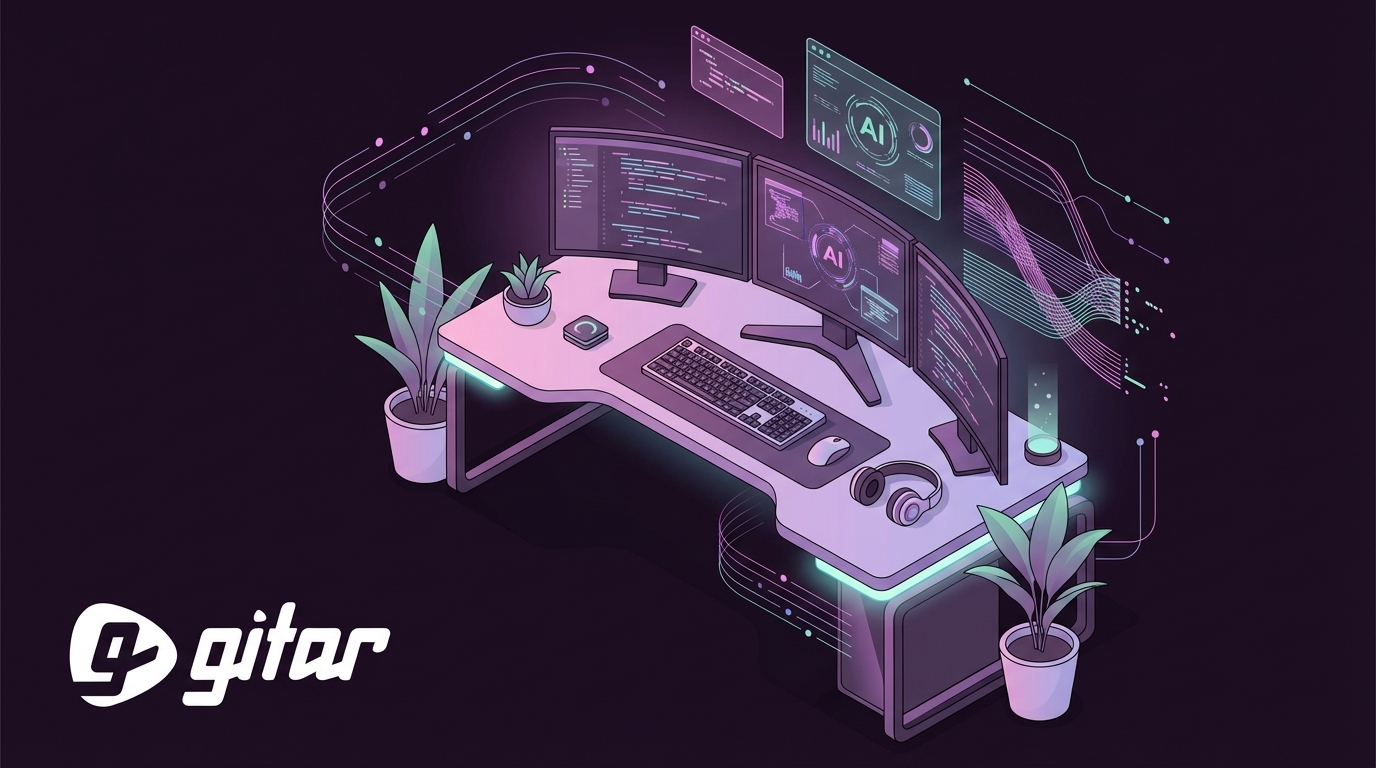
The strongest vibe coding setups blend smart software with comfortable, distraction-free hardware. These 10 pieces define productive developer environments in 2026:
- Gitar AI Review Platform – Automatically fixes CI failures and applies review feedback, removing the post-generation slowdown that kills momentum.
- Cursor IDE – Ranked among the top AI coding assistants and supports multi-file editing plus Git integration.
- Claude 3.5 Sonnet – Handles complex reasoning for advanced algorithms with 200K context windows.
- Ergonomic Standing Desk – Adjustable height with cable management supports long, comfortable coding sessions.
- RGB Ambient Lighting – AI-controlled, color-tunable lighting shifts through the day to support alertness and focus.
- Dual Monitor Setup – Ultrawide main display plus a vertical secondary monitor for docs, logs, and terminals.
- Lo-fi Playlist Integration – Curated background audio supports focus without competing for attention.
- Biophilic Elements – Plants and natural textures lower stress and improve perceived air quality.
- GitHub Workflow Checkpoints – Branch protection and PR templates keep code quality consistent across teams.
- .cursor/rules Configuration – Custom rules keep AI-generated code aligned with your project’s style and patterns.
Together, these essentials create an environment where code generation flows into validated, production-ready software without constant manual interruptions.

AI Software Stack That Protects Flow
The AI stack you choose decides whether you enjoy long flow sessions or constant context switching. Claude 4.6 Opus leads high-end assistants, while Cursor and Windsurf bring AI directly into the IDE. Different experience levels benefit from different stacks:
|
Stack Level |
Core Tools |
Vibe Benefit |
Gitar Advantage |
|
Beginner |
VS Code + GitHub Copilot |
Fast start with a familiar interface |
Manual CI fixes still interrupt flow |
|
Intermediate |
Cursor + Claude 3.5 |
3x faster generation and multi-file edits |
High PR volume overwhelms review capacity |
|
Pro |
Cursor + Claude + Gitar |
Autonomous fixes and consistently green builds |
Healing engine replaces noisy suggestion spam |
Post-generation handling creates the real gap. While Windsurf offers strong value at $15/month and Cursor leads agent-first IDEs, both still expect you to fix CI failures and apply review feedback by hand. Gitar’s healing engine removes those steps so AI-generated code actually ships without breaking your focus.

Install Gitar now to fix broken builds automatically and ship higher quality software in less time.
Physical Vibe Hacks and Desk Layouts
The physical workspace shapes how deeply you can focus and how long you can stay in flow. 2026 workplace trends highlight purposeful abundance with quiet focus zones and energetic collaboration areas.
Key physical setup components include:
- Curved Ultrawide Monitor – 34–49 inch displays reduce window juggling and keep code and docs visible together.
- Smart Lighting System – AI-controlled, color-tunable lighting adjusts temperature through the day to support alertness.
- Ergonomic Seating – Chairs like the Herman Miller Aeron or Steelcase Leap support long sessions without strain.
- Acoustic Treatment – Panels or white noise machines cut distractions and protect deep work.
- Cable Management – Clean surfaces reduce visual clutter and mental load.
Popular community setups favor minimalist desks with strong functionality. A “vertical slicing desk” uses a portrait secondary monitor for terminals and docs, while RGB strips add ambient light that reacts to events such as successful builds or CI failures.
Budget-conscious beginners can still upgrade their vibe with a laptop, external keyboard and mouse, noise-canceling headphones, and a small plant. That simple kit already improves focus and overall coding satisfaction.
Step-by-Step Vibe Coding Workflow
A reliable flow state depends on removing friction between code generation and deployment. A smooth vibe coding workflow follows these steps:
- Generate Code – Use Cursor or Claude to build features from natural language prompts.
- Create Pull Request – Push to GitHub or GitLab with clear, descriptive commit messages.
- Automated Review and Fix – Gitar reviews the PR, fixes CI failures, and applies review feedback.
- Merge and Deploy – Green builds merge with confidence and ship without extra manual work.
This workflow differs sharply from traditional pipelines that demand manual effort at every stage:
|
Workflow Stage |
Before Gitar |
After Gitar |
Time Saved |
|
CI Failure Resolution |
Manual debugging and patching |
Automatic analysis and commits |
Minutes/day |
|
Review Implementation |
Reading comments and editing code |
AI applies feedback directly |
Minutes/day |
|
Context Switching |
Several interruptions every day |
Single dashboard comment |
Minutes/day |
AI-coauthored PRs have more issues than purely human code, so automated fixes become crucial for speed. Gitar’s natural language rules let teams express preferences without wrestling with complex YAML files.
Reddit-Inspired Vibe Coding Setups Upgraded with Gitar
Developer communities now share vibe coding setups that balance aesthetics with serious productivity. Popular Reddit threads highlight rigs that look great and support fast, focused work.
Three standout community setups become even stronger with Gitar:
- The Minimalist Stack – Replit browser IDE plus ChatGPT for quick prototypes, upgraded with Gitar’s GitHub integration for real production deploys.
- The RGB Battlestation – Custom mechanical keyboard and multi-monitor layout with synced lighting, paired with Gitar’s single-comment model to cut notification noise.
- The Mobile-First Setup – iPad Pro with external keyboard for travel-friendly coding, connected to Gitar’s cloud platform for continuous integration.
Successful Reddit setups share one theme: they reduce friction between ideas and shipped features. Gitar supports that goal by removing post-generation blockers that usually break flow.
Gitar as the Vibe Coding Closer
Most tools focus on writing code, while Gitar focuses on getting that code through review and CI into production. This comparison shows the difference clearly:
|
Capability |
CodeRabbit/Greptile |
Gitar |
Impact on Flow |
|
PR Analysis |
Comments and suggestions |
Analysis plus automatic fixes |
Removes repetitive manual edits |
|
CI Integration |
No CI context |
Full pipeline awareness |
Stops build failures early |
|
Fix Validation |
Unverified suggestions |
Fixes validated against CI |
Keeps builds green reliably |
|
Notification Style |
Scattered inline comments |
Single updating dashboard |
Lowers cognitive load |
The 14-day free trial unlocks the full Gitar Team Plan, including automated CI fixes, custom workflow rules, and deep integrations. Teams can track real changes in sprint velocity before choosing a paid plan.

Start your 14-day free Gitar Team Plan trial and feel the shift from suggestion engines to a true healing engine.
Frequently Asked Questions
Best Beginner Vibe Coding Setup
Begin with VS Code and GitHub Copilot for familiar AI-assisted coding, then add a comfortable desk and solid lighting. Layer in Gitar’s free trial so CI failures resolve automatically in the background. This setup delivers quick productivity gains without adding complexity. Improve ergonomics step by step, such as adding an external monitor or better chair, while AI handles more of the technical overhead.
How Gitar Fits into Vibe Coding Workflows
Gitar removes the post-generation blockers that usually break flow. After you generate code with Cursor or Claude and open a PR, Gitar analyzes failures, proposes fixes, and validates them against your CI pipeline. You stay focused on design and problem-solving instead of lint errors and flaky tests. A single dashboard comment also cuts notification fatigue compared with tools that scatter inline notes everywhere.
Optimal Cursor and Gitar Workflow
Use Cursor for rapid code generation with natural language prompts, then push changes to GitHub and let Gitar handle validation and fixes. Define team rules in your repository so Gitar respects your standards, then enable auto-commit for trusted fixes such as lint and formatting changes. This pipeline carries ideas from prompt to production with minimal manual repair work.
Upgrading Reddit Vibe Coding Ideas with Modern Tools
Take popular Reddit setups, such as RGB battlestations or ultra-minimal desks, and add smart automation. Replace manual CI watching with Gitar’s automated fixes, swap basic IDEs for AI-powered options like Cursor, and wire smart lighting to reflect build status. Keep the visual vibe, while automation protects your flow.
Conclusion: Vibe Coding That Actually Ships
Vibe coding in 2026 needs more than a pretty desk and strong AI generation. It needs automation that clears post-generation roadblocks. The most effective developers pair ergonomic workspaces with software stacks that protect flow from idea through deployment.
Cursor and Claude transformed how fast you can write code, but the biggest gains now come from platforms like Gitar that ensure that code ships without constant manual fixes. The 14-day free trial gives you a safe way to see how automated CI repair and review implementation change your team’s velocity.