
Written by: Ali-Reza Adl-Tabatabai, Founder and CEO, Gitar
Key Takeaways for AI Code Tracking in Git
- Native Git tools like blame and notes cannot track AI-generated code authorship or validate CI fixes, which creates audit gaps in modern workflows.
- Gitar provides a free GitHub/GitLab app that installs in 30 seconds and offers consolidated PR dashboards with automatic change tracking.
- Gitar’s healing engine auto-applies and validates fixes for CI failures and review feedback, committing directly to PR branches with clear attribution.
- Custom natural language rules and full CI integration (GitHub Actions, GitLab CI, CircleCI) enable enterprise-scale automation without complex setup work.
- Unlike paid competitors that only suggest changes, Gitar delivers free auto-fixes and analytics; install Gitar today to fix broken builds automatically.
Why Native Git Tools Fall Short for AI Code Reviews
Traditional Git features create significant blind spots for AI-generated code. Native git blame tracks line changes across commits but does not track AI-generated code authorship, requiring extensions to overlay AI agent names from authorship logs. Git captures commit metadata but has no built-in way to separate AI contributions from human edits inside a single commit.
Git notes offer a partial workaround by storing AI attributions in refs/notes/ai, but they are local-first and do not automatically validate or apply AI-suggested fixes in CI pipelines. You can track where AI suggestions came from, yet you still cannot confirm that those suggestions pass tests or integrate cleanly with your build.
CI failures make this problem worse. Git blame relies on commit authorship and does not distinguish AI-suggested from human-written code within commits, leading to guesswork in pinpointing AI-originated bugs. When builds break, teams spend hours deciding whether failures come from AI-generated logic errors or from infrastructure issues.
Step 1: Install the Gitar GitHub or GitLab App
Start by installing Gitar through the GitHub App marketplace or GitLab integrations. The setup takes about 30 seconds and requires no credit card, account creation, or complex permissions.
After installation, Gitar immediately analyzes your repositories and posts a dashboard comment on new PRs. That single comment becomes the central place for review details and fix information as the PR evolves.
The app receives read access to repository contents and write access for automated fixes. With those permissions, Gitar supports your full development workflow. Install Gitar now, automatically fix broken builds, and ship higher quality software faster.
Step 2: Use the Single Updating PR Dashboard Comment
Gitar reduces notification noise by keeping all findings in one clean, updating comment on each PR. Competing tools often scatter inline suggestions across the diff, which fragments context and clutters the review.
The dashboard comment aggregates CI analysis, review feedback, and rule evaluations. When you push new commits, resolved items collapse and new findings appear, so the interface stays tidy.
This single source of truth keeps review information clear without disrupting your workflow. Teams report lower cognitive load compared with tools that flood developers with separate alerts.

Step 3: Track AI Fixes Through Git History
Gitar commits fixes directly to your PR branch and uses clear commit messages that identify changes from the healing engine. Standard git blame and git log then show these commits with explicit Gitar attribution.
This approach closes the gap in tracking automated fixes and gives you a reliable audit trail through familiar Git commands.
For compliance-heavy environments, Gitar also logs AI decision steps, prompt context, and validation results. These records support emerging regulatory frameworks while remaining accessible through your existing Git tooling.
Step 4: Auto-Apply Review Feedback and CI Fixes
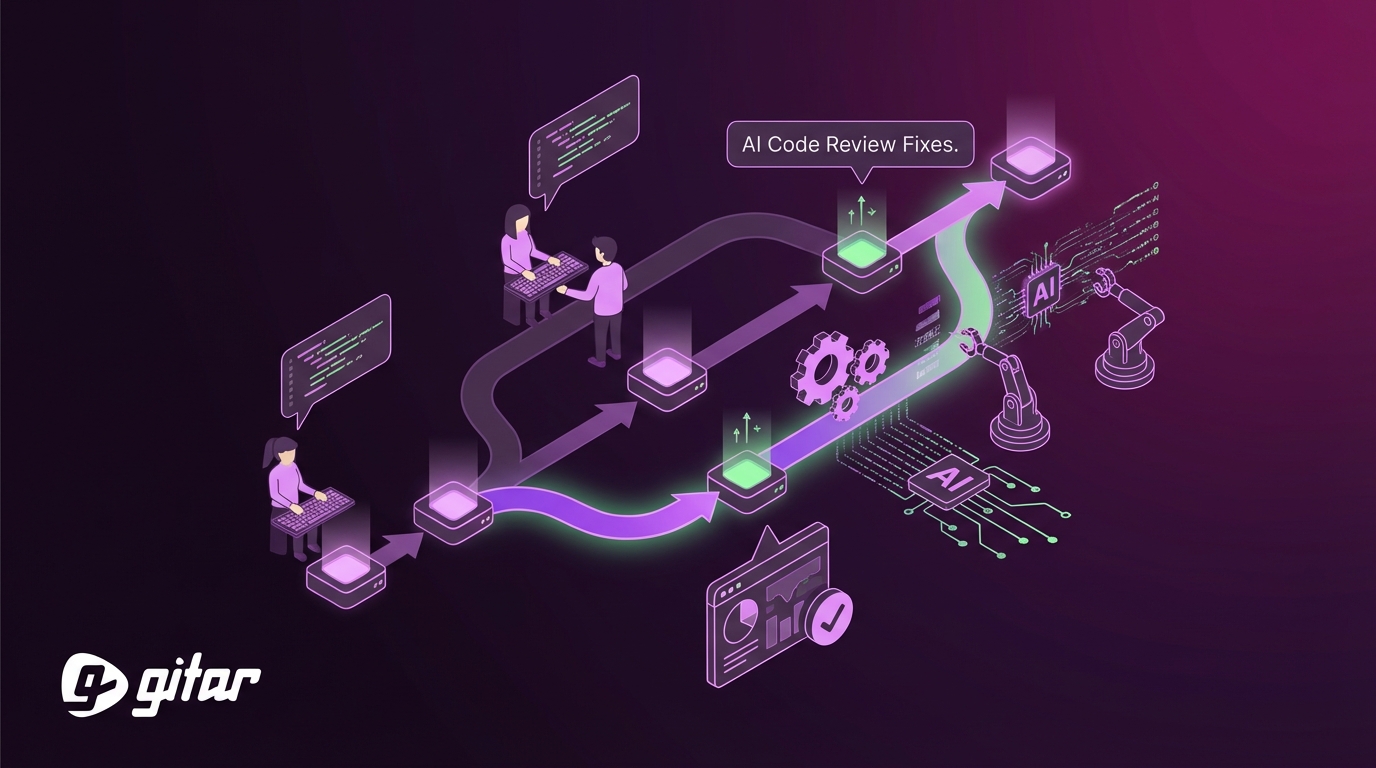
Gitar’s healing engine automatically resolves CI failures and applies review feedback without manual edits. When a build fails because of lint errors, test failures, or dependency problems, Gitar reads the logs, generates targeted fixes, and commits them to the PR.
You can also trigger fixes manually with natural language commands in PR comments:
@gitar fix the lint errors in auth.py @gitar refactor this function to use async/await @gitar update the tests to match the new API
The system validates each fix against your full CI pipeline before committing. This process ensures that changes do not introduce new failures and avoids the guesswork common with suggestion-only tools.
Teams that prefer tighter control can enable approval workflows. Start in suggestion mode, review each proposed fix, then gradually allow auto-commits for trusted failure types as confidence grows.
Step 5: Create Natural Language Rules for Your Repo
Gitar lets you define repository-specific automation with natural language rules. Place .gitar/rules/*.md files in your repository to describe when and how automation should run:
— title: “Security Review” when: “PRs modifying authentication or encryption code” actions: “Assign security team and add label” —
Commit the rules file to activate the workflow:
git add .gitar/rules/*.md git commit -m “Add Gitar automation rules” git push origin main
This rule system removes the need for complex YAML and heavy DevOps involvement. Any team member can define powerful automation, and rules trigger automatically when PR conditions match.

Step 6: Connect Gitar to Your CI Platform
Gitar’s healing engine integrates with major CI platforms such as GitHub Actions, GitLab CI, CircleCI, and Buildkite. The platform inspects CI failures, generates fixes, and commits changes until the build turns green.
Gitar operates through GitHub or GitLab app permissions and repository access. Enterprise customers can also run agents inside their own CI infrastructure to keep all code and secrets within internal systems.

Step 7: Use Analytics to Audit AI-Driven Changes
Gitar includes analytics that categorize CI failures, highlight infrastructure issues, and surface recurring patterns. Platform teams use these insights to refine development workflows and reduce flaky builds.
Customer stories reinforce this impact. Collate’s engineering lead praised Gitar’s ability to detect unrelated PR failures, which saved significant time by separating infrastructure flakiness from real code bugs. Pinterest manages more than 50 million lines of code and thousands of daily PRs with Gitar’s enterprise platform.

Gitar vs. Competitors: Why Free Auto-Fixes Matter
The AI code review market often charges premium prices for tools that only suggest changes. Greptile focuses on bug detection and context-aware review with no mention of automatic fixing or validation capabilities, while CodeRabbit provides fast AI code reviews but has a critical gap for enterprises.
|
Feature |
Gitar |
CodeRabbit |
Greptile |
|
Price |
Free |
$15-30/seat |
$30/seat |
|
Auto-Fix & Validate |
Yes |
No |
Limited |
|
CI Integration |
Full |
Advanced |
Basic |
|
Single Comment UI |
Yes |
No |
In-line comments |
A 20-developer team spends between $3,600 and $7,200 per year on competing suggestion engines that still require manual fixes. Gitar’s free code review and automated repairs deliver stronger returns, with teams saving about $375,000 annually in productivity while paying nothing for licenses.
The Tigris team also reported that Gitar’s PR summaries are more concise than Greptile or Bugbot. That focus on signal over noise, combined with the single updating comment, reduces mental overhead and lets developers stay focused on feature work.
Install Gitar now, automatically fix broken builds, and ship higher quality software faster.
Frequently Asked Questions About Gitar
Is Gitar really free for unlimited repositories and users?
Gitar’s core code review features are free with no seat limits, repository caps, or credit card requirements. You get PR analysis, security scanning, bug detection, and performance review across unlimited public and private repositories. Auto-fix capabilities include a 14-day free trial, after which teams can upgrade to paid plans for continued automated healing. The free tier still delivers full value for teams that want comprehensive AI code review without premium pricing.
How can I trust automated commits from AI agents?
Gitar supports configurable trust levels so you can adopt automation gradually. Start in suggestion mode and review every fix before it applies. The platform validates all fixes against your complete CI pipeline before committing, which prevents new failures from slipping in. You can enable auto-commit for specific failure types such as lint errors while keeping manual approval for complex logic changes. Enterprise customers can also run agents inside their own CI systems for maximum control and security.
Does Gitar support complex CI environments beyond GitHub Actions?
Gitar works with CircleCI, Buildkite, GitLab CI, and other major platforms. The system emulates your environment, including SDK versions, multi-dependency builds, and third-party security scans. Enterprise deployments run the healing agent inside your CI pipeline with access to private secrets, caches, and configuration. This setup ensures that fixes succeed in your real production environment rather than in a simplified sandbox.
How does Gitar distinguish between AI-generated and human-written code?
Gitar commits fixes directly to your PR branch and labels those commits as generated by the healing engine. The platform also stores detailed audit logs that include AI decision steps, prompt context, and validation outcomes. This level of tracking supports regulatory requirements and remains easy to inspect through Git. Teams can review attribution data for compliance reports and code quality analysis.
What happens to my code and data when using Gitar?
On the free plan, Gitar operates with zero data retention. Code analysis runs in secure managed cloud environments without persistent storage of your code. Enterprise customers can keep all processing inside their own infrastructure so no code leaves their security perimeter. Gitar maintains SOC 2 Type II and ISO 27001 certifications for data handling. AI processing uses your code context only during analysis and does not train on or store proprietary information.
Conclusion: Remove Your AI Coding Bottleneck with Gitar
AI has accelerated code generation, but review capacity and CI reliability often lag behind. Native Git features cannot track AI contributions accurately, and many paid tools only suggest fixes without validation or automation.
Gitar solves this gap with end-to-end AI change tracking, automated CI healing, and a consolidated PR dashboard. The platform turns chaotic review cycles into predictable workflows that keep builds green and teams moving.
Instead of paying $15 to $30 per developer for suggestion engines, teams can use Gitar’s free code review and automation to save hundreds of thousands of dollars in productivity. Tool costs drop to zero while throughput and reliability improve.
Install Gitar now, automatically fix broken builds, and ship higher quality software faster. Join thousands of developers using a free platform that fixes code instead of only commenting on it.