
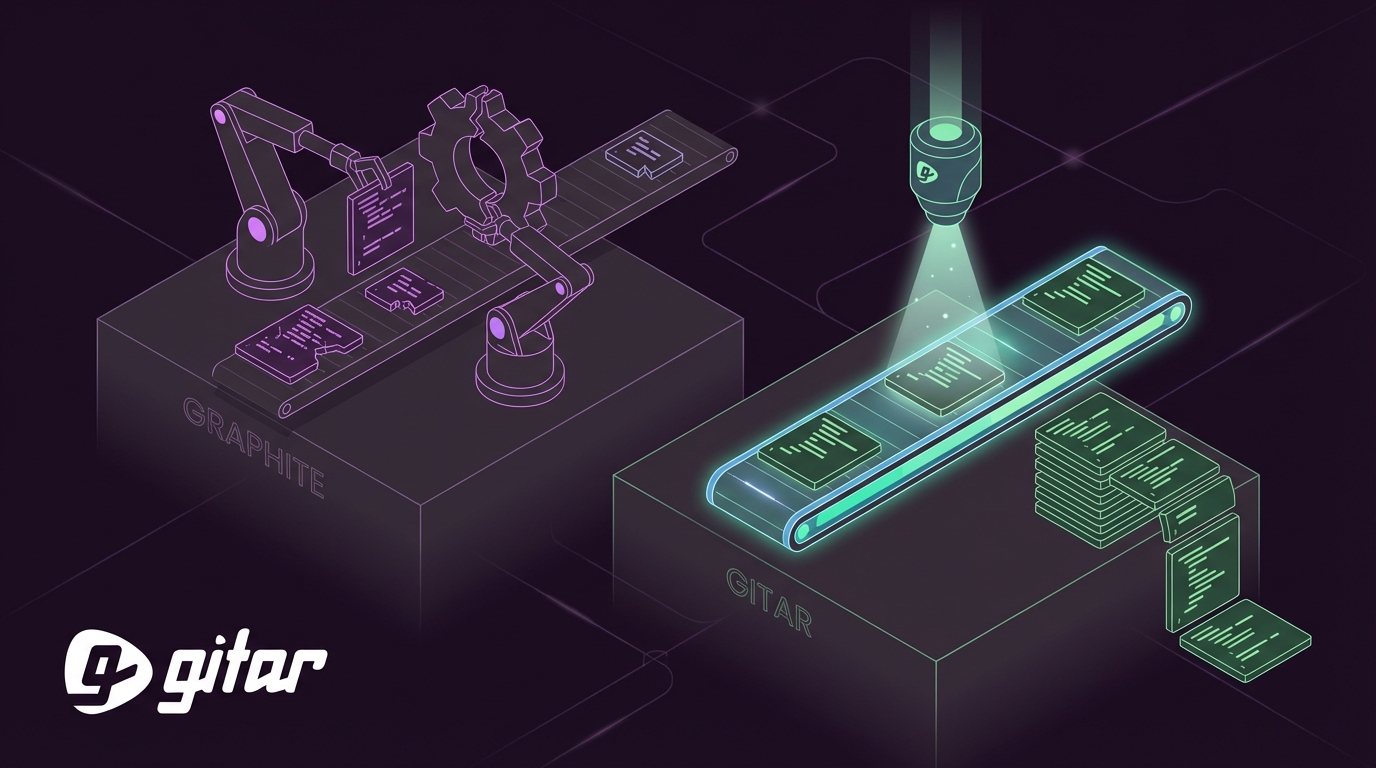
Key Takeaways
- AI coding tools generate code 3-5x faster but create PR review bottlenecks, with less than 44% of AI code accepted without fixes.
- Graphite offers AI code review with one-click fix suggestions and stacked PR support, but developers must still apply all changes manually.
- Graphite’s limitations include surface-level analysis, no auto-commit, and limited platform support beyond GitHub.
- Gitar provides free comprehensive AI code review plus automatic CI-validated fixes, which helps guarantee green builds across GitHub, GitLab, and more.
- Switch to Gitar today for true automation that removes Graphite’s manual overhead and boosts team velocity.
How Graphite Automatic Code Fixing Works in Practice
Graphite is an AI-powered tool that connects to GitHub, scans pull requests, and provides AI-generated comments that identify issues like logic errors, performance concerns, or style inconsistencies. The platform focuses on three core capabilities.
- AI Reviewer: The tool automatically analyzes code changes when you open a PR, compares them with context, and places specific comments that explain problems.
- One-click fixes: Developers can accept, modify, or ignore AI suggestions, and they can apply fixes with a single click in the UI.
- Stacked PR support: The platform supports a stacked diffs workflow so developers can keep shipping changes while reviews are in progress.
Step-by-Step Graphite Setup and Demo Flow
You can set up Graphite automatic code fixing with a short CLI workflow.
- Install the CLI:
brew install graphite - Initialize in your repository:
gt auth --token YOUR_GITHUB_TOKEN - Create a stacked PR:
gt stack create - Push changes:
gt stack submit
When Graphite’s AI Reviewer detects issues like import errors or lint violations, it posts inline comments with suggested fixes. You can apply AI-suggested fixes with one click in the Graphite UI. Developers still need to review, commit, and push each suggestion manually.
Where Graphite Falls Short for Automatic Fixing
Graphite automatic code fixing capabilities have several gaps that limit real-world impact on team velocity.
- Suggestion-only approach: Graphite Agent reviews, edits, and suggests fixes, but developers must apply every change themselves.
- Surface-level analysis: Graphite focuses on diffs instead of analyzing the entire repository, which limits context and depth.
- Limited platform support: The tool works strongest on GitHub, while GitLab and Bitbucket integrations lag behind.
- No auto-commit capability: Every suggested fix requires manual developer intervention, from review to commit.
These limitations become critical when 44% of AI-generated code needs modifications. Teams feel growing pressure to maintain velocity while still protecting code quality.
Why Gitar Is a Free, More Complete Alternative
Gitar solves Graphite’s core limitations with a healing engine that automatically fixes CI failures, addresses review feedback, and helps guarantee green builds. Unlike suggestion-only tools, Gitar validates fixes against your actual CI environment before it applies them.
The platform provides free comprehensive AI code review with full PR analysis, security scanning, bug detection, and performance review for unlimited repositories and users. Autofix features include a 14-day free trial. Gitar supports cross-platform workflows across GitHub, GitLab, CircleCI, and Buildkite, and it ships with enterprise-grade security. The core difference is simple: Gitar does not just identify problems, it fixes them.

| Capability | Graphite | CodeRabbit/Greptile | Gitar |
|---|---|---|---|
| PR Summaries | Yes | Yes ($15-30/dev) | Yes (Free) |
| Inline Suggestions | Yes | Yes | Yes (Free) |
| Auto-Apply Fixes | No (manual) | No | Yes (14-day trial) |
| CI Failure Analysis | No | No | Yes |
| Green Build Guarantee | No | No | Yes |
Gitar’s healing engine analyzes CI failure logs, generates validated fixes with full codebase context, and then commits working solutions automatically. Teams report saving significant time on CI failures and review-related rework.

Install Gitar now, automatically fix broken builds, start shipping higher quality software, faster and experience automation that goes far beyond suggestions.
4-Phase Migration Plan from Graphite to Gitar
You can move from Graphite’s suggestion-based workflow to Gitar’s automatic fixing with a simple four-phase progression that builds trust over time.
Phase 1: Installation (5 minutes)
Install the Gitar GitHub App or GitLab integration. No account setup is required, and Gitar immediately begins posting consolidated dashboard comments on new PRs.
Phase 2: Trust Building (1-2 weeks)
Run Gitar in suggestion mode and review each fix before applying it. During this period you can watch Gitar resolve lint errors, test failures, and build breaks that Graphite would only flag.
Phase 3: Selective Automation (2-4 weeks)
Enable auto-commit for trusted fix types such as formatting, imports, and simple lint violations. Keep manual approval in place for complex logic changes that require deeper review.
Phase 4: Full Platform Integration (ongoing)
Add repository rules using natural language, connect Jira and Slack integrations, and use analytics to uncover systematic CI patterns that slow your team.

Install Gitar now, automatically fix broken builds, start shipping higher quality software, faster and remove the manual overhead that limits Graphite’s effectiveness.
Frequently Asked Questions
Does Graphite auto-apply fixes?
Graphite does not auto-apply fixes. It provides one-click suggestions that still require manual CLI commits. The interface makes fixes easy to accept, but developers must review, commit, and push each change. Gitar automatically applies validated fixes and confirms they pass CI before committing.
How does Graphite AI compare to Gitar?
Graphite focuses on diff-level analysis and delivers suggestions through comments, which means every fix still needs manual implementation. Gitar provides full-context automatic fixes that it validates against your CI environment. Graphite helps you find issues faster, while Gitar resolves them completely with minimal developer intervention.
What is the best free Graphite alternative?
Gitar offers a comprehensive free AI code review alternative with unlimited PR analysis, summaries, security scanning, and bug detection for unlimited repositories and users. Automatic fixing capabilities include a 14-day free trial. Unlike paid alternatives that charge $15-30 per developer for suggestion-only features, Gitar delivers stronger free core functionality.
Does Graphite work with stacked PRs and CI systems?
Graphite supports stacked PRs for workflow management but does not resolve CI failures automatically. It can suggest fixes for issues detected in stacked PRs, yet it cannot automatically repair CI failures or prevent conflicts between stacked changes. Gitar provides full CI integration with healing capabilities that work well with stacked PR workflows.
Can Gitar replace our existing Graphite workflow?
Gitar can replace a Graphite-based workflow. It provides comprehensive free code review that matches or exceeds Graphite’s core capabilities, along with autofix features (14-day free trial), CI failure analysis, and workflow automation. The migration process stays gradual so teams can keep their existing review habits while adding automated resolution of CI failures and review feedback. Most teams see noticeable productivity gains within the first week.
Conclusion: Reach Higher Velocity with Real Automation
Graphite automatic code fixing capabilities move teams closer to solving the post-AI PR bottleneck, yet suggestion-only workflows still leave most of the work on developers. Teams now need tools that not only identify issues but also resolve them fully.
Gitar’s healing engine delivers the automatic code fixing capabilities that many teams expect from Graphite but do not receive. With free code review, autofix features (14-day free trial), and a green-build-focused workflow, Gitar removes the manual overhead that blocks productivity gains from AI coding tools.
The ROI stays clear for most teams, including a 20-developer organization that can save significant annual time while paying nothing for core functionality. Teams no longer need to pay premium prices for suggestion engines that still require heavy manual effort.
Install Gitar now, automatically fix broken builds, start shipping higher quality software, faster and see what automatic code fixing looks like when it is truly end-to-end.