
Key Takeaways
- AI code generation speeds up writing but increases PR review times by 91% and introduces 75% more logic errors, which creates DevOps bottlenecks.
- Gitar leads as the top free AI-powered tool with deterministic autofix that resolves CI failures automatically across GitHub Actions, GitLab CI, and CircleCI.
- Tools like SonarQube and Checkmarx provide deep SAST analytics with quality gates but lack automatic remediation, so they work better for enterprise gating than fixing.
- Free tiers from Snyk, Trivy, and Gitar provide strong value for security scanning and container analysis, while enterprise tools like Veracode often exceed $50K annually.
- Skip unreliable AI agents for DevOps, and install Gitar free today to heal broken builds and ship higher-quality software faster.
How We Ranked Deep Code Analytics and AI Agent Alternatives in 2026
We ranked tools by CI/CD integration depth across GitHub Actions, GitLab CI, CircleCI, and Jenkins, with a focus on low false positives and deterministic outputs. 2025 benchmarks show significant variance in bug detection rates, with Greptile at 82% and Copilot at 54%, which highlights the value of validated performance metrics. Our analysis uses 2026 pricing from vendor documentation, evidence from enterprise deployments, and ROI calculations based on real productivity gains.
1. Gitar: Free Deep Code Analytics with Deterministic Autofix
Where Gitar Fits in Your Workflow
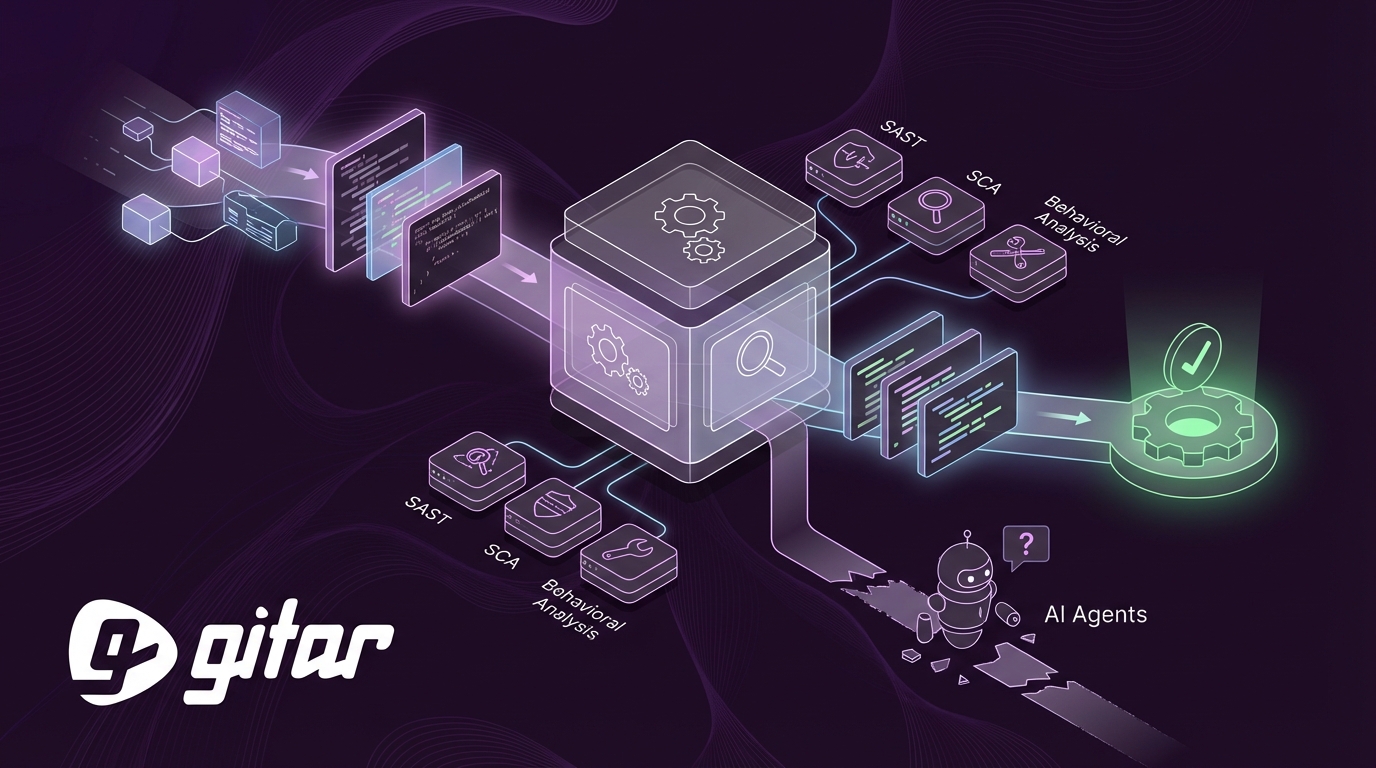
Gitar replaces traditional code analytics with a healing engine that automatically resolves CI failures and implements review feedback. It validates fixes in your real CI environment and then commits working solutions directly to pull requests, so developers avoid manual rework.

Key DevOps Features in Gitar
Native integrations with GitHub Actions, GitLab CI, CircleCI, and Buildkite provide broad pipeline coverage. Natural language rules in .gitar/rules/*.md automate workflows without YAML complexity. Real-time Jira and Slack sync keeps context aligned across tools, and a single-comment interface reduces notification fatigue.

Gitar 2026 Pricing and Tiers
The free tier includes unlimited repositories, unlimited users, and full code review functionality with no credit card required. The Team plan adds autofix capabilities and includes a 14-day free trial. The Enterprise tier runs agents inside customer CI infrastructure for maximum security and richer context.

Why Teams Choose Gitar
Deterministic fix validation against CI keeps pipelines stable. Automatic resolution of lint errors, test failures, and build breaks delivers large annual savings for 20-developer teams. Cross-platform support covers all major version control and CI systems.
Quick Gitar Integration Steps
1. Install the Gitar GitHub App or GitLab integration from the marketplace.
2. Enable the app on target repositories through permissions.
3. Add .gitar/rules/*.md files to define custom workflow automation.
4. Connect your CI system through native plugins or webhooks.
5. Configure auto-approval settings for trusted fix categories.
Install Gitar now to automatically fix broken builds and ship higher quality software faster.

SAST Tools for Deep Code Analytics and Governance
2. SonarQube: Enterprise Static Analysis with Quality Gates
Where SonarQube Works Best
SonarQube provides deep static analysis, historical quality metrics, and enforceable quality gates for large engineering organizations that need consistent code quality checks across many languages and frameworks.
SonarQube Features for DevOps Teams
Quality gates block deployments when code fails defined thresholds. Jenkins, GitHub Actions, and GitLab CI plugins support straightforward integration. Historical trend analysis reveals how technical debt accumulates over time.
SonarQube 2026 Pricing and Tiers
The Community Edition is free for open source projects. The Developer Edition costs $150 per developer each year. The Enterprise Edition uses custom pricing that starts around $15,000 annually.
SonarQube Strengths
A mature rule engine and broad language support give reliable coverage. Deterministic results support strict CI gating. Governance features help large organizations enforce standards.
SonarQube Limitations
Distributed teams often face complex setup. Enterprise licensing costs can be high.
SonarQube Integration Steps
1. Deploy a SonarQube server or use SonarCloud.
2. Install the scanner for your language, such as Maven, Gradle, or CLI.
3. Configure quality gate rules and thresholds.
4. Add a CI pipeline step with an authentication token.
5. Enable PR decoration to show inline feedback.
3. Checkmarx: Enterprise SAST, SCA, and DAST Suite
Where Checkmarx Delivers Value
Checkmarx provides enterprise SAST, SCA, and DAST capabilities for large application portfolios that require security-focused deep code analytics across the full development lifecycle.
Checkmarx Features for Security and DevOps
IDE plugins support shift-left security scanning. CI/CD integrations cover GitHub Actions, Jenkins, and Azure DevOps. A centralized dashboard tracks vulnerabilities across the portfolio.
Checkmarx 2026 Pricing and Tiers
Checkmarx One enterprise suites typically exceed $100,000 annually, with pricing tailored to organization size and security needs.
Checkmarx Strengths
Coverage spans SAST, SCA, and DAST. Compliance reporting supports regulated industries. Advanced threat modeling helps security teams prioritize work.
Checkmarx Limitations
High costs limit access for smaller teams. Configuration can be complex. The platform does not provide automatic remediation.
Dependency and Vulnerability Scanning Platforms
4. Snyk: Developer-First Security with a Strong Free Tier
Where Snyk Fits
Snyk focuses on developer-friendly security scanning with strong open source vulnerability detection and container security built into everyday workflows.
Snyk Features for DevOps Pipelines
GitHub, GitLab, and Bitbucket integrations handle automatic PR scanning. Container image scanning supports Docker and Kubernetes. Infrastructure as Code scanning covers Terraform and CloudFormation.
Snyk 2026 Pricing and Tiers
The free tier costs $0, the Team plan costs $25 per user monthly, the Business plan costs $52 per user monthly, and Enterprise pricing typically ranges from $5,000 to $70,000 annually.
Snyk Strengths
The free tier supports small teams effectively. A developer-centric interface reduces friction. A large vulnerability database includes fix guidance.
Snyk Limitations
Per-user pricing grows quickly as teams expand. The platform does not implement fixes automatically.
5. Mend.io: Enterprise SCA with AI Fix Suggestions
Where Mend.io Helps
Mend.io focuses on software composition analysis with detailed dependency tracking and license compliance for enterprises with complex supply chains.
Mend.io Features for Security and Compliance
Real-time vulnerability alerts connect to Slack and Jira. CI/CD plugins support major platforms. Policy enforcement blocks risky dependencies automatically.
Mend.io 2026 Pricing and Tiers
Flat-rate pricing often exceeds €83 per developer monthly, and a free tier exists for open-source project scanning.
Mend.io Strengths
License compliance tracking is comprehensive. Supply chain risk analysis is advanced. AI-generated fix suggestions appear in the standard plan.
Mend.io Limitations
Per-developer pricing is expensive. Static analysis coverage remains limited.
Install Gitar now to automatically fix broken builds and ship higher quality software faster.
Behavioral and Pattern Analysis Platforms
6. CodeScene: Behavioral Code and Team Analytics
Where CodeScene Adds Insight
CodeScene analyzes code evolution and team collaboration patterns to highlight hotspots, technical debt, and delivery risks using behavioral analytics instead of static rules.
CodeScene Features for Engineering Leaders
Git integration powers historical analysis across repositories. CI integration supports quality gates. Team productivity metrics reveal collaboration bottlenecks.
CodeScene 2026 Pricing and Tiers
The Starter plan costs $99 per month for 5 developers. The Professional plan costs $299 per month for 25 developers. Enterprise pricing is custom.
CodeScene Strengths
The behavioral approach is unique. Visualizations clarify technical debt. Collaboration insights help managers guide teams.
CodeScene Limitations
Historical data is required before insights become reliable.
7. Semgrep: Lightweight Custom Rule Engine
Where Semgrep Fits
Semgrep offers lightweight, flexible SAST with customizable rules for targeted scanning across many languages with low performance overhead.
Semgrep Features for Security Engineers
Custom rules capture organization-specific patterns. GitHub Actions and GitLab CI integrations support seamless scanning. API access enables custom automation.
Semgrep 2026 Pricing and Tiers
The Community Edition is free. The Pro plan costs $13,200 annually for 50 developers, and Enterprise pricing is custom.
Semgrep Strengths
Scanning is fast with low CI overhead. The rule engine is highly customizable. An active open source community contributes rules.
Semgrep Limitations
Teams need rule development expertise. Out-of-box coverage is limited. Automatic remediation is not available.
Container and Infrastructure Security Platforms
8. Trivy: Free Container and IaC Scanning
Where Trivy Works Best
Trivy scans containers, filesystems, and infrastructure as code for vulnerabilities and fits DevOps teams that manage containerized applications.
Trivy Features for Cloud-Native Teams
Native Docker and Kubernetes integration simplifies adoption. A GitHub Actions marketplace listing supports quick setup. Trivy scans container images, filesystems, and git repositories.
Trivy 2026 Pricing and Tiers
The open source tool is completely free. Enterprise support is available through Aqua Security.
Trivy Strengths
Usage is free without limits. Scans run quickly. The vulnerability database is broad.
Trivy Limitations
Static code analysis is limited. Fix automation is not included. Complex workflows require external orchestration.
Modern Development Analytics Platforms
9. GitClear: Code Duplication and Productivity Metrics
Where GitClear Helps
GitClear tracks code quality metrics and duplication, giving insight into developer productivity and code health trends across teams.
GitClear Features for Analytics
Git repository analysis spans multiple platforms. Developer productivity tracking highlights output patterns. Trend analysis shows quality changes over time.
GitClear 2026 Pricing and Tiers
A free tier supports small teams. Professional plans start at $15 per developer each month. Enterprise pricing is custom.
GitClear Strengths
The focus on duplication is distinctive. Productivity analytics are strong. Historical trends are easy to review.
GitClear Limitations
Real-time feedback is limited. Automatic fixes are not available. The platform focuses on analysis instead of prevention.
10. Codacy: Combined Quality and Security Checks
Where Codacy Fits
Codacy supports multiple languages, PR feedback, and dashboards for code quality and security metrics using a hybrid of several analysis engines.
Codacy Features for DevOps
Integrations cover GitHub, GitLab, and Bitbucket. Quality gates enforce standards. Security checks include OWASP coverage.
Codacy 2026 Pricing and Tiers
The free tier supports open source projects. Professional plans cost $7 per developer monthly. Business plans cost $15 per developer monthly, and Enterprise pricing is custom.
Codacy Strengths
Pricing works well for small teams. Language coverage is broad. Quality and security analysis appear in one place.
Codacy Limitations
Depth is lower than specialized tools. Automatic remediation is not available. Enterprise features sit behind higher tiers.
11. Veracode: Enterprise Application Security Testing
Where Veracode Excels
Veracode delivers enterprise application security testing with SAST, DAST, and SCA for organizations that face strict compliance demands.
Veracode Features for Large Enterprises
IDE plugins and CI/CD integrations support developer workflows. Policy management and compliance reporting help security leaders. Application portfolio management centralizes oversight.
Veracode 2026 Pricing and Tiers
Enterprise pricing typically starts around $50,000 annually and scales with portfolio size and scan frequency.
Veracode Strengths
The suite covers many security testing types. Compliance and reporting features are strong. The platform is mature and battle-tested.
Veracode Limitations
Costs are high for many teams. Setup and configuration can be complex. Automatic fix generation is not included.
12. DeepSource: Modern Code Quality with Fix Suggestions
Where DeepSource Fits
DeepSource targets modern development workflows with automated code quality analysis and fix suggestions for contemporary languages and frameworks.
DeepSource Features for Teams
Native GitHub and GitLab integrations simplify onboarding. Automated fix pull requests reduce manual cleanup. Code quality metrics and trends help teams track progress.
DeepSource 2026 Pricing and Tiers
The free tier supports open source projects. The Team plan costs $12 per developer monthly. Enterprise pricing is custom.
DeepSource Strengths
The interface and workflow feel modern. Automated fix suggestions speed up cleanup. Language support fits many current stacks.
DeepSource Limitations
Advanced enterprise features sit behind higher tiers. The platform focuses on quality more than full-stack security.
Side-by-Side Comparison of Deep Code Analytics Capabilities
|
Tool |
Analytics Depth |
Auto-Fix |
CI Integration |
Pricing |
|
Gitar |
High (CI/review) |
Yes |
Full (GitHub/GitLab/CircleCI) |
Free |
|
SonarQube |
High |
No |
Strong |
Free-Enterprise |
|
Snyk |
Medium (Security) |
No |
Good |
$0-$52/user |
|
Checkmarx |
High (Security) |
No |
Enterprise |
$100K+ |
Why AI Agents Like Claude Fall Short for DevOps Reliability
AI agents in DevOps struggle because their behavior is non-deterministic. AI-generated code introduces 75% more logic and correctness errors, which creates the instability DevOps practices try to remove. CI pipelines demand predictable, repeatable results, so agents that hallucinate or change outputs for identical inputs become a liability instead of an asset.
DevOps engineers also report that AI code review agents create excessive noise and force developers to read more than they write. Code review depends on team context, urgency, and timing, which often conflicts with pattern-matching AI behavior and leads to inconsistent value and frustration.
2026 Benchmarks and Cost Impact When Migrating Off AI Agents
2026 benchmarks show that AI increases velocity, with PRs per author up 20%, but quality drops, with incidents per PR up 23.5% and change failure rates up 30%. For a 20-developer team, this shift can create roughly $1M in annual productivity loss from CI and review friction, which strengthens the case for deterministic alternatives.
Teams that migrate from AI agents to tools like Gitar report fewer false positives and less notification noise. The ROI is clear, because they remove major productivity losses and cut tool costs from $450 to $900 per month for suggestion-only platforms to $0 with Gitar’s comprehensive free solution.
Frequently Asked Questions
How does Gitar integrate with GitHub Actions for deep code analytics?
Gitar integrates with GitHub Actions through a marketplace app installation. After you enable it, Gitar analyzes CI failures, generates validated fixes, and commits solutions directly to pull requests. The integration supports custom workflow triggers, quality gates, and notification routing to Slack or Jira. Setup avoids YAML configuration, since you only install the app and enable it on target repositories.
What is the ROI of non-AI code analysis tools for DevOps automation?
Non-AI tools provide predictable ROI through deterministic results and fewer false positives. A 20-developer team can save significant annual value by removing CI and review friction, cutting context switching from multiple daily interrupts to near-zero, and avoiding the 91% PR review delays linked to AI-generated code. Reliable static analysis keeps pipelines consistent without hallucination risks.
Is Gitar’s free tier enough for enterprise DevOps teams?
Gitar’s free tier includes unlimited repositories, unlimited users, and full code review functionality without restrictions. It covers PR analysis, security scanning, bug detection, and performance review across GitHub, GitLab, and other platforms. Autofix features require the Team plan with a 14-day free trial, but the free code review tier often delivers enough value for teams that evaluate alternatives.
How reliable is Gitar’s autofix compared to manual code review?
Gitar validates every fix against your real CI environment before committing changes. Teams can start in suggestion mode to build trust, then enable auto-commit for specific failure types such as lint errors or test failures. This approach combines the reliability of manual review with automation speed and removes the guesswork common in AI-suggested fixes.
Which tool works best with CircleCI for deep code analytics?
Gitar and Trivy both integrate well with CircleCI for deep code analytics. Gitar focuses on CI failure analysis and automatic resolution, while Trivy specializes in container and infrastructure scanning. Teams that need both code review automation and container security often see better ROI with Gitar’s broader platform instead of juggling multiple specialized tools.
Conclusion: Use Gitar to Keep Pipelines Green and Stable
Teams that move from AI code generation to reliable DevOps automation gain stability when they choose tools that favor deterministic results over flashy suggestions. AI agents like Claude introduce 75% more bugs and extend review cycles by 91%, while proven platforms like Gitar create large annual savings for 20-developer teams through automatic CI failure resolution and validated fixes.
The future of deep code analytics favors platforms that pair intelligent analysis with reliable automation instead of non-deterministic AI agents. Gitar’s free tier delivers enterprise-grade code review, and its healing engine keeps CI pipelines green without constant manual intervention.