
Key Takeaways
- Manual CI feedback in GitLab often consumes a large share of developer time, which slows delivery and increases operational costs.
- Automated CI feedback loops reduce context switching, shorten feedback cycles, and support better DORA metrics in GitLab environments.
- Effective tools for GitLab CI automation diagnose failures, apply fixes, and validate results inside realistic pipeline environments while respecting security controls.
- A phased rollout and clear change management plan help teams adopt autonomous CI feedback safely and measure ROI with GitLab-native metrics.
- Gitar provides autonomous CI healing for GitLab, fixing failed pipelines and acting on merge request feedback. Teams can get started and book a demo.
The Strategic Imperative: Why GitLab CI Feedback Loop Automation Matters
Many GitLab teams now treat CI/CD efficiency as a core engineering outcome, not a background task. GitLab data shows developers can lose up to 75% of their time to toolchain maintenance, and CI feedback is a major part of that overhead.
The impact extends beyond individual productivity. Teams report that developers can spend around 30% of their time on CI and code review issues, contributing to bottlenecks for most companies. For a 20-developer team, this can translate into hundreds of thousands of dollars in annual cost and slower time-to-market. Distributed teams feel this even more when time zones delay each round of feedback.
Introducing Gitar: Autonomous CI Healing for GitLab
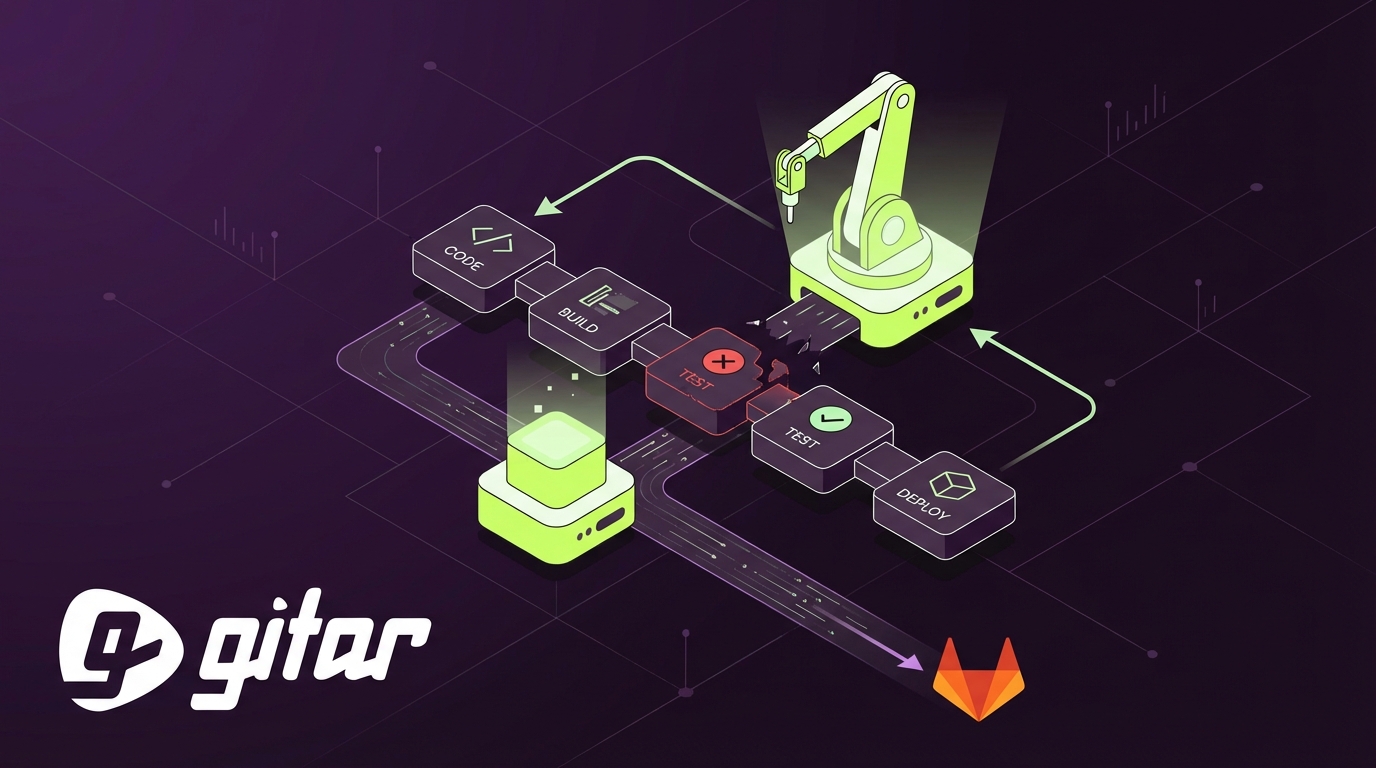
Gitar provides an autonomous agent that responds to GitLab CI failures and merge request feedback. The system focuses on applying, testing, and committing fixes rather than only suggesting changes that still require manual work.
End-to-End Fixing, Not Just Suggestions
Gitar analyzes failed GitLab pipelines, reviews logs, and proposes code changes that address the specific failure. It then applies the fix to the merge request branch, reruns the relevant checks, and updates the status once the pipeline passes.

Environment-Aware Fixes for GitLab CI
Gitar works against your actual GitLab CI configuration, including .gitlab-ci.yml, SDK versions, multi-language dependencies, and tools such as SonarQube or Snyk. This environmental awareness raises the likelihood that proposed fixes will work the first time in real pipelines.
Merge Request-Aware Code Review Assistance
Gitar responds directly to GitLab merge request comments. Reviewers describe the change they want, and Gitar implements it, commits the update and leaves an explanation. This flow reduces back-and-forth and keeps developers in their coding context.

Configurable Trust Model for GitLab Integration
Teams can decide how much autonomy Gitar should have. One mode posts suggested patches on merge requests for manual approval. A more automated mode commits fixes directly once tests pass. Teams often start with suggestions and expand automation as trust grows.
Install Gitar for GitLab and start reducing time spent on broken builds.
Strategic Considerations for Autonomous GitLab CI Feedback
Build vs. Buy for GitLab CI Automation
Internal AI agents for GitLab CI require orchestration across jobs, runners, logs, and asynchronous events. Building and maintaining this capability in-house diverts senior engineers from product work and often lags behind dedicated tools.
Change Management for GitLab CI Teams
Teams adopt autonomous fixes more smoothly when leaders clearly explain goals, scope, and safeguards. Early wins with low-risk fixes, transparent logs, and easy rollback options help reduce concerns about automated code changes.
Measuring ROI with GitLab DORA Metrics
Impact shows up most clearly in standard delivery metrics. DORA metrics such as deployment frequency, lead time for changes, and change failure rate provide a consistent way to track CI feedback improvements after automation is introduced.
Security and Compliance in GitLab CI
Security teams need confidence that automated fixes respect existing controls. Gitar runs within GitLab workflows, so SAST, DAST, and secret detection still apply. Organizations with strict requirements can use on-premise deployment to keep code and logs inside their own infrastructure.
Implementing a Self-Healing CI Strategy with Gitar in GitLab
Phase 1: Installation and Initial Trust
Initial rollout usually focuses on conservative behavior. Gitar is installed in the GitLab organization, limited to specific projects, and configured to suggest patches instead of auto-committing. Teams review these early fixes to understand how Gitar reasons about failures.
Phase 2: Expanded Autonomy
Teams that see consistent, accurate results often expand scope to more projects and enable auto-commit for defined categories of fixes, such as lint errors or small refactors. This phase shifts more CI toil away from developers while keeping clear audit trails.
Phase 3: Advanced Workflows and Metric Tuning
Mature deployments extend Gitar into more complex workflows, including multi-service pipelines and refactoring tasks. Teams tune automation levels based on observed DORA metrics and incident data, aiming for shorter lead times without raising change failure rates.

Common Pitfalls in GitLab CI Automation
Limited Attention to Team Adoption
Teams that add automation without communication often see resistance or workarounds. Clear expectations, opt-in pilots, and visible results help developers feel that CI automation supports their work instead of replacing their judgment.
Stopping at Suggestions Instead of Fixes
Tools that only highlight problems still require developers to context switch, debug, and implement changes. Greater value comes from systems that diagnose, propose, apply, and validate fixes inside GitLab CI.
Insufficient Environment Replication
Automation that does not account for real pipeline conditions can introduce flaky behavior. Classifying and isolating flaky tests within CI helps teams focus on real failures and avoid ignoring unstable suites, which requires good environment awareness.
Weak Security Alignment
Automated tools that bypass or duplicate GitLab security checks create confusion and risk. A stronger approach integrates with existing SAST, DAST, and secrets policies and logs all actions for later review.
Add Gitar to your GitLab CI to reduce manual CI maintenance work.
Comparison: Gitar vs. Traditional GitLab CI Feedback Approaches
|
Feature Area |
Traditional GitLab CI Feedback |
Gitar: Autonomous CI Healing |
|
Problem Resolution |
Relies on manual debugging, log inspection, and code changes by developers |
Identifies failures, proposes fixes, applies patches, and updates merge requests |
|
Validation |
Developers rerun CI jobs and review outcomes by hand |
Runs GitLab CI checks after each fix and reports status back to the merge request |
|
Context Switching |
Frequent interruptions as developers leave feature work to repair pipelines |
Reduces interruptions by handling many routine failures in the background |
|
Integration Depth |
Often limited to static analysis or partial pipeline data |
Operates on .gitlab-ci.yml, logs, artifacts, and merge request comments |
Frequently Asked Questions (FAQ) about Automated CI Feedback for GitLab
How does Gitar handle complex .gitlab-ci.yml configurations and pipeline stages?
Gitar interprets your GitLab CI configuration, including jobs, stages, variables, and conditional logic. It runs against the same SDK versions, dependencies, and external tools that pipelines already use, so fixes are tailored to the actual environment rather than generic patterns.
How does Gitar align with GitLab security tools such as SAST, DAST, and secret detection?
Gitar operates inside your existing GitLab CI workflows. All generated fixes pass through configured SAST, DAST, and secret detection checks before merging. Enterprise deployments can run on-premise so that source code and pipeline data remain within the organization’s infrastructure.
How does Gitar help distributed teams working across time zones in GitLab CI?
Distributed teams use Gitar to keep work moving when reviewers and authors are not online at the same time. Reviewers leave clear instructions on merge requests, Gitar implements and validates the changes, and developers see updated commits and passing pipelines at the start of their next work session.
Conclusion: Regain GitLab CI Velocity with Autonomous Feedback
Manual CI feedback loops in GitLab create delays, context switching, and measurable cost. Automating repetitive CI tasks can significantly accelerate deployment cycles, especially when automation includes both diagnosis and repair.
Gitar helps teams move toward self-healing GitLab pipelines by fixing routine failures, acting on merge request feedback, and integrating with existing security and compliance workflows. The result is more predictable delivery, less developer toil, and clearer visibility into pipeline health.
Get started with Gitar for GitLab CI and reduce time spent on broken builds and repetitive reviews.